


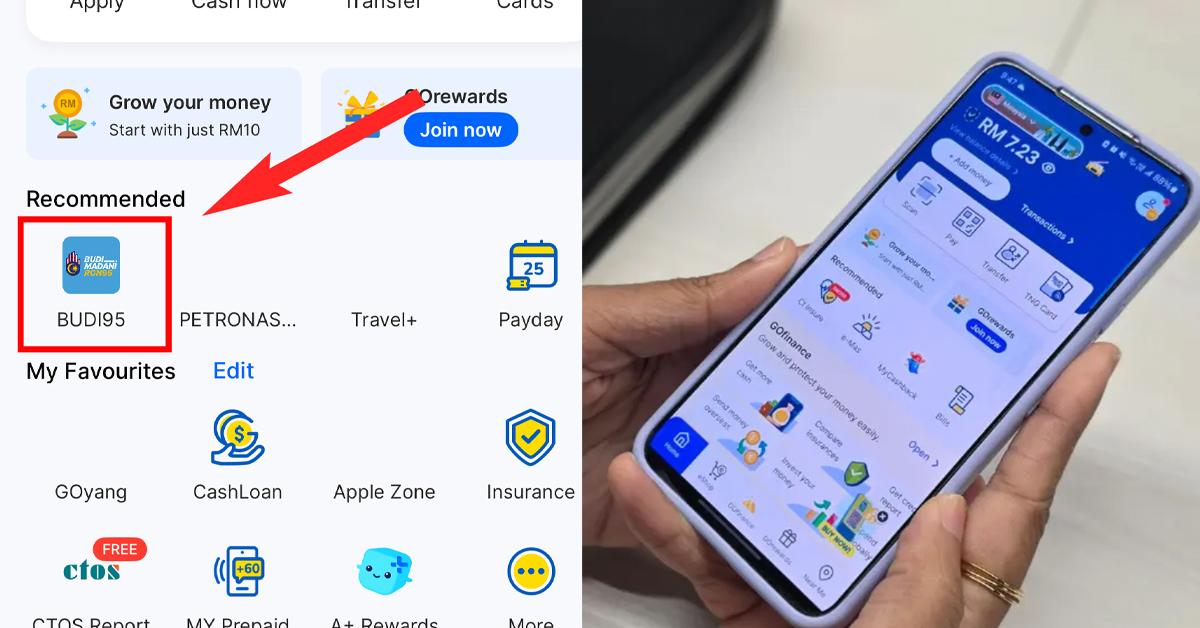
 Cover image via SAYS
Follow us on Instagram, TikTok, and WhatsApp for the latest stories and breaking news.
The government has rolled out a new targeted fuel subsidy called BUDI MADANI RON95, allowing eligible Malaysians to pay only RM1.99 per litre for RON95 petrol
One way to enjoy the subsidy is by paying with your Touch 'n Go eWallet (TNG eWallet) when refuelling.
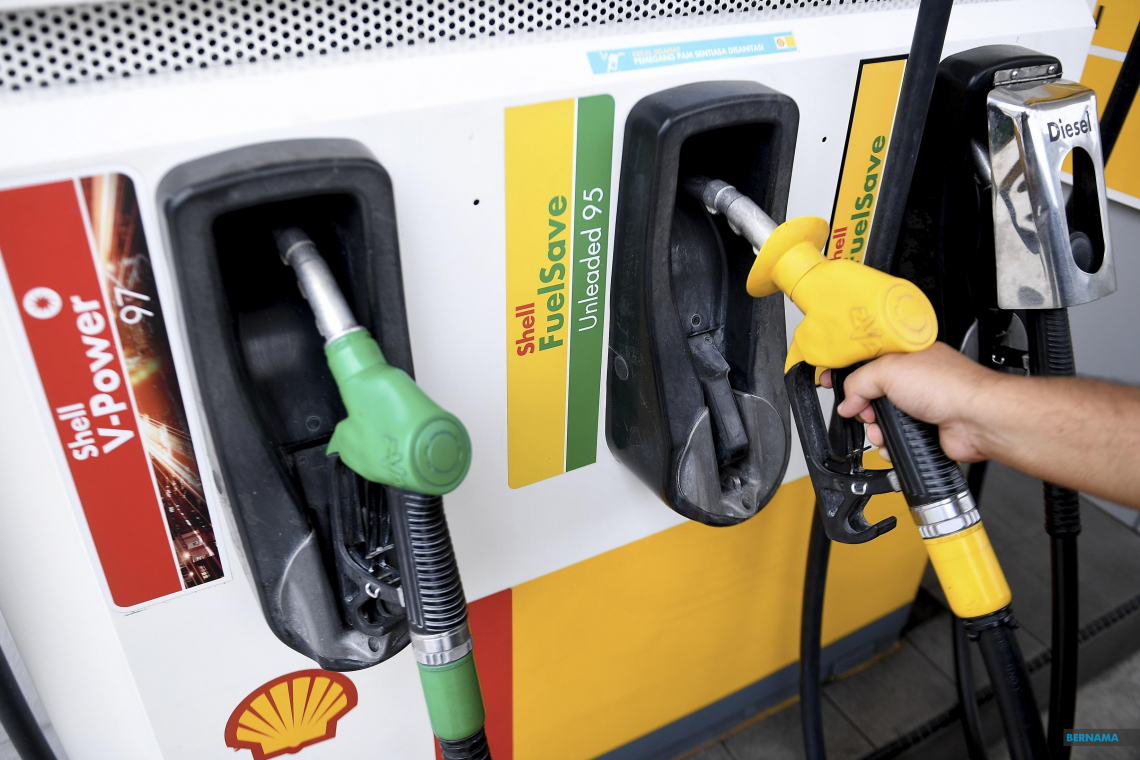
Here's a step-by-step guide to paying for fuel with the app:
Step 1: Download and set up TNG eWallet
- Install the app from the App Store, Google Play, or Huawei AppGallery
- Sign up with your mobile number
- Create a secure 6-digit PIN
Step 2: Verify your account
To access BUDI95, you need to verify your account with MyKad:
- Go to Profile → Account Verification
- Choose MyKad, scan it, and take a selfie
- Submit your details (usually approved instantly, but it can take up to seven working days)
Once verified, you're good to go.
Step 3: Use BUDI95 in TNG eWallet to pay for RON95
- Park at the petrol pump
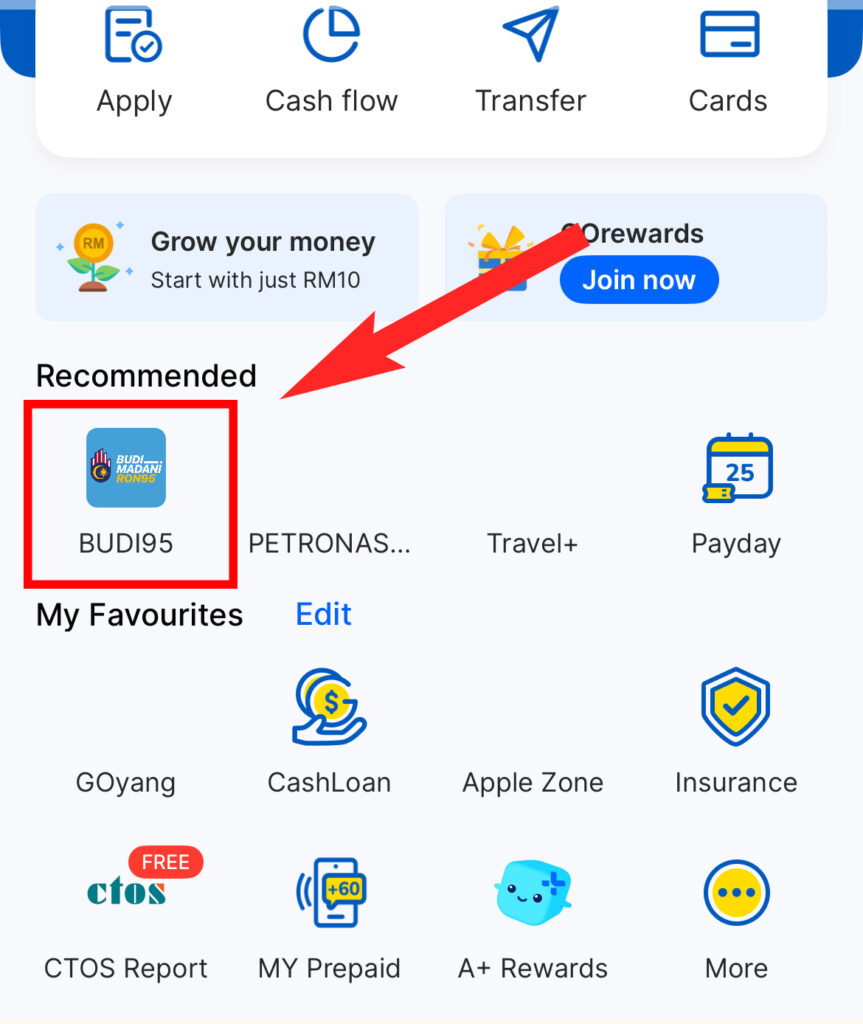
- Open TNG eWallet → Tap on BUDI95 (or search under 'More')
- Tap 'Buy Fuel' and confirm the station
- Enter your pump number and amount
- Pay from your eWallet balance
- A QR code will appear. Show it to staff at the counter to activate your pump.
Tip: Any unused balance is refunded to your eWallet within minutes.
Optional: Use Petronas via Setel in TNG eWallet
- Open your Touch 'n Go eWallet → Tap 'More' → Search 'Petronas via Setel'
- Tap 'Purchase Fuel' (auto-detects your station)
- Pick pump number, choose RON95, and tap 'Proceed with BUDI95'
- Pay directly, and the pump activates immediately
No scanning, no queue.

Other ways to enjoy the subsidy if you're not using TNG eWallet
- Present your MyKad at the counter and pay with card, cash, or any e-wallet
- Insert your MyKad at selected pumps for instant verification
MOST READ
