


 Cover image via
Follow us on Instagram, TikTok, and WhatsApp for the latest stories and breaking news.
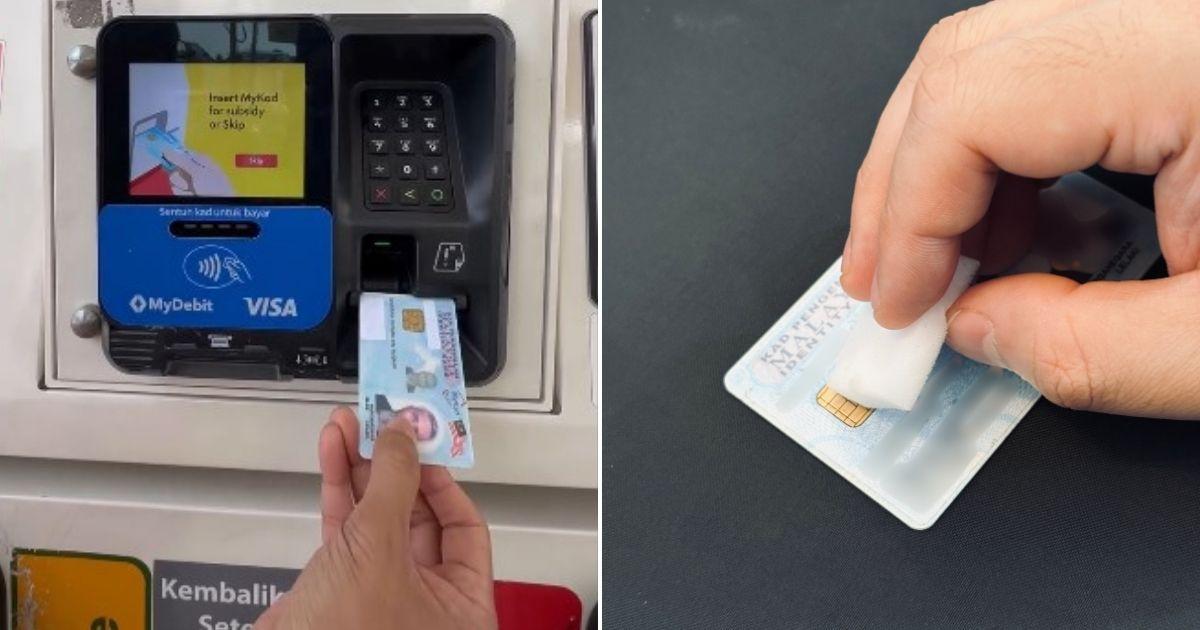
The BUDI95 petrol subsidy has officially taken effect, allowing Malaysians to enjoy subsidised RON95 petrol at RM1.99 per litre
However, an unreadable chip on your MyKad could cause unnecessary trouble at the pump, especially since the programme's mechanism requires it to be used at the transaction terminal.
It is therefore crucial that your MyKad chip is readable to ensure a seamless experience at both the counter and petrol pump.
Here's how I managed to clean my MyKad chip to make sure it works properly:
Disclaimer: This review is based on personal experience. Results may vary. If in doubt, do not try it yourself and head to your nearest JPN branch for a replacement.
For starters, I used isopropyl alcohol to remove much of the gunk and oil that had accumulated over the past decade of owning this MyKad
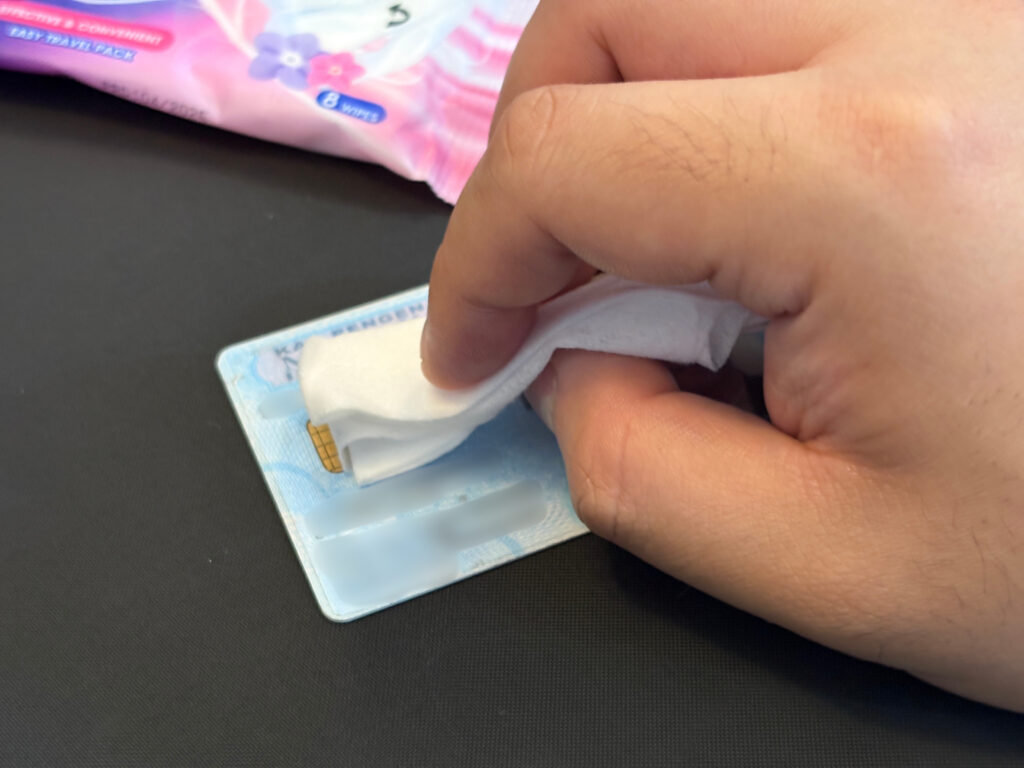
I heard of bank tellers using hand sanitiser to clean the chip, so, I decided to try this out.
Isopropyl alcohol is a colourless organic compound with a strong, distinct odour. It works thanks to its ability to dissolve a wide range of substances. It also evaporates quickly without leaving oily residues, making it ideal for cleaning electronics such as computer parts, optical disc lenses, and electrical contacts like those found on your MyKad.
After this step, most of the visible grime and dirt on the chip were gone, but I wanted to ensure every trace of the decade-old grime buildup was removed, so I moved on to the next cleaning solution.
Next, I sprayed the MyKad chip with electrical contact cleaner
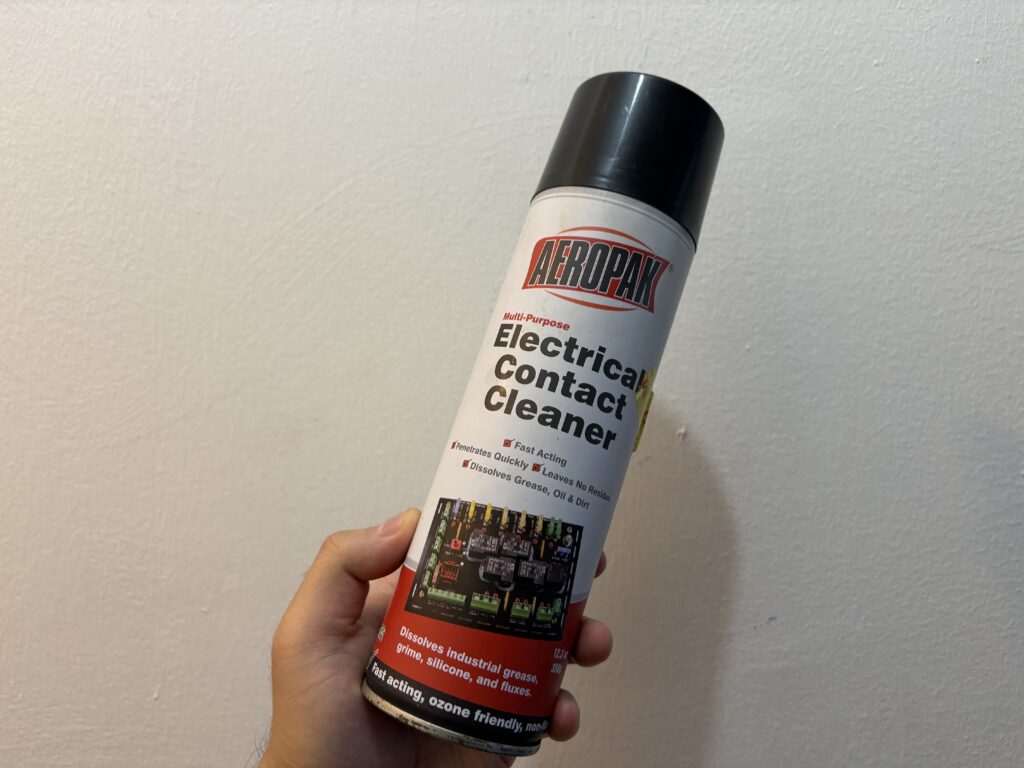
This is a more industrial approach to cleaning, which means it's a more powerful cleaning solution. An electrical contact cleaner is a specialised solvent designed to remove contaminants from electrical components such as switches or contact points.
It's effective at removing dirt, grease, oil, oxidation, corrosion, and other deposits that prevent your MyKad from being read properly.
I was careful to spray moderately and avoid drenching my MyKad in the solvent. Using the included 'spray straw' helps minimise spills.
After that, the chip looked cleaner, without much of the rust and discolouration.
At this point, the chip should be readable since the grime and dirt blocking the card from being read properly have been dissolved and removed.
Finally, I used a Magic Eraser to clear out any stubborn dirt and stains
This step was purely optional, but I was aiming for the cleanest look I could achieve with my MyKad chip.
A Magic Eraser is a unique cleaning tool made from a specialised foam of melamine resin. When this resin is cured into a foam, it forms a fine, porous surface with a microstructure that is very hard — almost as hard as glass.
While it looks and feels like a soft, lightweight sponge, it's actually an abrasive cleaner, but on a microscopic level.
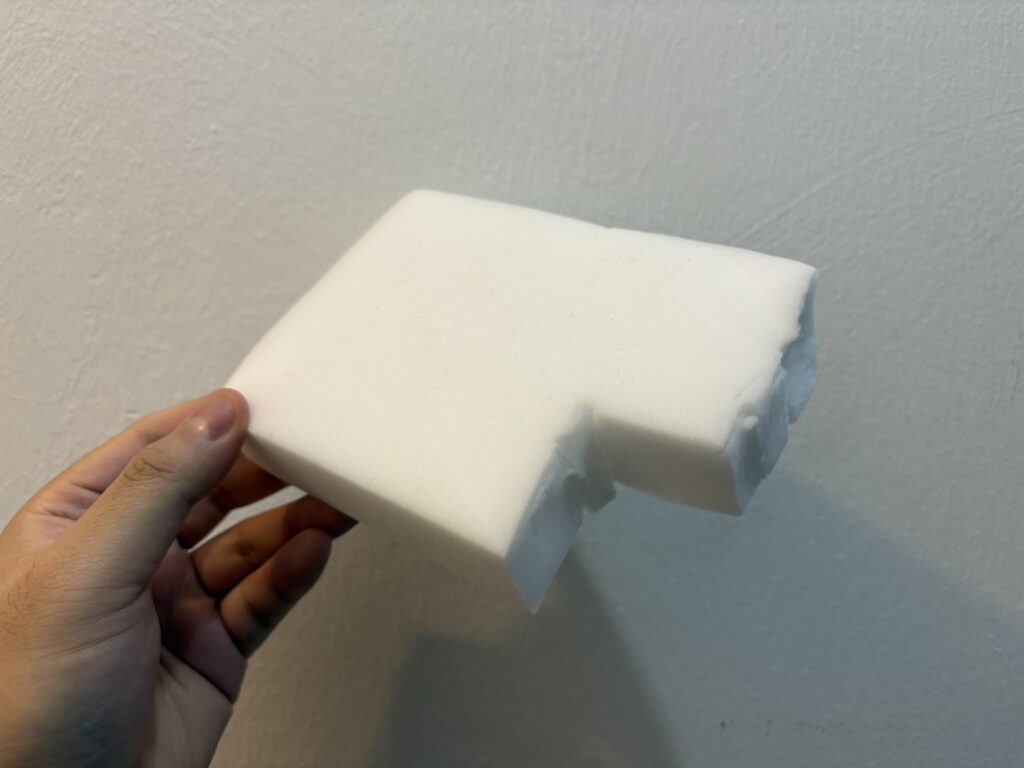
I rubbed firmly yet carefully, avoiding the plastic parts of the card, ensuring any stubborn dirt was thoroughly removed.
However, it's crucial to remember that a Magic Eraser is an abrasive tool. You must use it with extreme care to avoid damaging surfaces, particularly the plastic of your MyKad.
After cleaning my MyKad with the methods above, I'm happy to report that it could be read with no issues
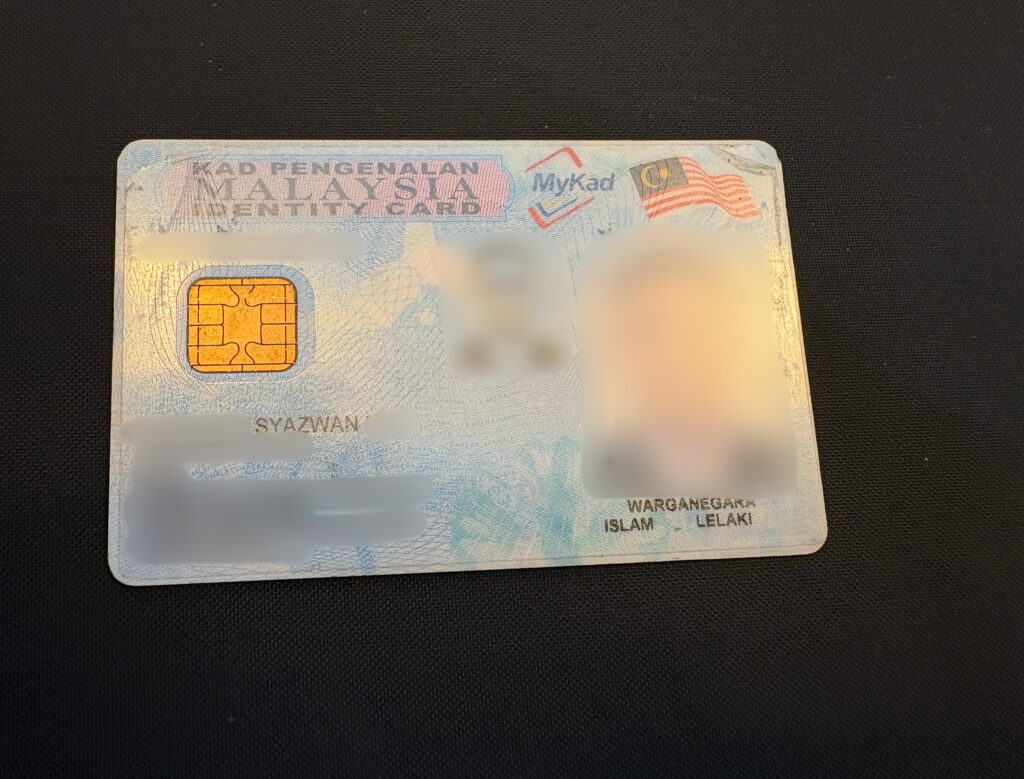
The chip now looks less tarnished, almost 'golden' compared to before, and it reads perfectly at the petrol pump.
It's worth noting that you don't necessarily have to do all three methods consecutively, as some have had good results after doing just one.
Keep in mind that these methods worked for us and a few others who tested them. Be careful to avoid plastic parts when cleaning, and remember: while it worked for us, your results may vary.
