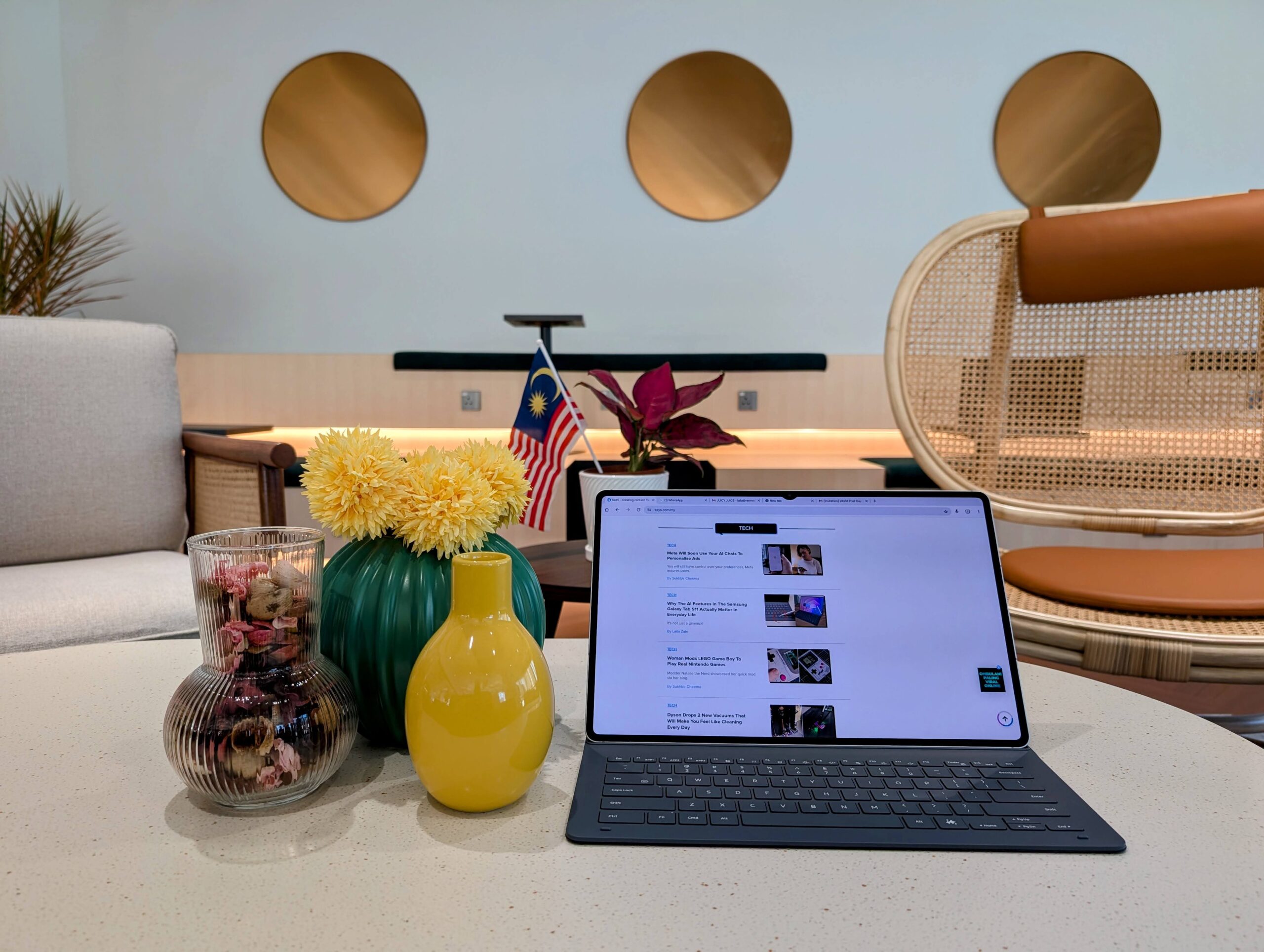
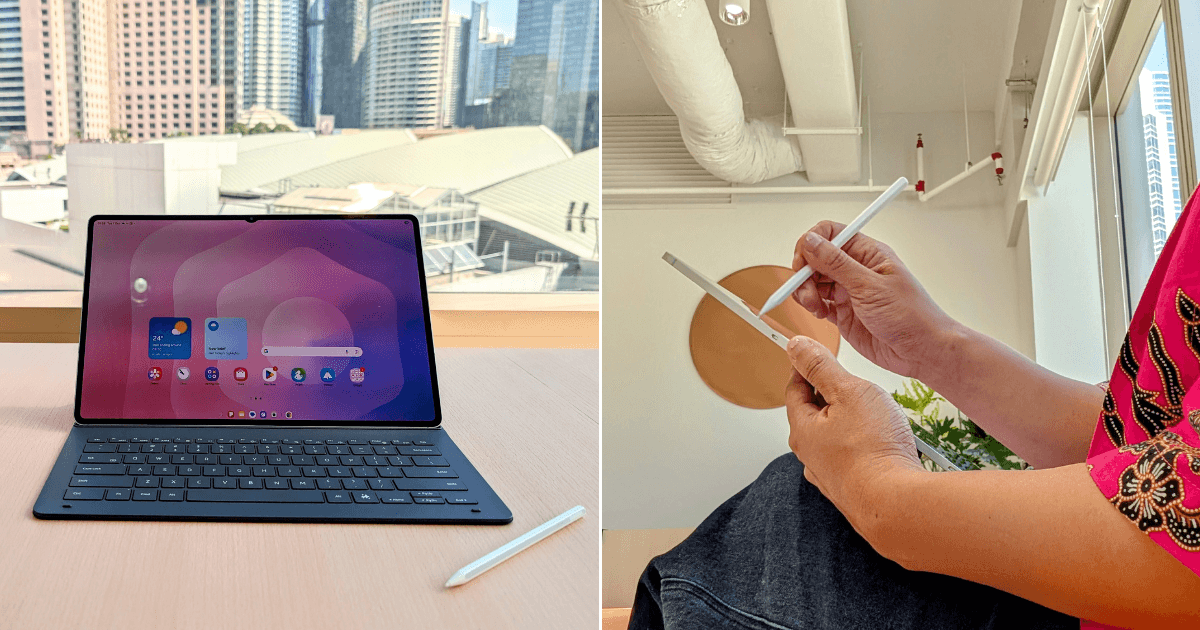
 Cover image via Laila/SAYS
Follow us on Instagram, TikTok, and WhatsApp for the latest stories and breaking news.
Like many working adults, I spend most of my day on a laptop
From writing, editing, and designing to attending meetings both virtual and in-person, as well as poring over spreadsheets of data, analyses and budgets, my lappy is my lifeline.
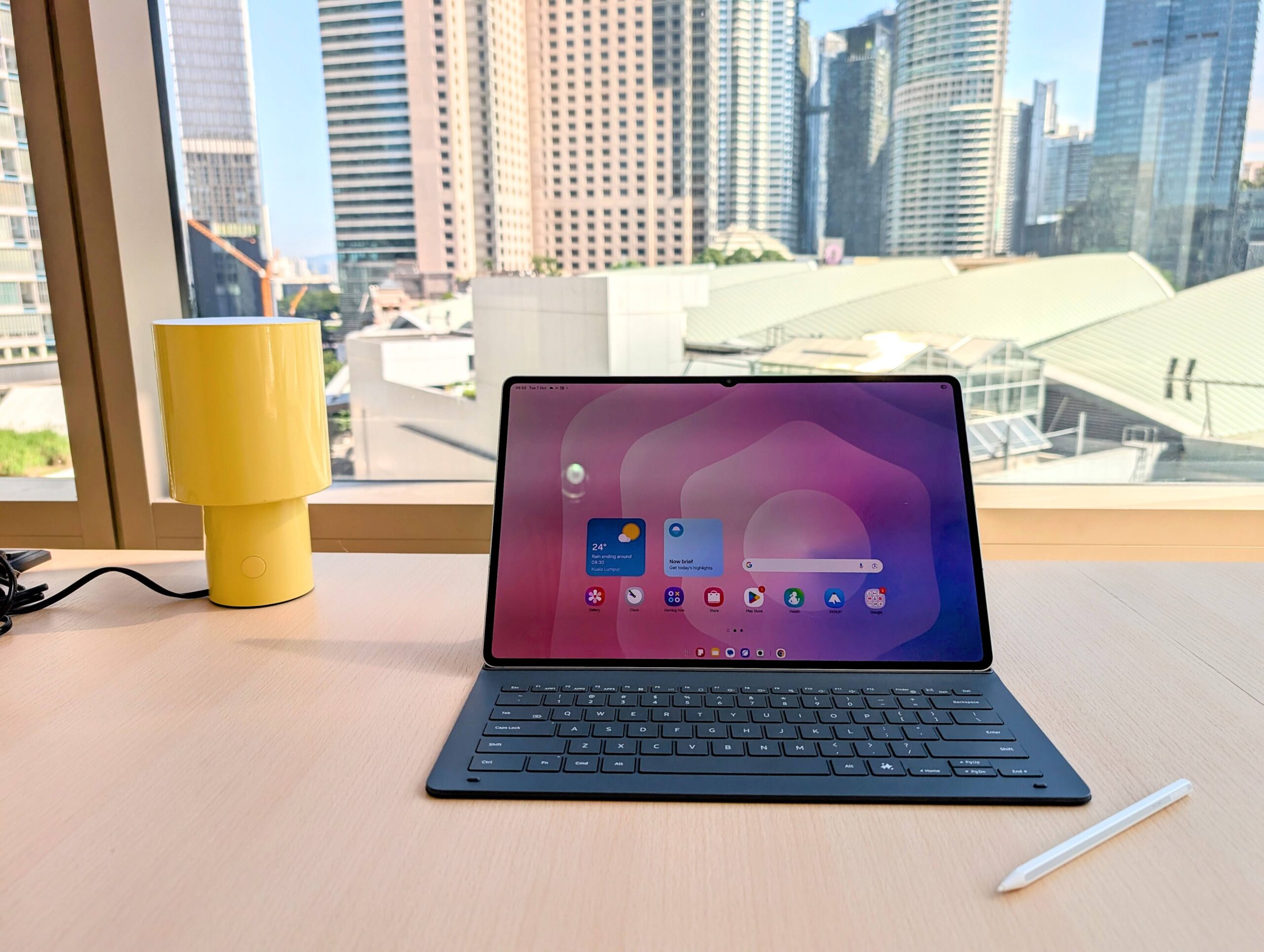
When I received the Samsung Galaxy Tab S11 Ultra to test, it was easy to see that it far surpassed your run-of-the-mill tablet. Still, I was curious to see how far its tech could really go. I wanted to know if it could replace a laptop.
For one week, I decided to find out.
I packed away my laptop and relied entirely on the Tab S11 and its Book Cover Keyboard. Here's what happened.
First of all, the Tab S11 Ultra is huge
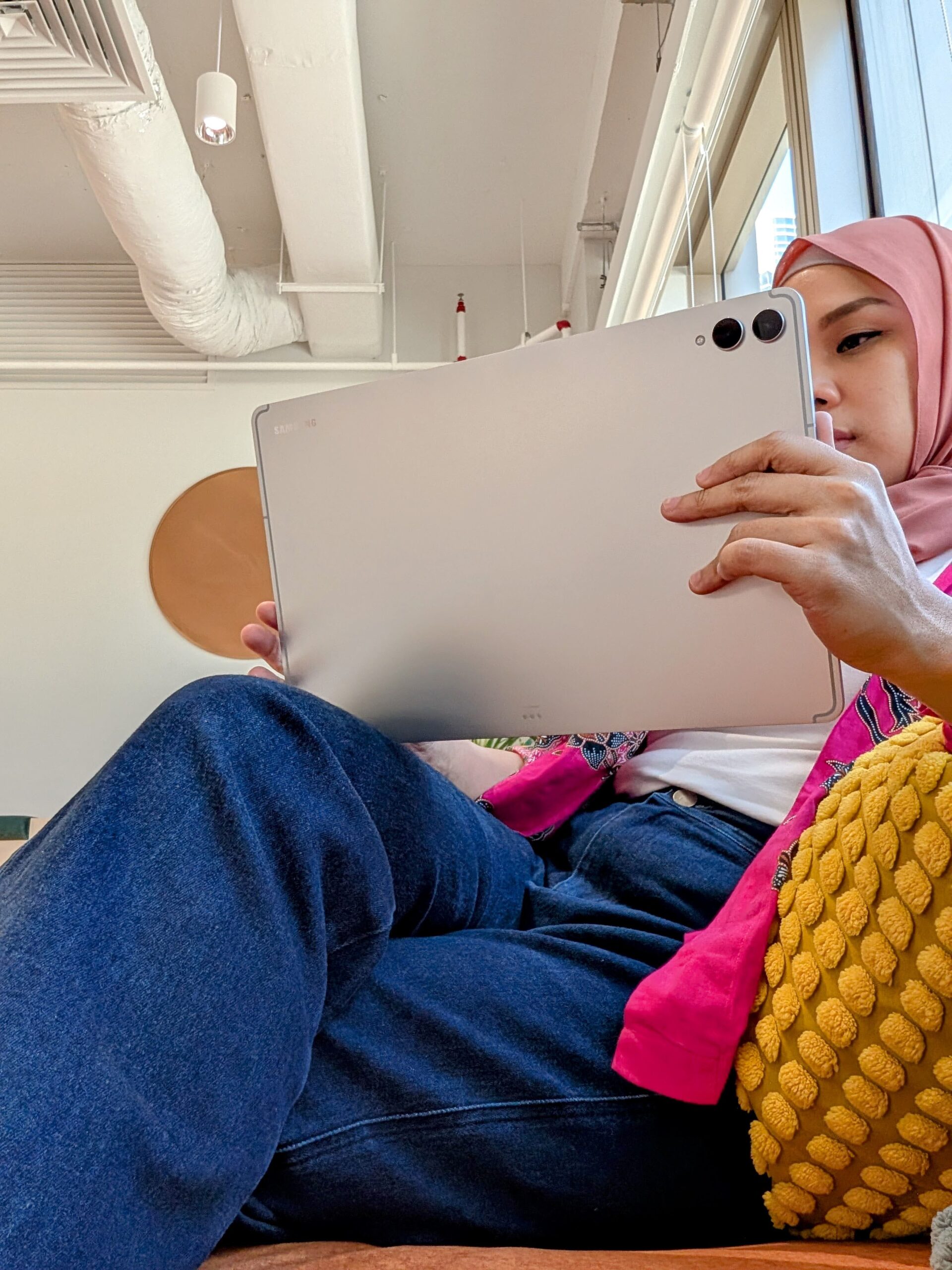
At 14.6 inches, the tablet is the same size as my laptop. The AMOLED display is vibrant, smooth, and bright enough to use outdoors. It's also incredibly slim at just 5.1mm, making it easy to carry anywhere.
Once I paired the keyboard and switched on Samsung DeX, the interface immediately transformed into something familiar. It's a desktop environment complete with windows, folders, and a taskbar.
Aside from the fact that I'd forgotten all my passwords to everything because I'm useless like that, setup was fast and painless. Within minutes the tablet looked and felt exactly like my work laptop.
One of the bold promises Samsung makes is the inclusion of Gemini Live and its ability to become your personal AI assistant
I used it here and there over the course of the week. There's a handy Gemini button on the keyboard itself, or you can long-press the side button for the Gemini prompt to appear.
From there, I was able to summarise articles, videos, searches, and more.
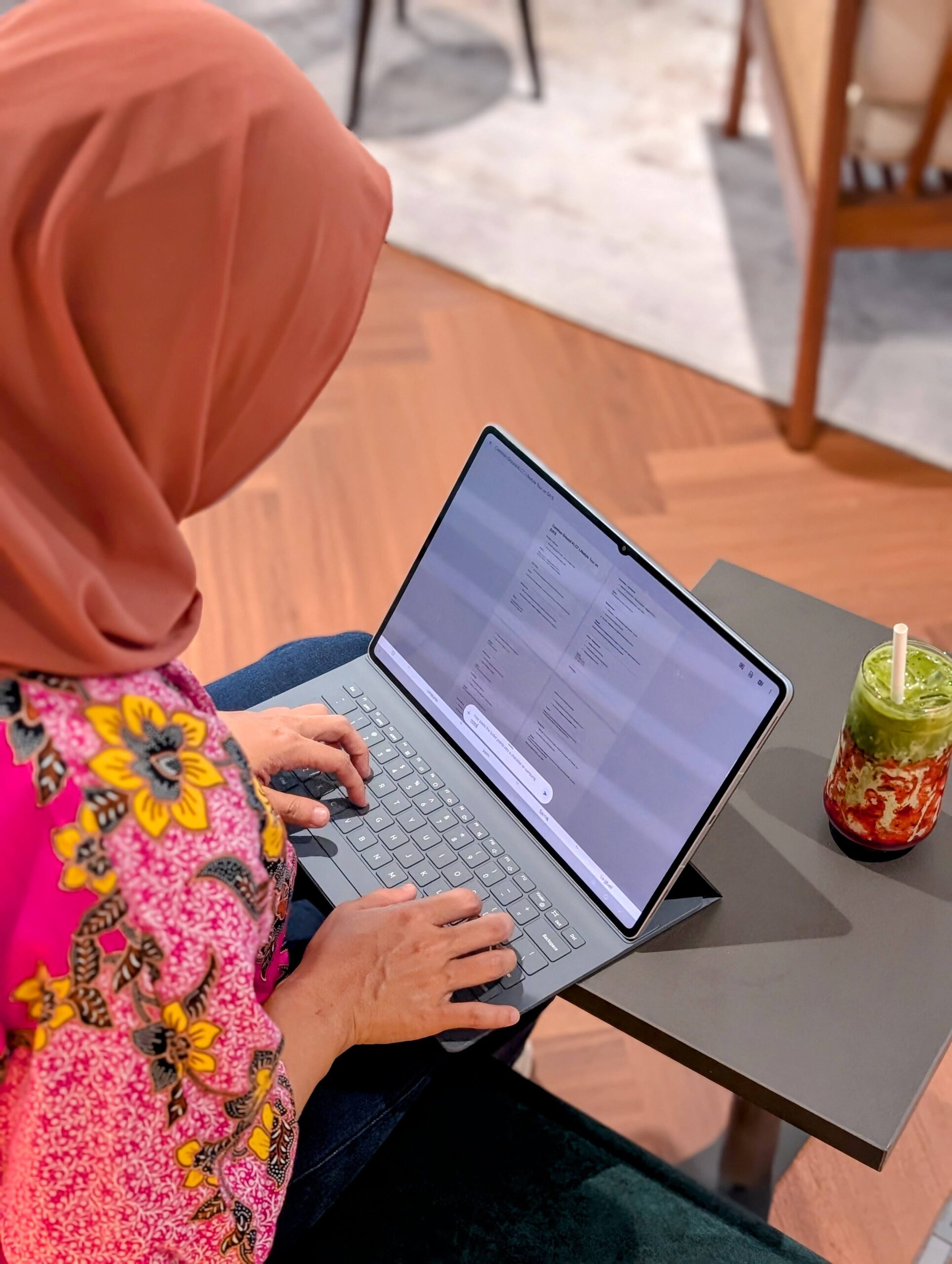
Of course, Gemini still needs to be refined and there were times when it totally misunderstood my prompts, which can be frustratingly time-consuming. But that's between Gemini and me, and nothing do to with the functionality of the tablet.
The Writing Assist helps draft everything for you, from emails to articles, and any copy you may need. Personally, my writer's ego can't yet accept an AI to take over my words. But it's helpful for an instant first draft.
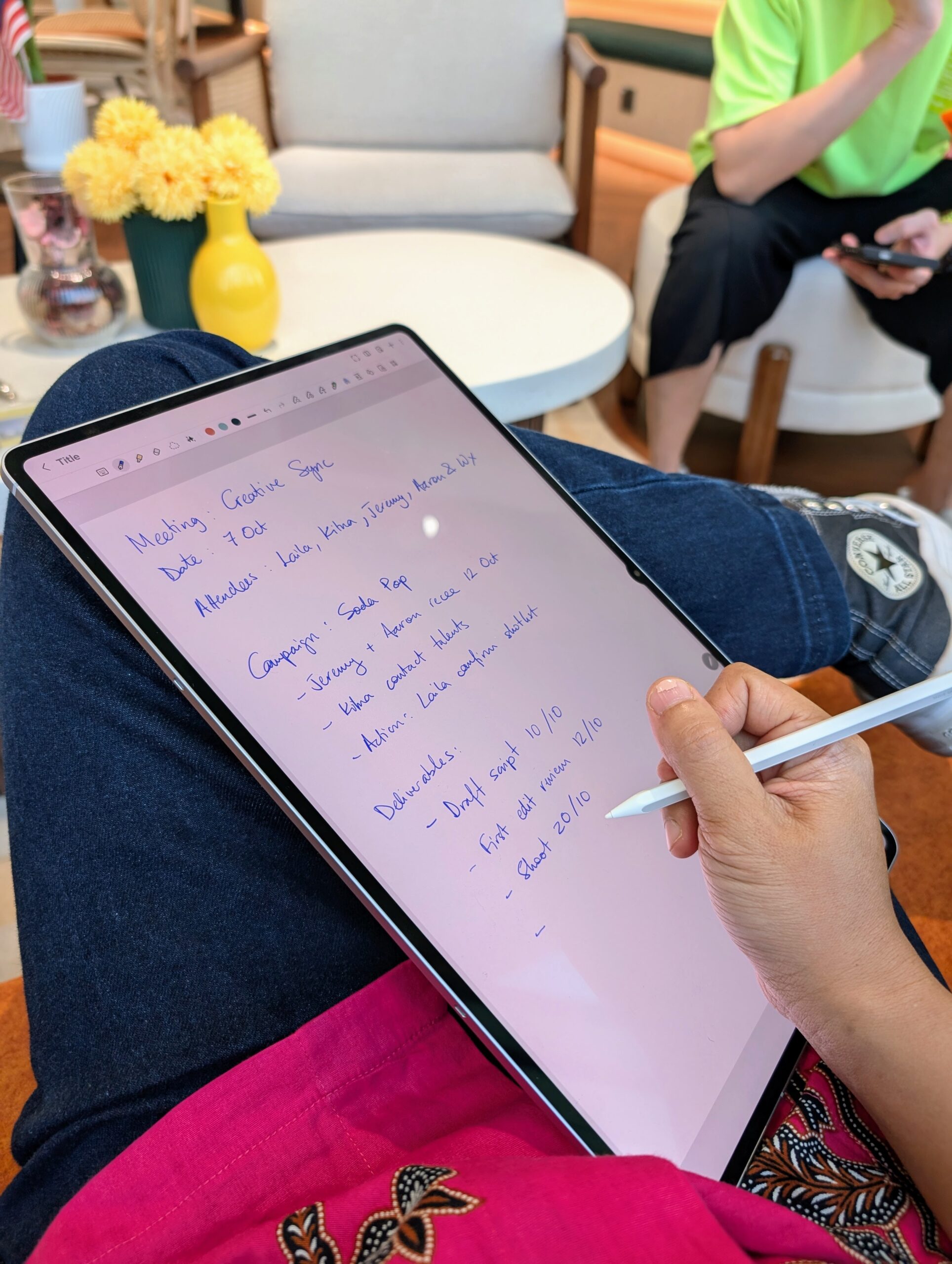
The upgraded S Pen was more comfortable, had better tilt response, and no lags
I loved being able to flip the keyboard to the back and use the tablet as a notebook during meetings and sharing sessions. It really felt like scribbling on paper. Afterwards, it was easy to convert my writing to text to email meeting minutes to my colleagues.
Another thing that stood out about the Tab S11 Ultra was its battery life
Typically, my work laptop can survive around six hours before it prompts me to charge it. This was not the case with the tablet.
After one and a half days of work, meetings, video editing, note-taking, and light Netflix-watching, it still had charge to spare.
Despite its large size, one thing that minimises the weight of carrying it around is the fact that it doesn't require a big, bulky charger the way laptops do. Instead, I could use any USB-C cable to juice it up.
From office use to on-the-go work, I must say the tablet was a fantastic companion

It takes a while to get used to the switch. But once you do, it's really seamless in day-to-day operations.
If I really want to nitpick, there was only one thing I missed about my laptop, and that was the touchpad. But once you hook up the tablet to a Bluetooth mouse, that issue disappears instantly.
And honestly, with how responsive the touchscreen is, the use of a mouse is merely a preference and not a necessity.
Personal pros and cons of the Samsung Galaxy Tab S11 Ultra:
Pros:
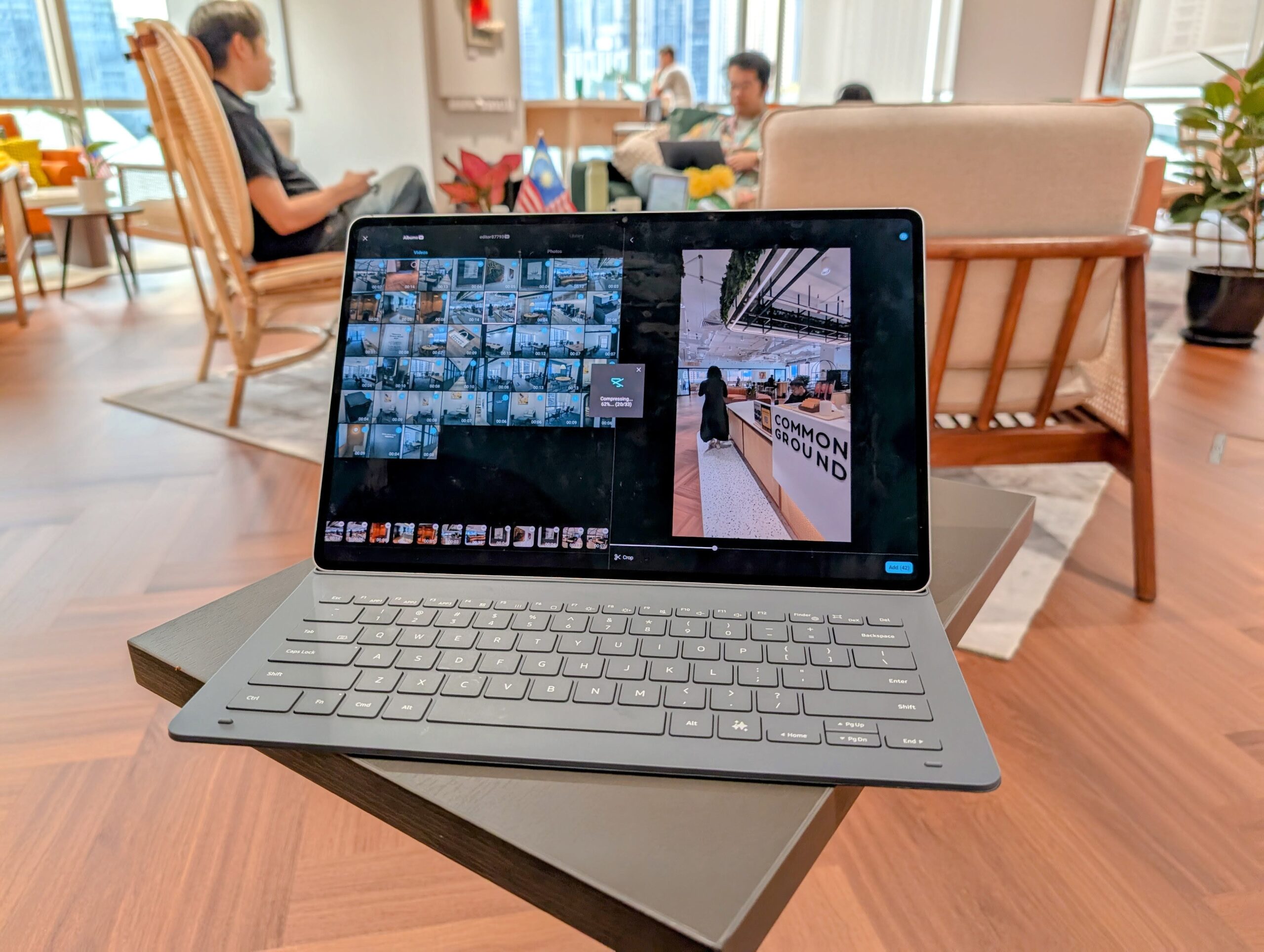
- Laptop-level performance: The MediaTek Dimensity 9400+ processor is more than able to handle multitasking, which included Capcut video editing, without lag.
- Gorgeous display: The 14.6″ AMOLED screen is crisp and bright. Great for both work and entertainment.
- Seamless AI integration: Gemini Live, Writing Assist, and Drawing Assist are helpful additions.
- Samsung DeX is a game-changer: The desktop-like interface makes it easy to multitask and manage files.
- Excellent battery life: Lasts a full day of heavy use and then some.
- Improved S Pen experience: Feels more ergonomic and responsive, great for note-taking and even sketching.
- Beautiful build quality: Slim, premium, and sleek.
Cons:
- Without the keyboard, it's tough to work: The keyboard is amazing and, for me, an absolute must-have. Attempting to type long-form pieces on just the screen's keyboard is quite painful.
- Learning curve for DeX newbies: It's intuitive once you get it, but first-time users might take a day or two to adjust.
TL;DR – Yes, the Samsung Galaxy Tab S11 Ultra can absolutely replace a work laptop
And it's also amazing for all your streaming and entertainment needs!