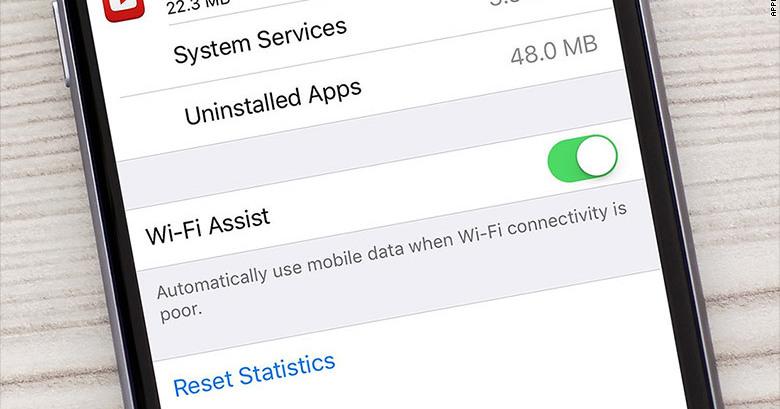

Apple introduced a new feature called the Wi-Fi Assist alongside its iOS 9, which rolled out alongside iOS 9 last month

Image via Gizmodo
However, users around the globe are voicing their concerns over the feature, which is designed for iOS users to have stable Wi-Fi connection
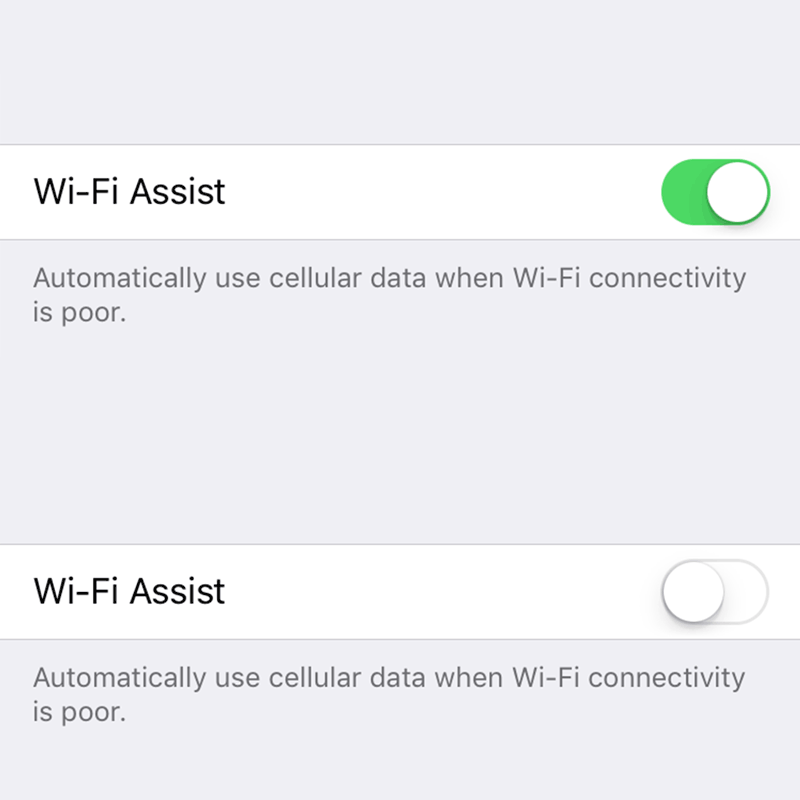
Image via Gizmodo
The feature quietly boosts up your Wi-Fi signal, if it's poor, with your 3G or 4G data

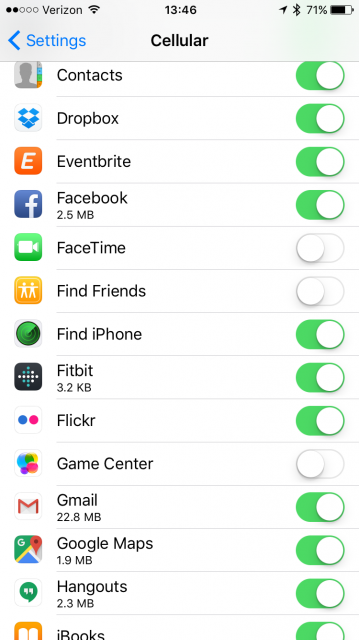
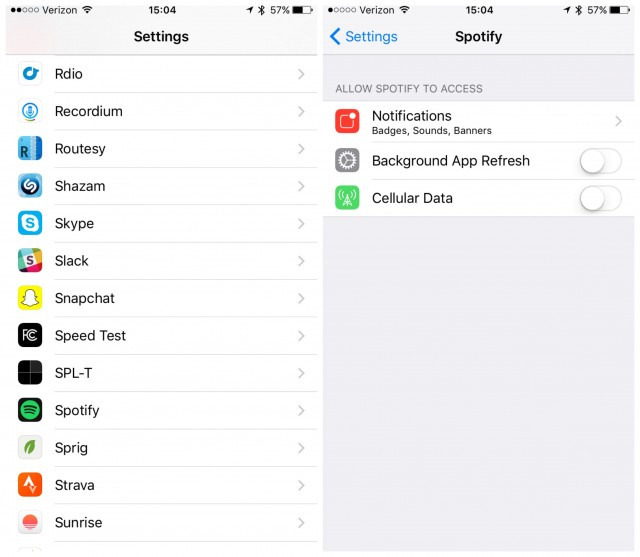
While it's true that Wi-Fi Assist prioritise your data connection over Wi-Fi in some situations, it's unlikely that the feature is eating up your data – it's your poor mobile data settings

Image via Express
Yes, you can easily solve this problem by turning the feature off. But if you live or work in areas with consistently poor Wi-Fi signal, it's safer to keep it on. It's a useful feature and there are a few settings you can tweak without having to go through another round of data anxiety.
But if you want to stop using the feature, you can switch it off by navigating to – Settings > Mobile Data then scroll down to Wi-Fi Assist.