
Here’s How You Can Capture DSLR-Like Photos Using The ‘PRO’ Mode On Your Huawei P30 Series
Now anyone can take professional shots!

Published For Huawei Malaysia - 14 May 2019, 07:48 AM


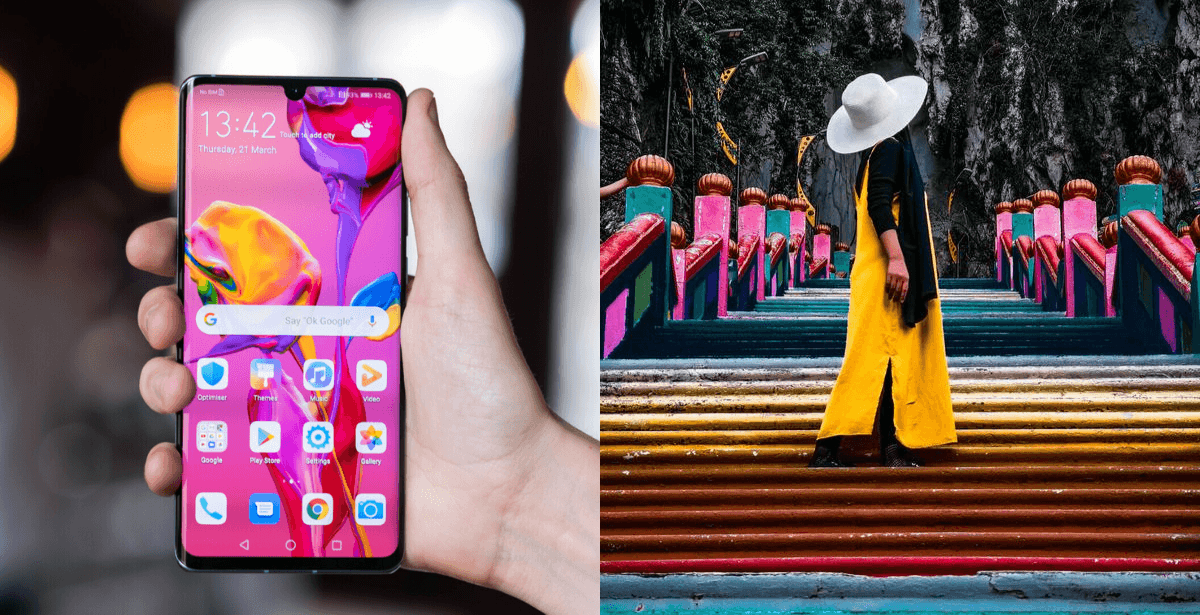 Cover image via Android Authority & Zarnizar
Ever marveled at all the amazing shots taken by professional photographers with their DSLR?
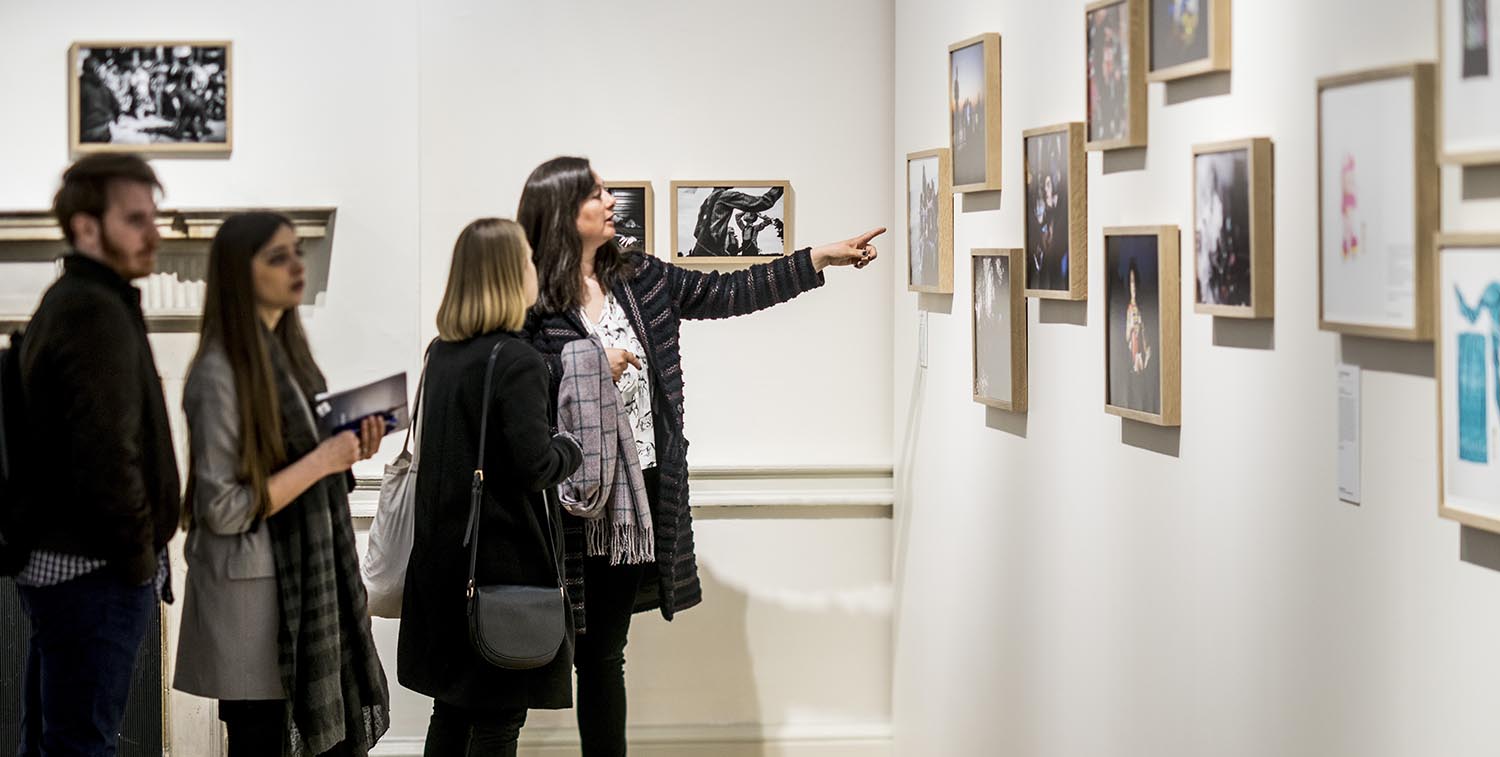
Image via World Photography Organisation
If you've been to photo exhibitions, read magazines, or scrolled through photographer accounts on social media, you may have been inspired to take up photography.
However, proper DSLR cameras don't come cheap and the learning curve can be steep, which is why most people settle for using their smartphone camera. Sadly, many of us just end up with sub-par pictures. But it doesn't have to be that way!
Now, you can take high-quality DSLR-like photos using the 'PRO' Mode on any of Huawei's P30 Series smartphones
While other phones may offer certain similar functions, the complete settings provided by Huawei's 'PRO' Mode allow you to capture photos that look exactly like DSLR shots. In fact, the best part is that anyone can learn how to use it – you don't need much technical knowledge to get started.
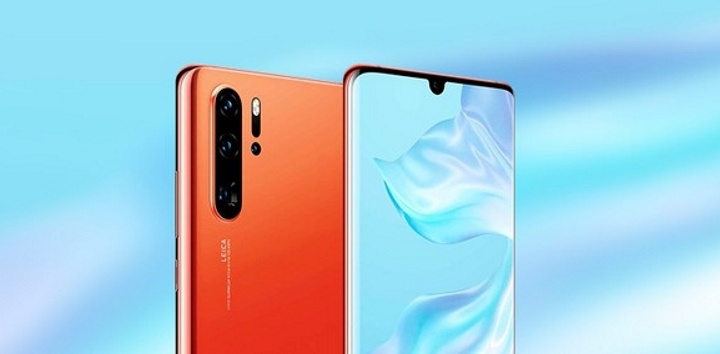
Image via Gizchina
Before diving into how Huawei's 'PRO' Mode works, take a few moment to marvel at these amazing pictures shot with the Huawei P30 smartphone:

Image via Abeden Mung
Metadata: ISO 50 | Shutter Speed 1/3236 sec | f/1.6 | 6 mm
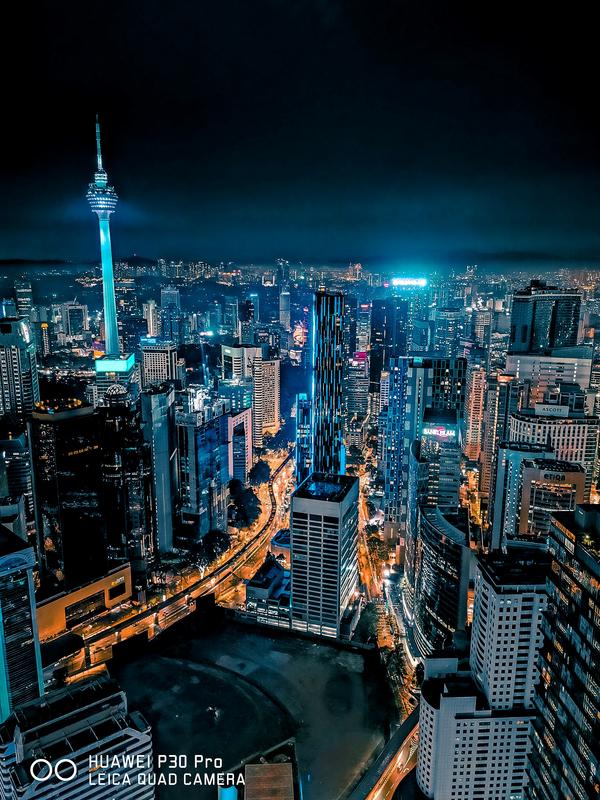
Image via Amsyar Naaif
Metadata: ISO 640 | Shutter Speed 6 sec | f/1.6 | 6 mm
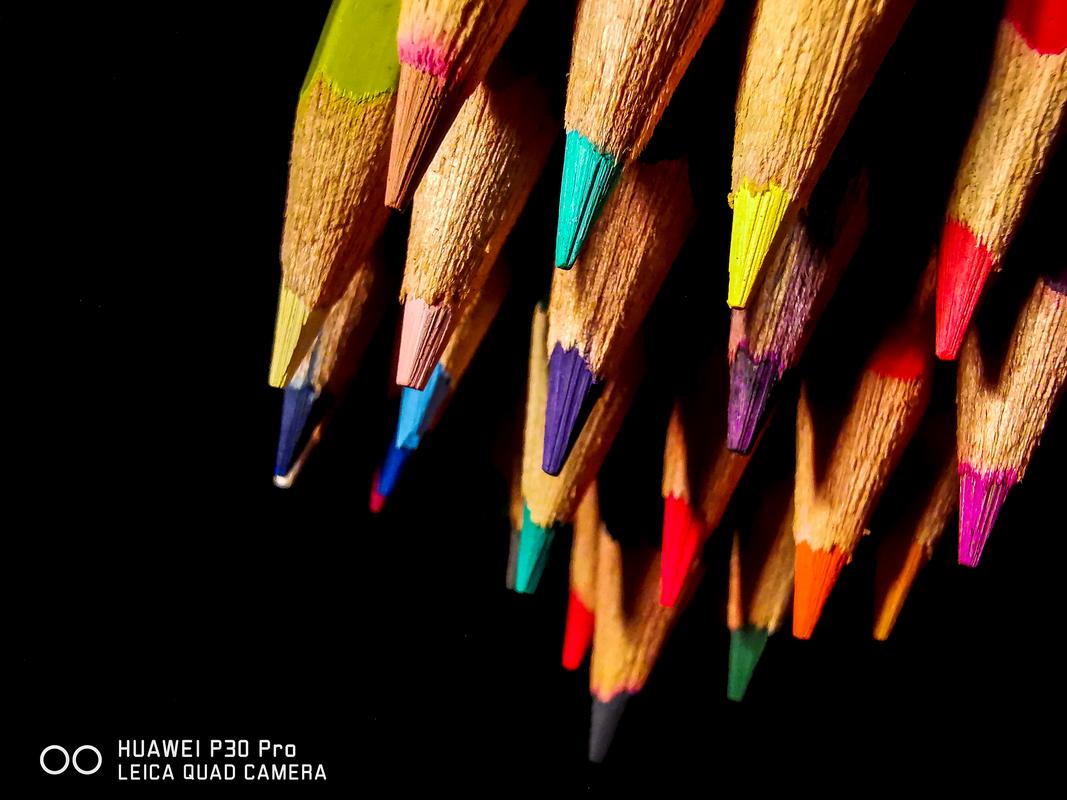
Image via Sanjitpaal Singh
Metadata: ISO 500 | Shutter Speed 1/25 sec | f/2.2 | 2 mm
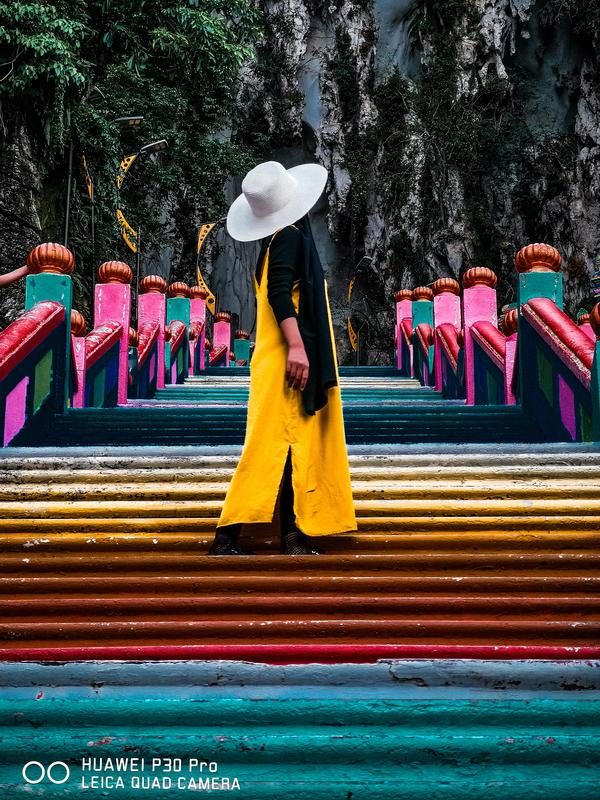
Image via Zarnizar
Metadata: ISO 64 | Shutter Speed 1/120 sec | f/3.4 | 14 mm
Believe it or not, you could come up with amazing shots like these as well – the secret is in the metadata of the photos
Metadata refers to the image details and the settings used while taking the shot. If terms like ISO-sensitivity and shutter speed still seem like big words to you, don't worry!
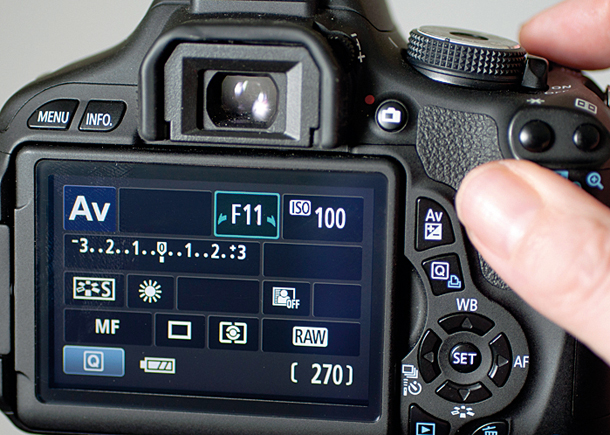
Image via Four Circle Cinema
Here are a few easy tips you can try out with the 'PRO' Mode in your Huawei P30 Series smartphone:
1. Turn on your camera and swipe left until you see the 'PRO' mode
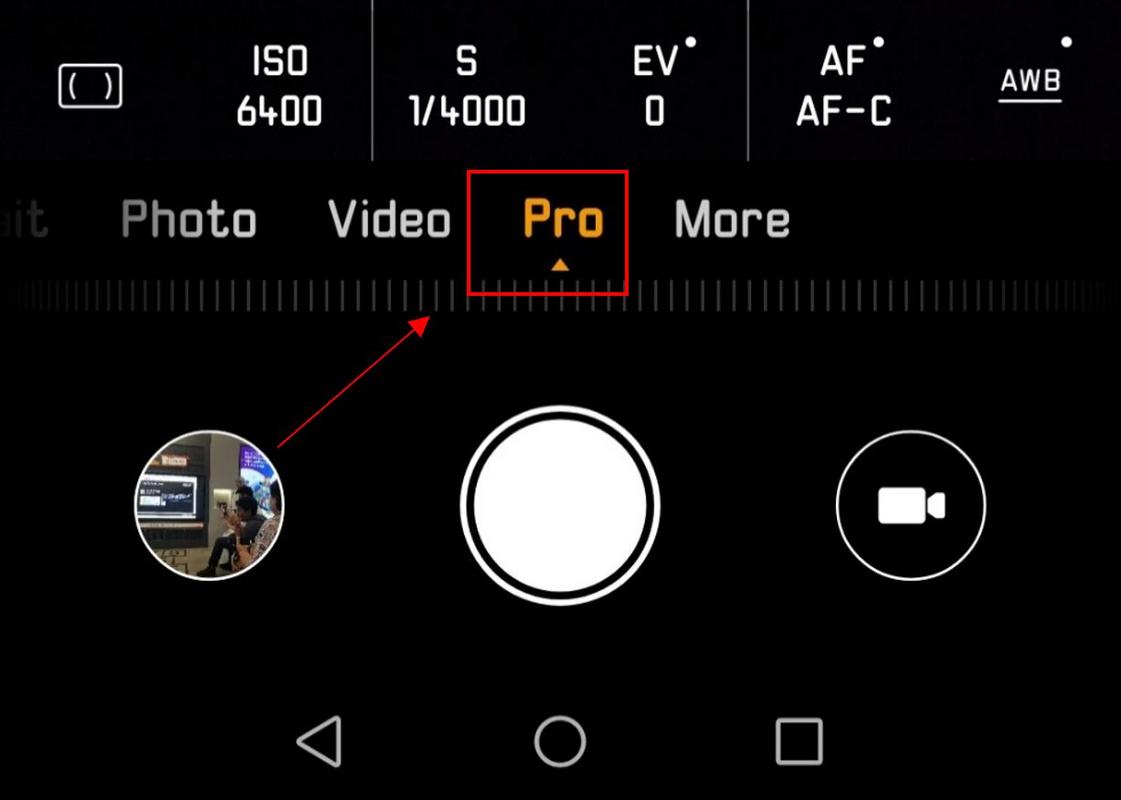
Image via Huawei Malaysia
Once you're there, you'll see numbers with indicators on top. The settings in 'PRO' mode are actually very similar to those you'll find in a DSLR camera, including functions such as ISO, S, EV, AF, and AWB.
Read on to find out all you need to know about these functions and why they're important to take a good photo.
2. Adjust the light sensitivity of your photo with ISO
ISO represents the light sensitivity of your camera. For instance, you can increase the brightness when shooting at night by increasing your ISO. However, just be careful because the higher your ISO, the more your photo will become grainy.
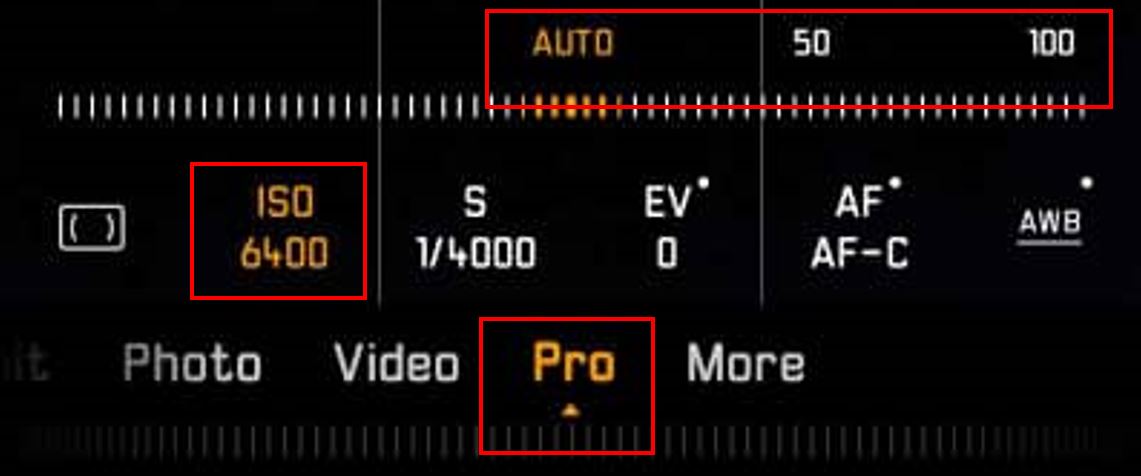
Image via null
3. Change your Shutter Speed (S) to capture fast-moving objects

Image via Huawei Malaysia
Shutter speed refers to the amount of time your camera is exposed to light. If you're capturing fast-moving objects like trains or action shots like jumping, you'll want to have lower shutter speed. However, if you're taking a still image, a higher shutter speed will help you capture more detail.
Quick tip: Don't get confused by the numbers – 1/4000 is lower than 1/40. 🙂
4. Control the Exposure (EV) of your shots
Sometimes when you take photos outdoor during the day time, the sunlight can be too glaring and the exposure tends to hinder you from getting the best shot. Having the Exposure function can help you to adjust the sunlight exposure easily.
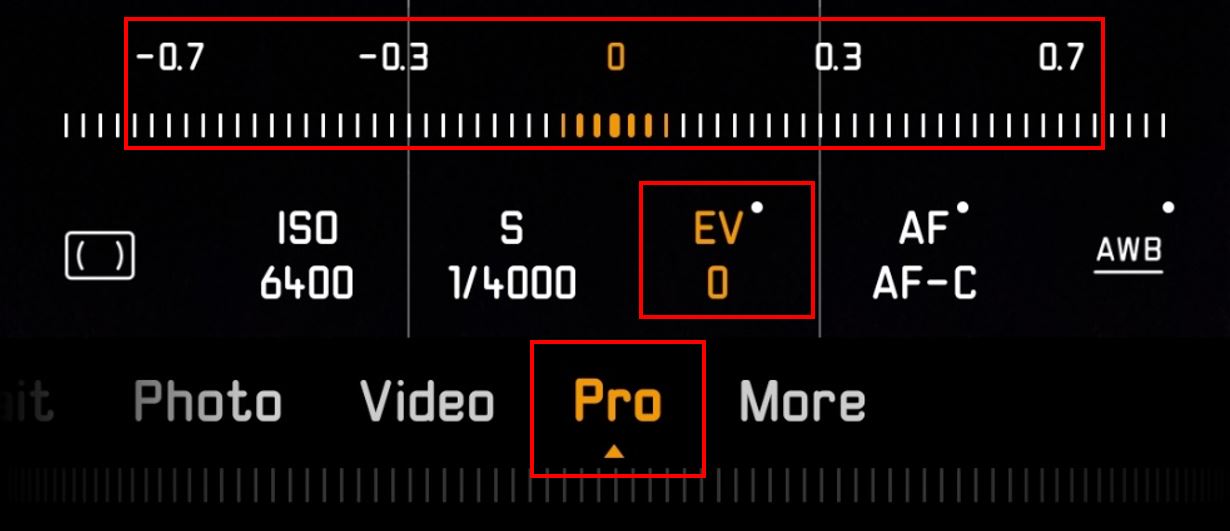
Image via Huawei Malaysia
5. Make sure your shots are always crisp and clear with Auto Focus (AF) or Manual Focus (MF)
Keep your subjects in focus with the Auto Focus function. Auto Focus Continuous (AF-C) is good for keeping your focus on a moving object. Auto Focus Single (AF-S) is used to focus on a non-moving object while you frame your shot. Alternatively, you can also use Manual Focus (MF) to have full control when shooting.

Image via Huawei Malaysia
6. Get the right colour with Auto White Balance (AWB)
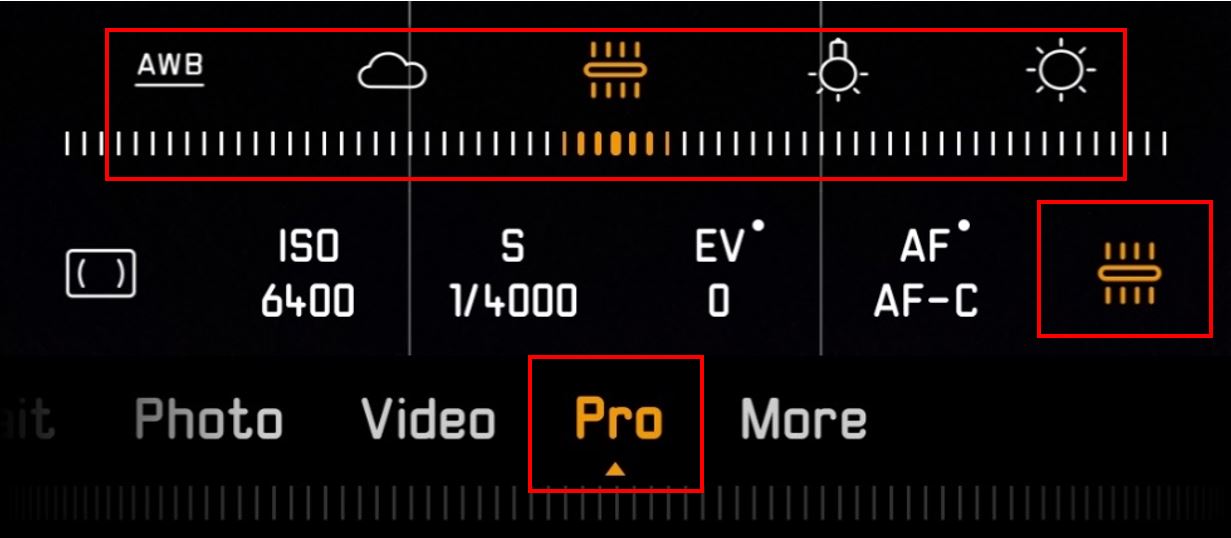
Image via Huawei Malaysia
Instead of waiting to colour correct your photos during the editing phase, the best practice is to shoot with the right white balance. You can choose the Auto White Balance feature or choose from various presets, including indoor, outdoor, rainy, and sunny.
7. Finally, here are a few takeaways to keep in mind when adjusting your ISO and Shutter Speed (S)
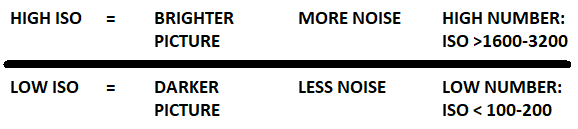
Image via Huawei Malaysia

Image via Huawei Malaysia
Ready to take amazing shots with your Huawei P30 Series smartphone? Test out your new skills and submit your photos to the Next Image photography contest to win up to USD20,000!
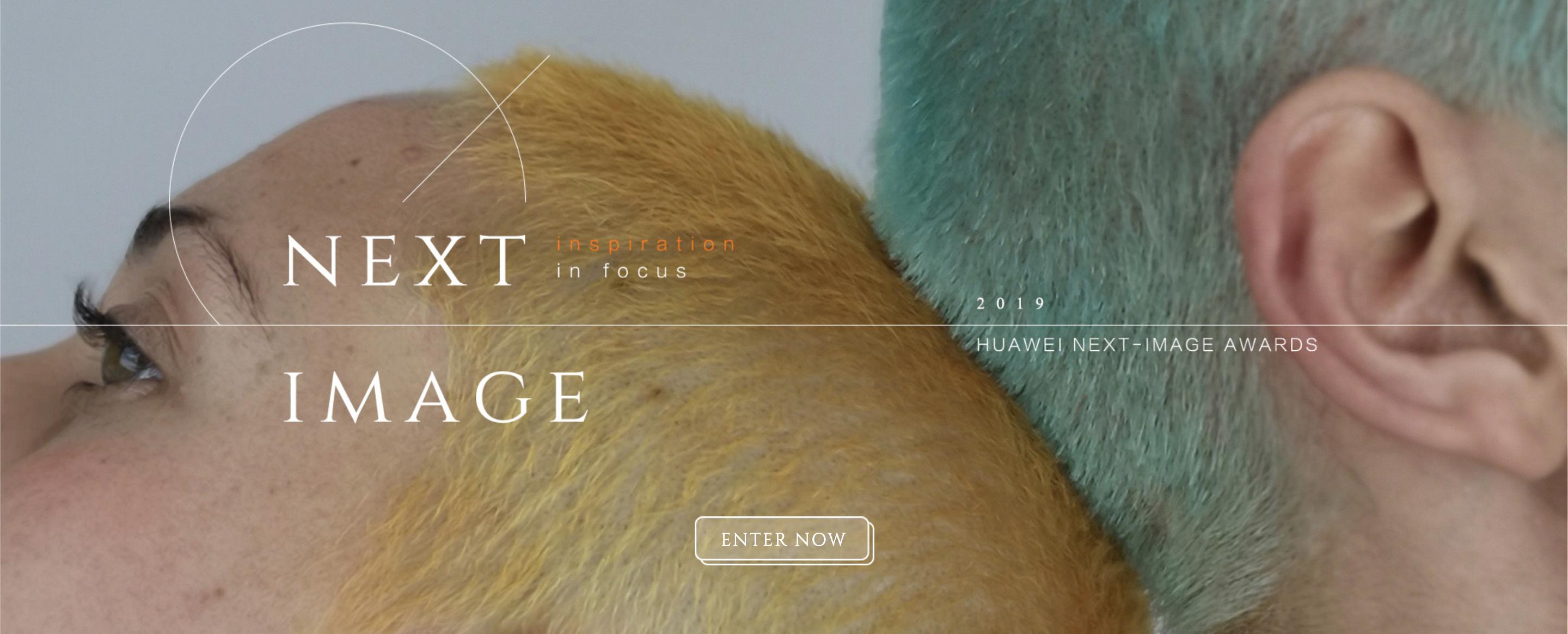
Image via Huawei
Calling all professional photographers and aspiring photographers! You can stand a chance to win USD20,000 and a Huawei P30 Pro smartphone by joining in the Next Image photography contest here.
Enjoy amazing deals this Ramadan when you shop for a brand new Huawei P30 and P30 Pro on their online store
The Huawei P30 and P30 Pro are retailing for RM2,699 and RM3,799 respectively. Purchase a Huawei P30 on the official online store to get a free Wireless Charging Case and a Huawei Wireless Charger. Also, you can get a free Huawei Talkband B5 worth RM599 when you buy a Huawei P30 Pro.
On top of that, any purchases that exceed the amount of RM1,500 will also provide you a lucky draw chance to win a pair of return flight tickets to Tokyo, Japan!
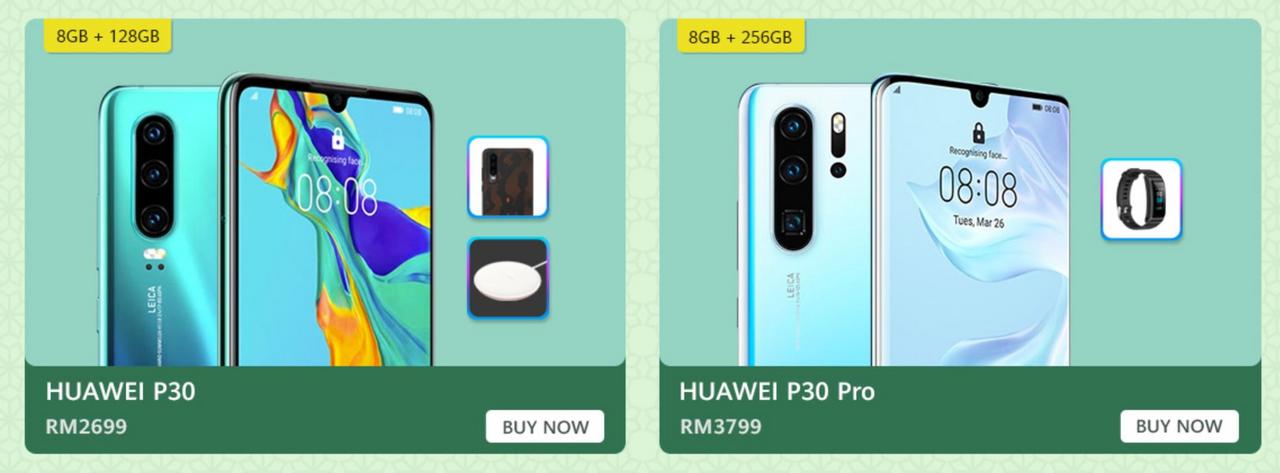
Image via Huawei Malaysia
