


 Cover image via
Follow us on Instagram, TikTok, and WhatsApp for the latest stories and breaking news.
Has your smartphone been performing worse lately?
It is incredibly frustrating when a device that used to be lightning-fast starts stuttering and lagging. There isn't usually one single cause, but rather a combination of hardware ageing and software evolving.
Here is the breakdown of why this happens, ranging from easy fixes to permanent hardware realities:
1. Running out of storage
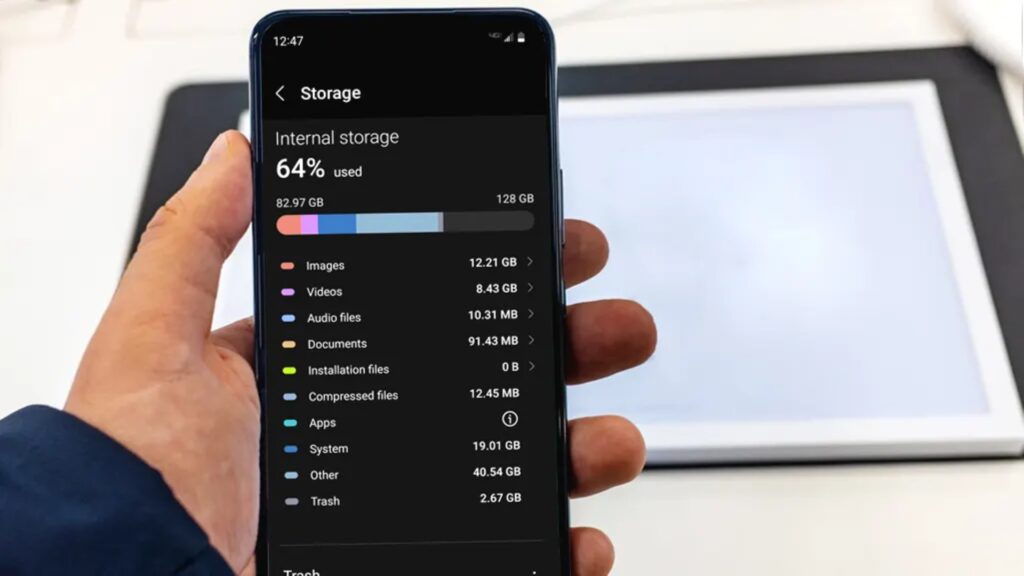
Image used for illustration purposes only.
Image via AsurionA very common reason for a sluggish phone is simply running out of space. Your device's internal storage isn't just for your photos and apps; it also acts as a temporary workspace, or "scratchpad", for the operating system to manage tasks efficiently.
When your storage is nearly full — typically over 90% — the system has no room to manoeuvre.
As a result, it is forced to waste valuable processing power while it constantly shuffles files around just to find tiny pockets of space for temporary data, which significantly slows everything down.
2. A sign of a dying battery
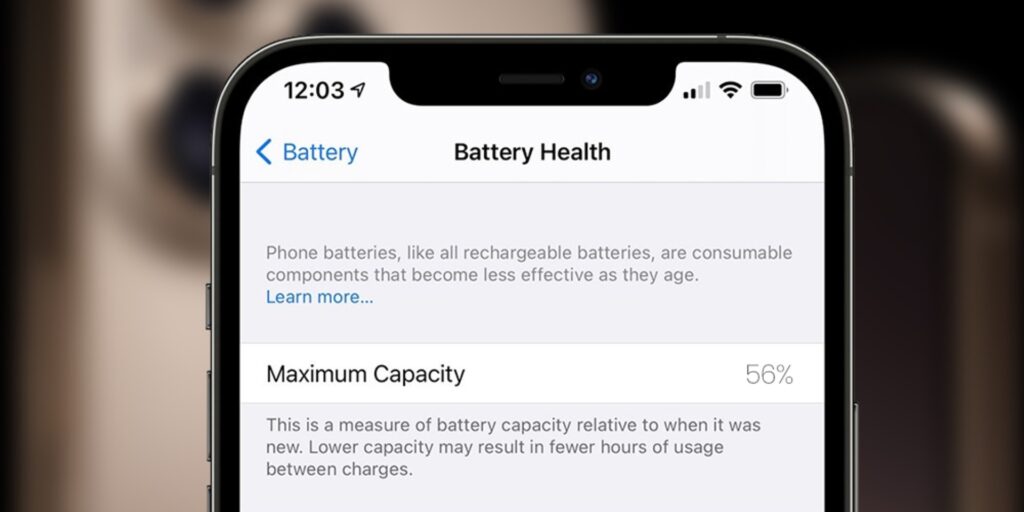
Image used for illustration purposes only.
Image via iCure SolutionsBatteries are, fundamentally, consumable chemical components that naturally deteriorate with use. As they age, they lose their ability to provide "peak power" — the sudden, intense surge of energy required to launch demanding applications or perform heavy tasks.
To prevent your device from shutting down unexpectedly when the battery struggles to meet these power spikes, modern smartphones employ a built-in safeguard. The operating system detects the battery's weakened state and intentionally throttles the processor's speed.
Consequently, your phone is artificially capped at a lower performance level to ensure it remains stable and operational, rather than crashing when pushed too hard.
3. Apps are becoming more complex
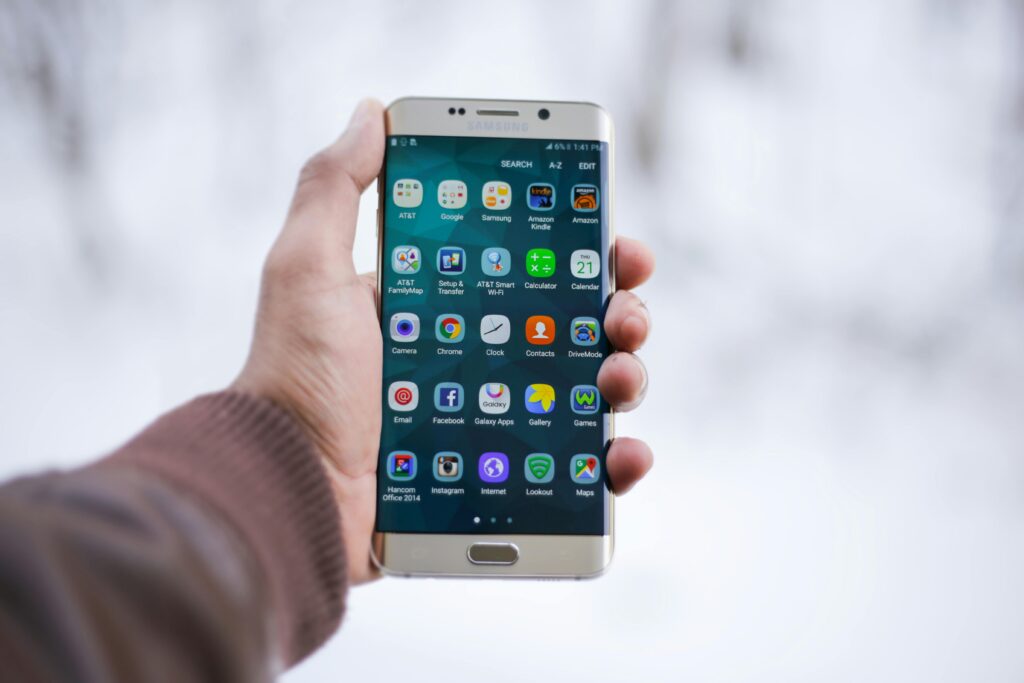
Image used for illustration purposes only.
Image via MOHI SYED/PexelsThe hardware inside your phone remains exactly as it was on the day of purchase, yet the applications you run on it are constantly evolving.
Popular apps like Facebook, Instagram, maps, and web browsers receive frequent updates that introduce new features, higher-resolution visuals, and complex background tracking — all of which demand greater RAM (short-term memory) and processing power.
Consequently, your three-year-old processor is essentially being asked to lift "weights" that are now twice as heavy as the tasks it was originally designed to handle when you first bought the device.
4. Your phone has accumulated a lot of 'background trash'
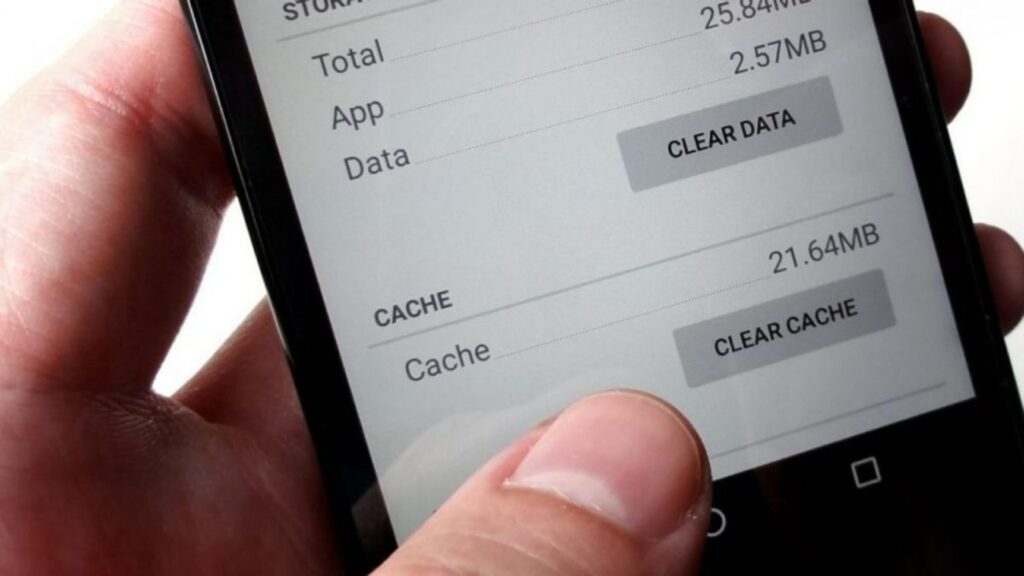
Image used for illustration purposes only.
Image via VOIOver time, applications store temporary data known as "cache" — such as images, scripts, and logs — to speed up load times. However, issues arise when these files become corrupted or accumulate excessively.
Failing to restart your phone allows background processes and system errors to pile up in your device's RAM.
Consequently, while a simple reboot effectively clears the RAM, it often leaves the cluttered app caches behind, which can continue to bog down the system until they are manually removed.
Here are a few steps to speed up your phone again:
Ensure you have moderate phone storage. This is often the most effective fix. If you have less than 5GB free, your phone will struggle. Immediately delete large video files or offload your photos to cloud storage. Freeing up this breathing room often resolves lag instantly.
Another method is to restart your phone. It may sound cliché, but it works. Powering your phone completely off and then back on flushes the RAM and clears out any background processes that might be stuck. This gives your system a fresh start.
If your battery is degrading, your phone might be throttling its own performance to prevent shutdowns.
If you see a "Service Recommended" warning on your Android smartphone, a new battery can often restore the device to its full speed. If your iPhone's maximum capacity is below 80%, a replacement is highly recommended.
Finally, turning down the visual animations can serve as a useful stopgap measure to give your phone's performance a quick, albeit temporary, boost.
