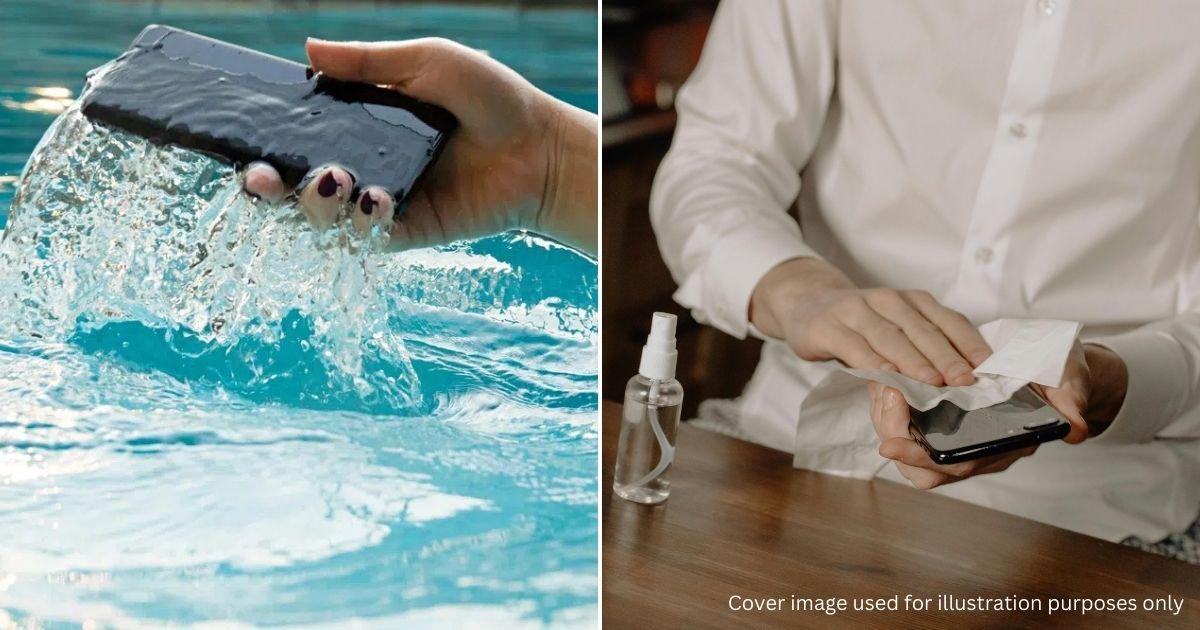
 Cover image via
Follow us on Instagram, TikTok, and WhatsApp for the latest stories and breaking news.
Dropped your phone in water? There's still a chance it can be saved
Accidents happen, and dropping your phone in water is unnerving, but whether it survives often depends on how quickly and correctly you react.
The type of water matters significantly, as saltwater poses a far greater risk than freshwater due to corrosion.
Here's a comprehensive guide for handling both scenarios:
Phase 1: Take immediate action
No matter the type of water, the first few seconds are critical.
Retrieve it immediately. Every second underwater increases pressure on the seals and the risk of water entering the components.
Power it down. If the screen is on, turn it off immediately. Do not try to check texts or use apps. If the screen is off, do not press the power button to check it. Pressing buttons can push water further inside.
Remove any accessories. Take off the case, screen protector (if it's peeling), and anything plugged into the headphone jack or charging port.
Phase 2: Handling saltwater incidents
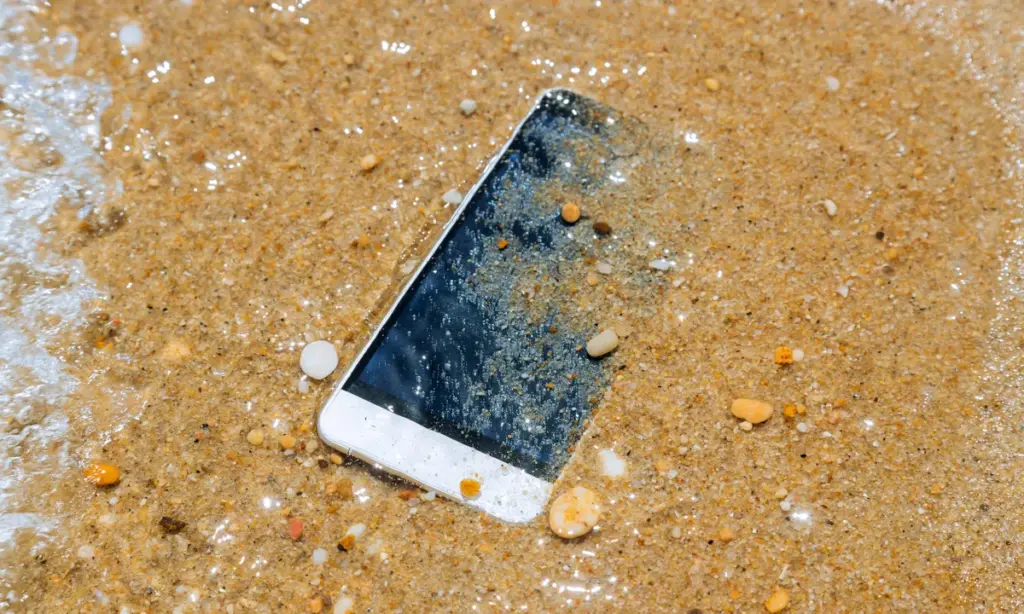
If you dropped your phone in the ocean or a saltwater pool, do not attempt to dry it.
Salt is highly corrosive and conductive; if it dries inside your phone, it leaves behind crystals that will eat away at the circuits and cause short circuits later.
Rinse your phone under fresh water. It sounds counterintuitive, but you must rinse out the salt.
Gently rinse the phone under a tap with a low flow of fresh water, or submerge the phone in a bowl of still, fresh water for a few seconds.
You are trying to dilute and wash away the saline solution before it dries.
After rinsing, dry your phone according to the steps below.
Phase 3: Rinsing and drying
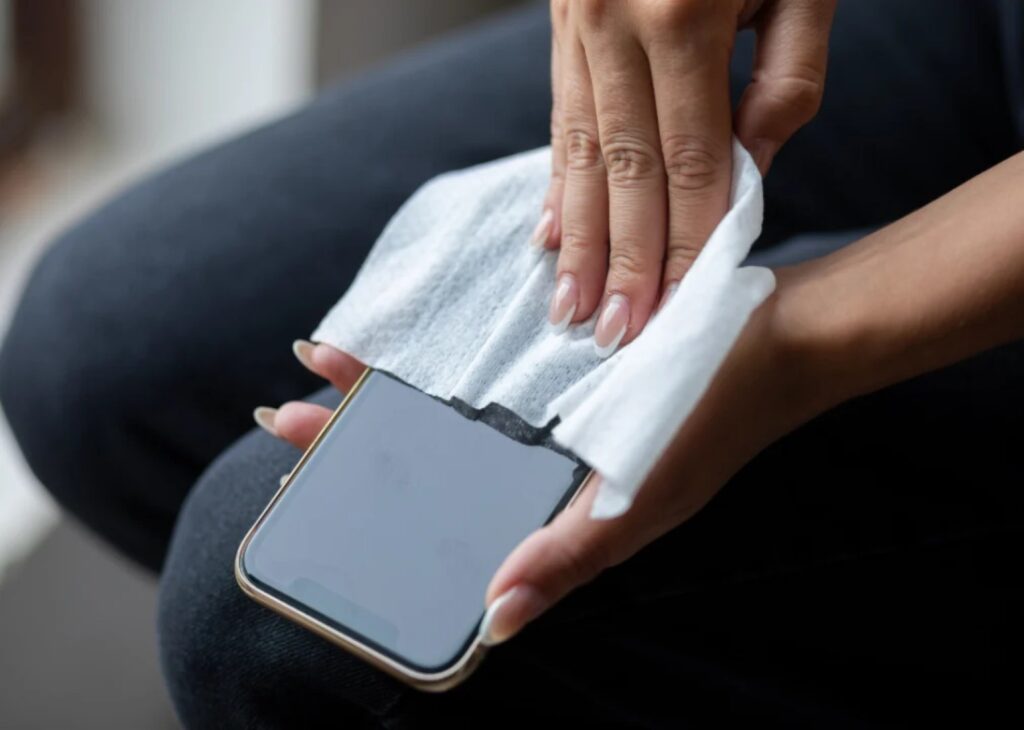
Once the device is out of the water (and rinsed, if it was in salt water), follow these steps to dry it safely.
Remove the SIM card tray and any microSD cards. This allows air to circulate and water to drain from these small slots. If you have an older phone with a removable battery, take it out immediately.
Use a lint-free cloth — microfiber is best — or a paper towel to dab the exterior dry. Pay close attention to the charging port, speaker grilles, and microphone holes.
Do not rub vigorously, as this can push liquid into openings.
Hold the phone upright (charging port facing down) and gently tap it against your palm to dislodge liquid trapped in the ports.
Do not put your phone in uncooked rice
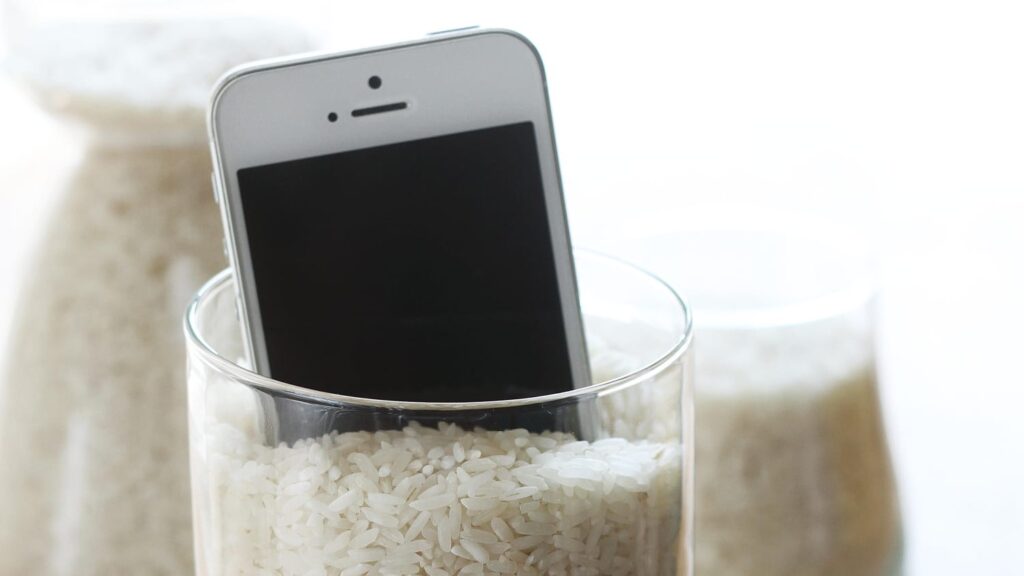
Despite what people say, putting your device in rice may damage the device further. Rice dust can get into the ports and mix with the water to create a paste that ruins components.
It is also not the most effective desiccant.
Instead of rice, you can use Silica Gel packets (the little "do not eat" packets) found in shoe boxes or supplement bottles. Put the phone and several packets in an airtight container.
Another way to dry the phone is to place it in a cool, dry area with good airflow. A fan blowing gently across the phone, not directly into the ports, is highly effective.
Leave the phone to dry for at least 24 to 48 hours. Do not succumb to the temptation to turn it on earlier.
Avoid these common mistakes, which often cause more damage than the water itself:
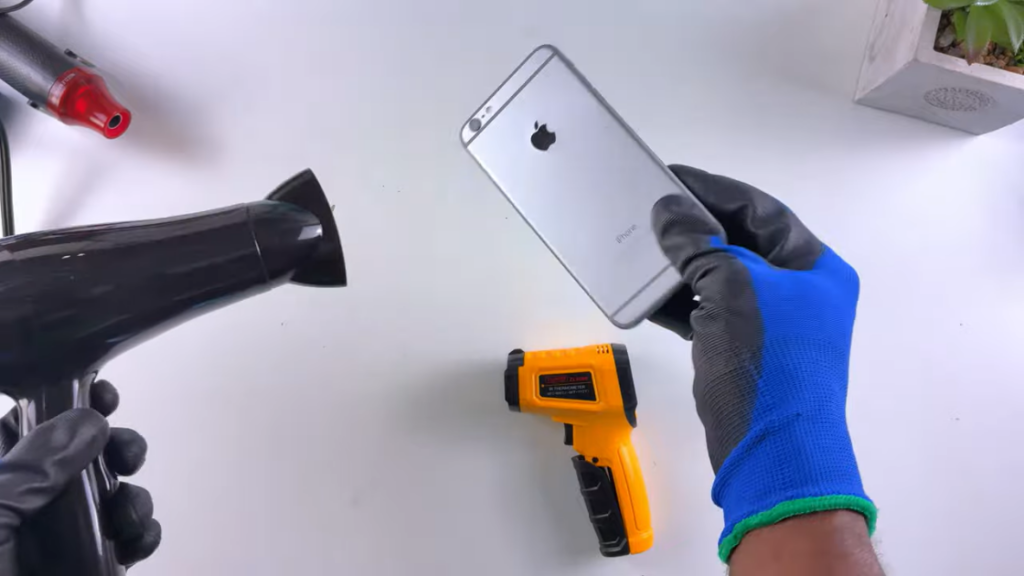
Do not use a hair dryer, oven, or microwave. High heat damages the battery, melts adhesives, and can warp the screen.
Do not plug the phone into a charger until you are 100% sure it is dry. Sending electricity through a wet circuit is the fastest way to fry the motherboard.
Do not shake the phone vigorously; this spreads the water to dry areas inside the device.
Do not blow into the ports with your mouth or compressed air. This forces water deeper into the internal components.
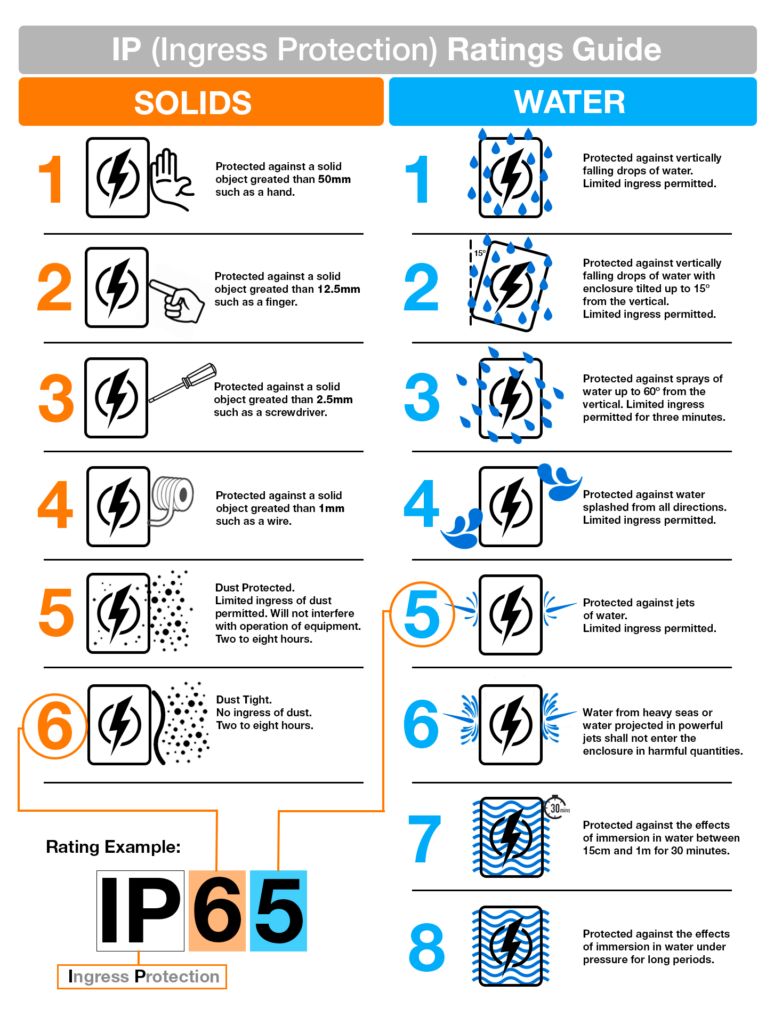
Most modern smartphones come with an IP rating. Here's what they mean:
IP, or Ingress Protection, is the rating system of the capability of a device to resist the ingress of both solids and liquids. Most smartphones today come with an IP67 or IP68 rating.
– IP67: Can survive submersion in 1m of fresh water for up to 30 minutes.
– IP68: Can survive submersion in 1.5m (or more, depending on manufacturer) of fresh water for up to 30 minutes.
These ratings degrade over time as the phone's rubber seals age, or if the phone has been dropped too many times. Never assume your phone is waterproof. Always treat it as water-resistant.