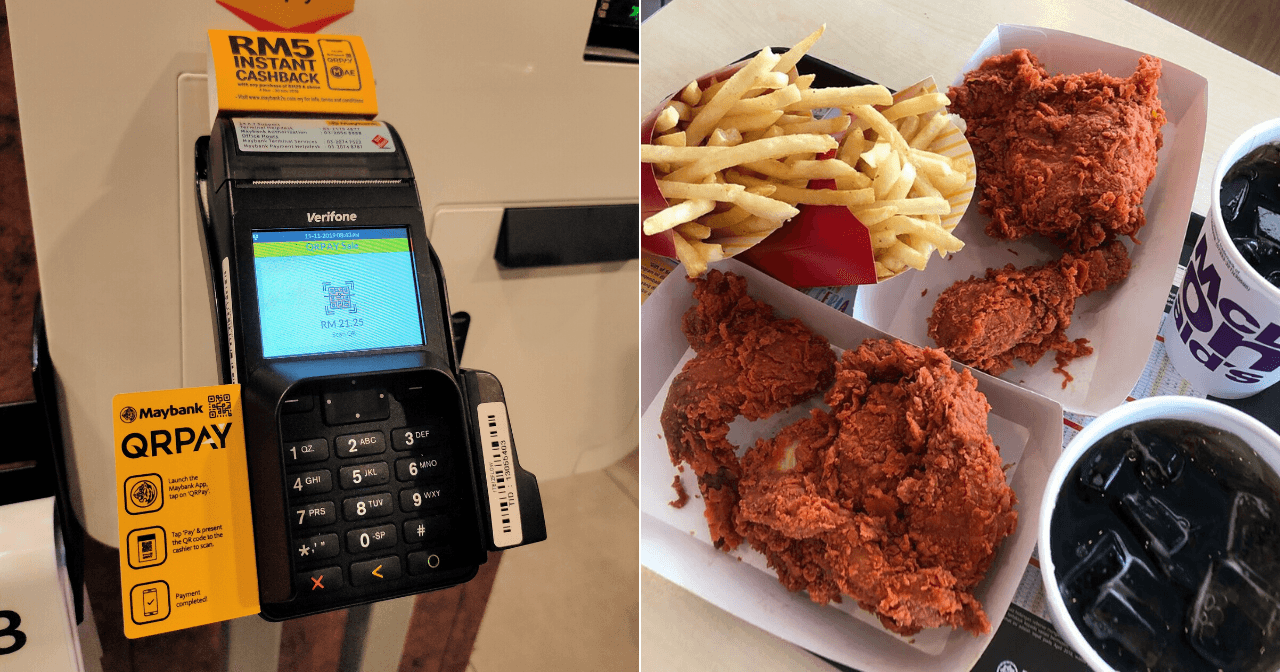
 Cover image via
 This Spotlight is sponsored by Maybank.
Can't get enough of McDonald's? Then, you're gonna love this promo that instantly gives you RM5 cashback!
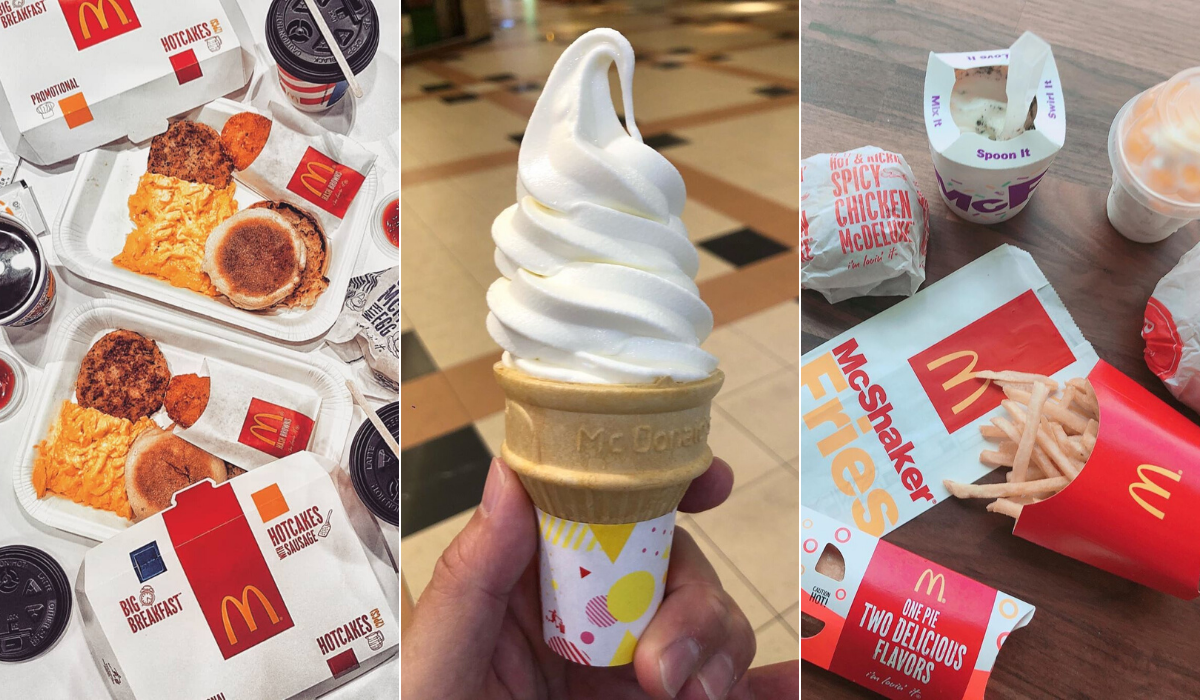
Got a craving for some Spicy Ayam Goreng McD? Or would you prefer a Double Cheeseburger instead? Maybe you're really in the mood for a McD breakfast? If nothing else, there's always room for some ice cream, or just some of their amazing fries, mmmm!
Treat yourself to your fave McD meal and get RM5 instant cashback in your account when you pay with Maybank QRPay or MAE. You'll be getting rewarded for doing what Malaysians love best – eating! How awesome is that?
You can make your payment by either scanning your QR code at the Self-Ordering Kiosk or letting the cashier scan your QR code over the counter. As long as you make sure to use either Maybank QRPay or MAE, it's all good. Be sure to select your savings or current account as the default payment with QRPay to be entitled for cashback.
This promo is valid from now to 30 November 2019, with a minimum spend of RM20 at any McDonald's restaurants nationwide.

Image via Giphy

Just follow the simple step-by-step guide below to use the promo:
Step 3: Making your order at the Self-Ordering Kiosk? When you're done, just select Card & Mobile > QR Payment and scan your code to pay.
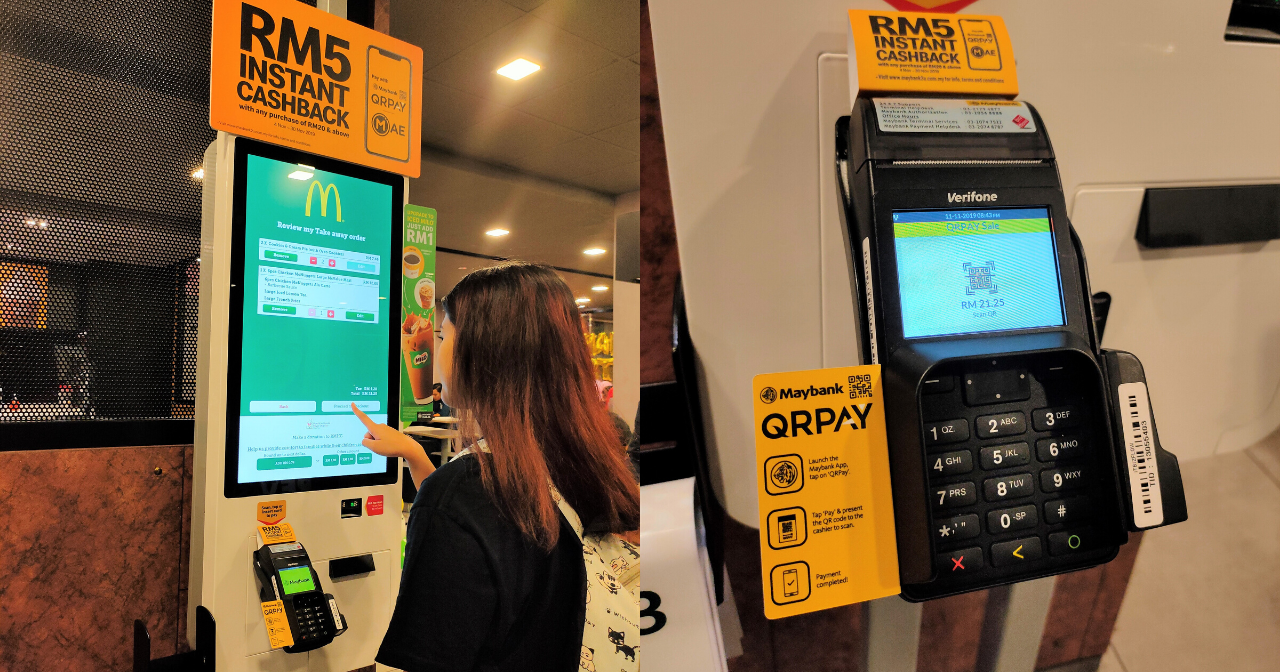
Image via SAYS
Step 3: Or if you're paying at the counter, just show your code to the cashier to scan and pay.
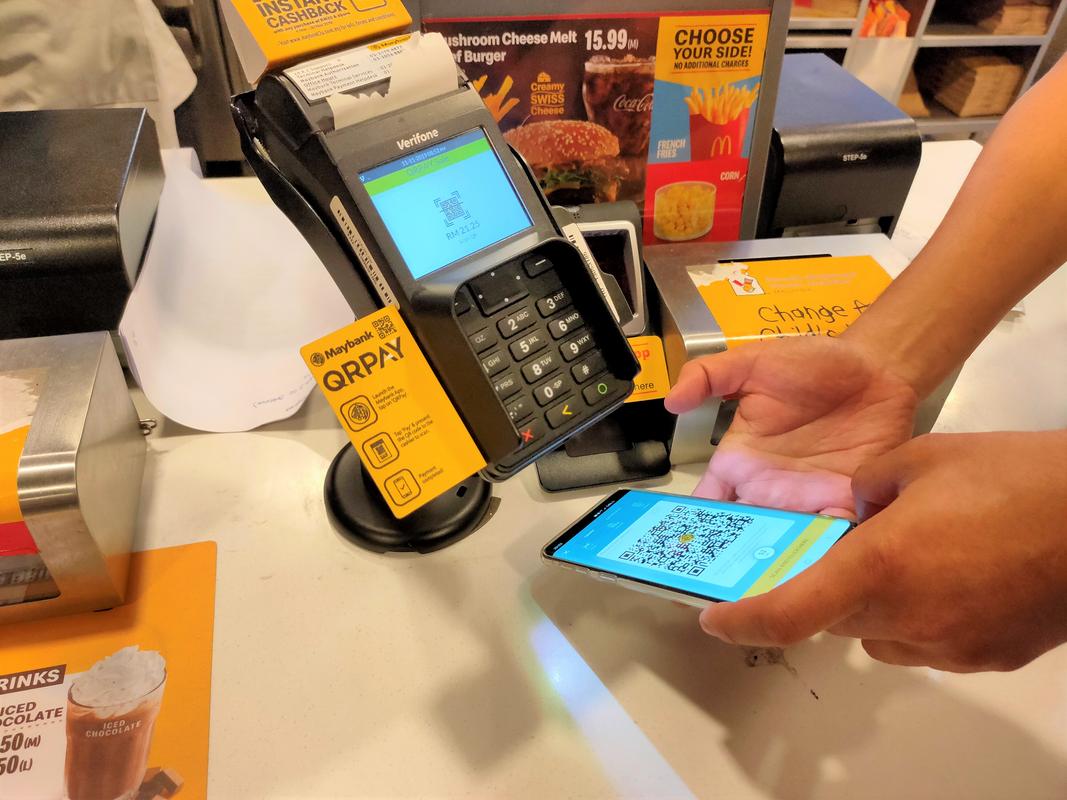
Image via SAYS
Enjoy your RM5 cashback, yaaaaay!
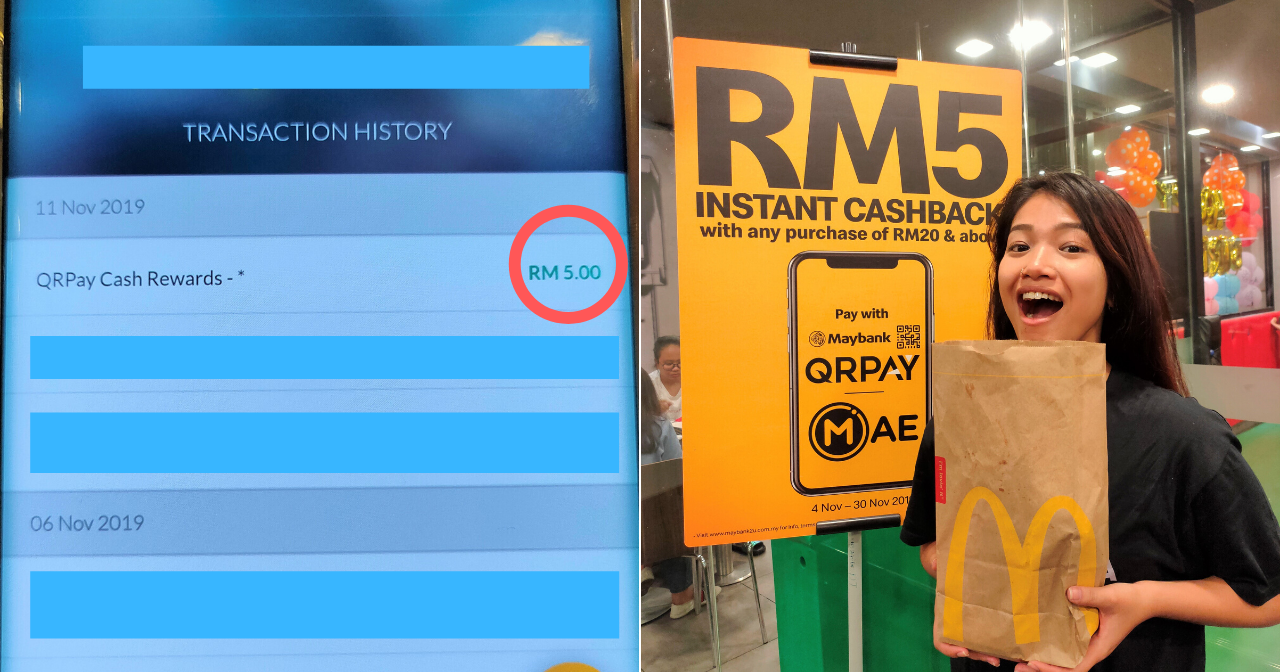
Image via SAYS
Step 1: Launch the Maybank App and tap on QR Pay at the bottom.
Step 2: Tap on 'Pay', then 'Change Account', to make sure that your Current/Savings Account is selected.
Important note: If your Credit/Debit Card is selected, you won't be entitled to any cashback 🙁

Image via SAYS
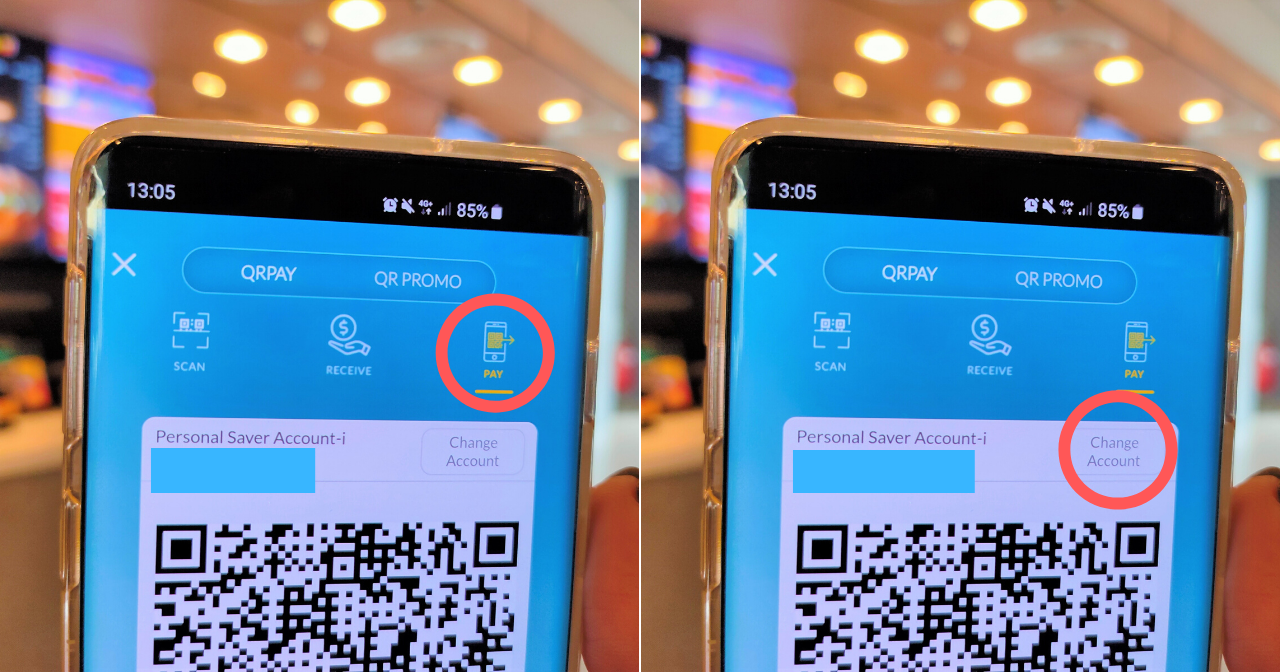
Image via SAYS
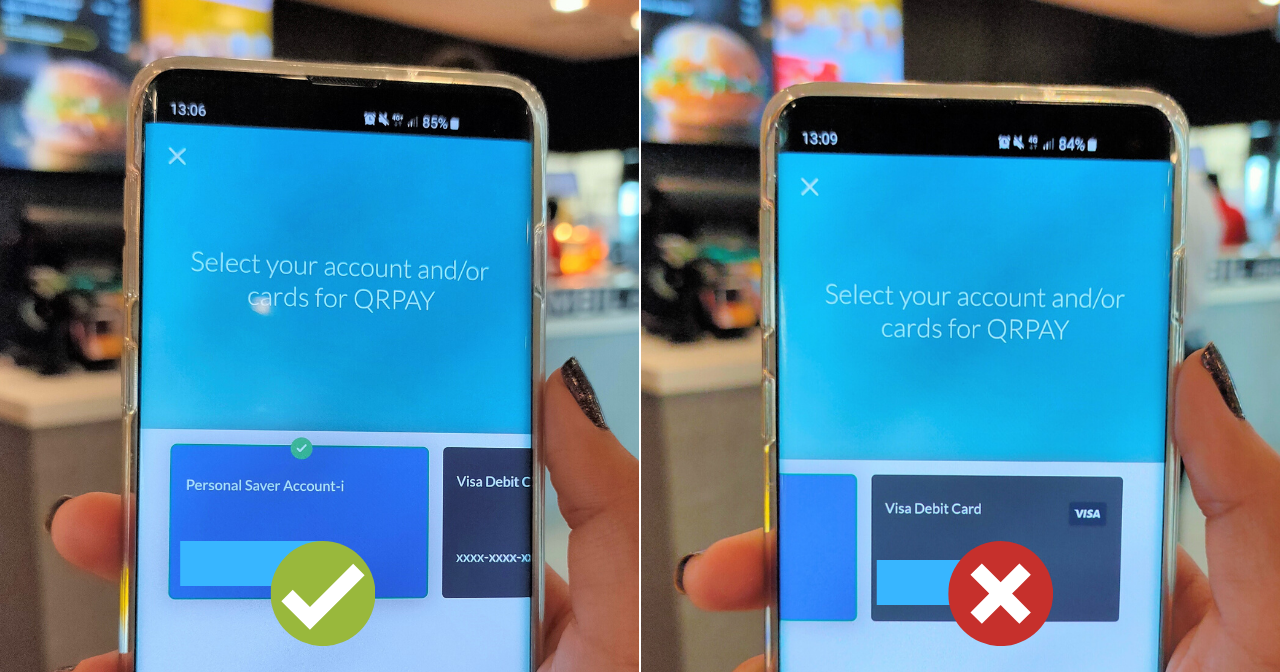
Image via SAYS
If you haven't already been using Maybank QRPay for all your spending, you should start right now!
Don't have a Maybank account? No worries, you can still use Maybank QRPay when you sign up for MAE – it's for everyone!
All you have to do is download the Maybank App (it's completely free!) and register for the MAE e-wallet. That's it – you're now good to go cashless whenever and wherever you want.
Step 1: Download and launch the Maybank App
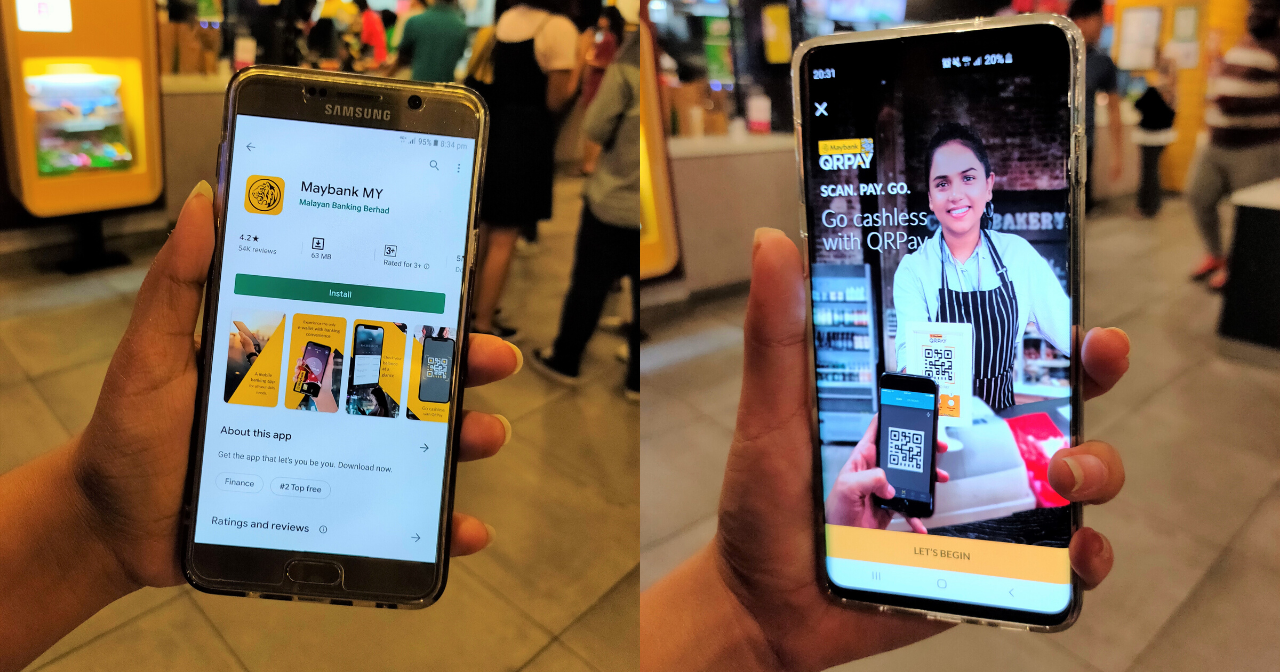
Image via SAYS
Step 2: Sign up for the MAE e-wallet. It only takes 5 minutes!

Image via SAYS
Still confused? Watch the video below for simple instructions on how to sign up:
Don't forget to head on over to McD to satisfy all your cravings before the promo ends on 30 November 2019
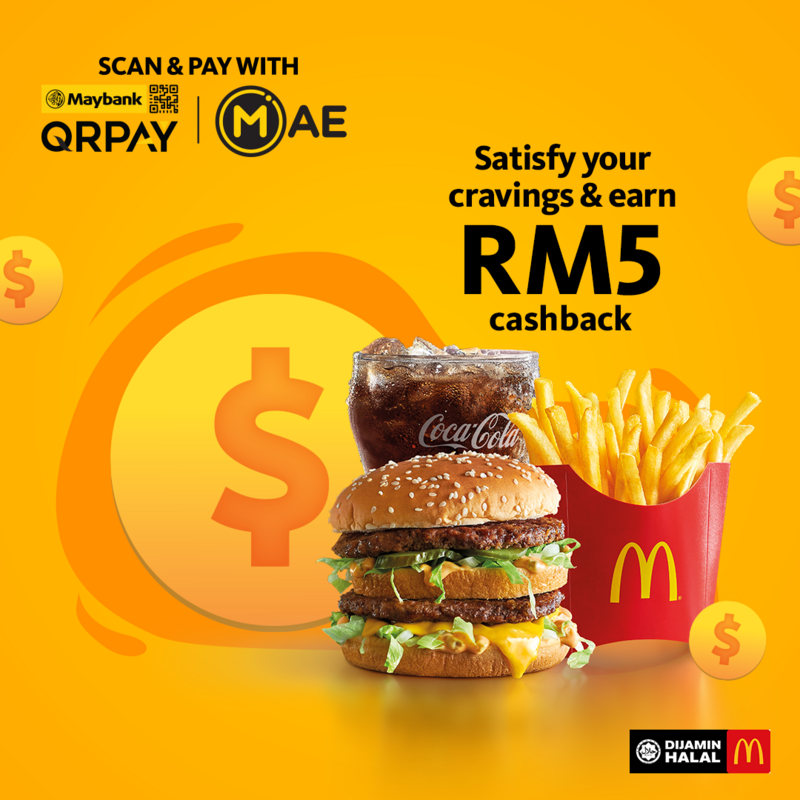
Image via Maybank