


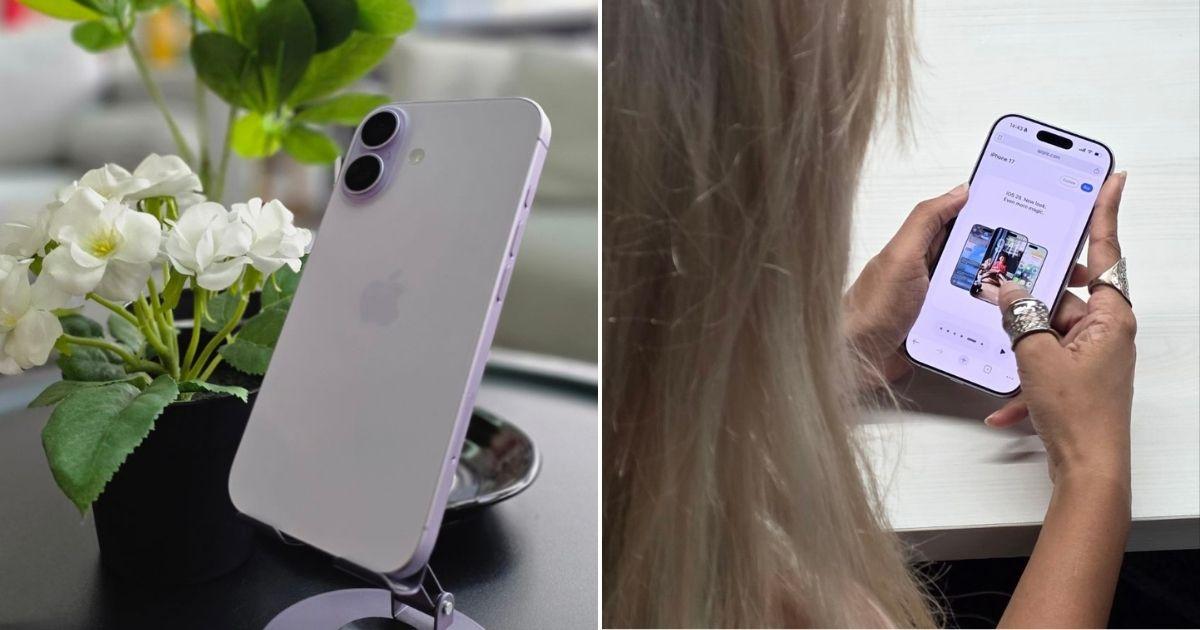
 Cover image via Syazwan Bahri/SAYS
Follow us on Instagram, TikTok, and WhatsApp for the latest stories and breaking news.
We hope you love our recommendations! Just so you know, we may collect a share of sales or other compensation from the links on this page. Prices are accurate at the time of writing.
The iPhone 17 marks a significant shift for the base model, inheriting several high-end features that were previously exclusive to the Pro line
For users holding onto older iPhones, especially those four or more generations back, the iPhone 17 offers one of the most compelling upgrade packages in years.
The device delivers faster performance and improved efficiency across the board. The display experience sees major upgrades, including buttery-smooth scrolling, an Always-On display, and significantly better outdoor visibility.
For photography and video calls, the camera system is heavily upgraded: the main wide shooter now boasts a significantly higher resolution for better detail, while the front camera receives higher resolution and the Centre Stage feature (similar to the iPad).
Finally, in terms of practical use, the device features a substantial increase in battery life — over 30% longer — and doubles the minimum storage available, all while maintaining the same launch price.
Here is a breakdown of what the iPhone 17 brings to the table and a comparison against older iPhone families from the iPhone 16 down to the iPhone 11:
1. iPhone 16
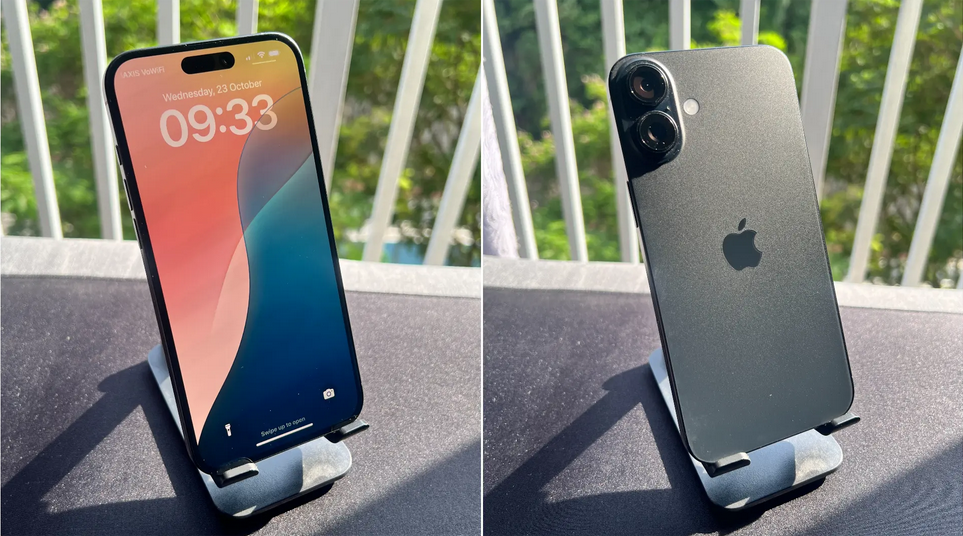
For users of the standard models, the iPhone 17 represents one of the most exciting base iPhone releases in recent memory.
The crucial upgrade to a 120Hz ProMotion display, combined with the massive improvement in battery life — now up to 30 hours — makes this a highly worthwhile annual upgrade.
This is particularly true for those looking for the latest technology or who were previously disappointed by the iPhone 16's 60Hz screen limitation.
Should you upgrade: Base iPhone users might appreciate the smoother scrolling thanks to ProMotion. But if you're using the Pro, not really, unless you're looking for a specific feature from the 17.
2. iPhone 15
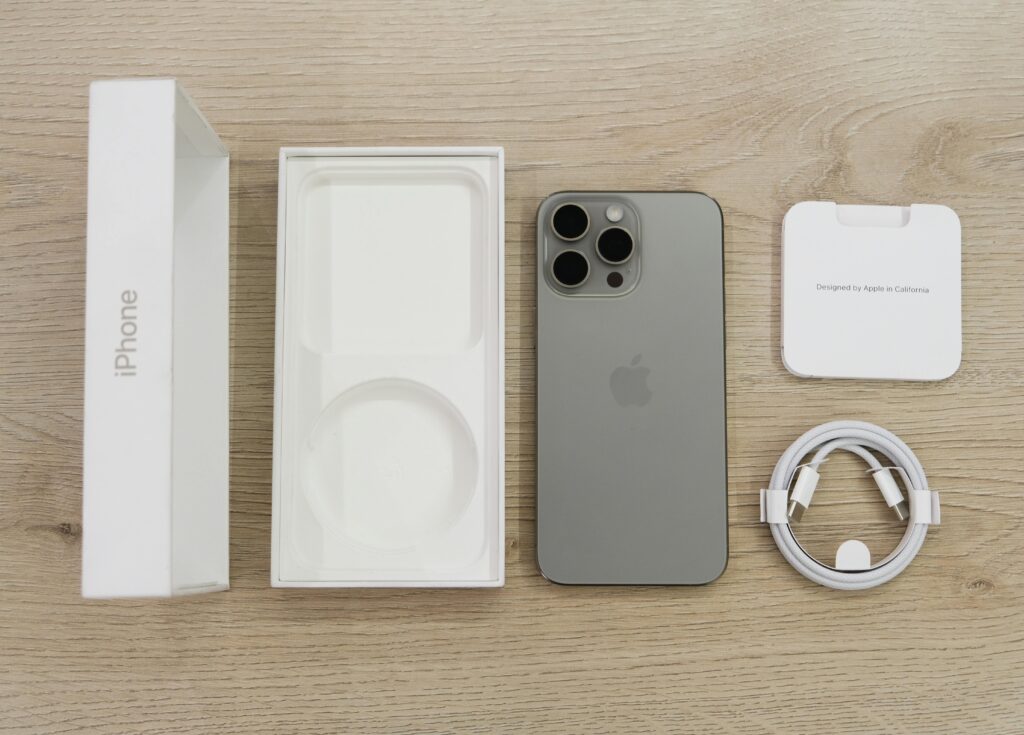
This upgrade is highly recommended, as it will secure the significant technological leaps from both the iPhone 16 and 17 generations.
The shift from a standard 60Hz display to the 120Hz ProMotion screen will feel like a dramatic improvement in your day-to-day usage. Furthermore, you will benefit from the addition of the Action Button, the blistering speed of the A19 chip, double the entry-level storage, and a vastly superior battery life.
Should you upgrade: Yes, if you're looking for a smoother smartphone experience and longer battery life. If you're using the Pro, it's a relatively small upgrade, but you can't go wrong.
3. iPhone 14
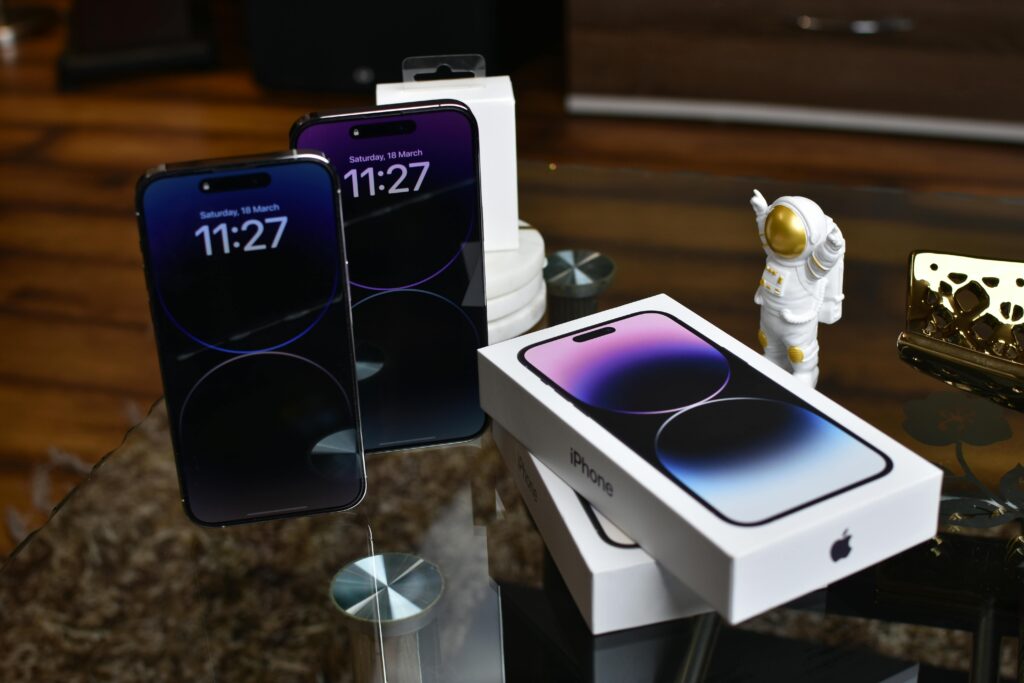
This upgrade is classified as a massive generational leap.
You will gain substantial improvements across the entire device, starting with the long-awaited transition from the ageing Lightning port to USB-C.
The old notch is retired in favour of the versatile Dynamic Island, while the shift from the A15 to the A19 chip ensures a massive gain in processing performance.
Crucially, you also gain the fluid 120Hz ProMotion display. The main camera sees a significant hardware boost, jumping from 12MP to 48MP, which guarantees a major boost in photo quality, particularly in low-light conditions.
Should you upgrade: Yes, it's a recommended upgrade, especially if you're looking to enjoy the latest features from the 17.
4. iPhone 13
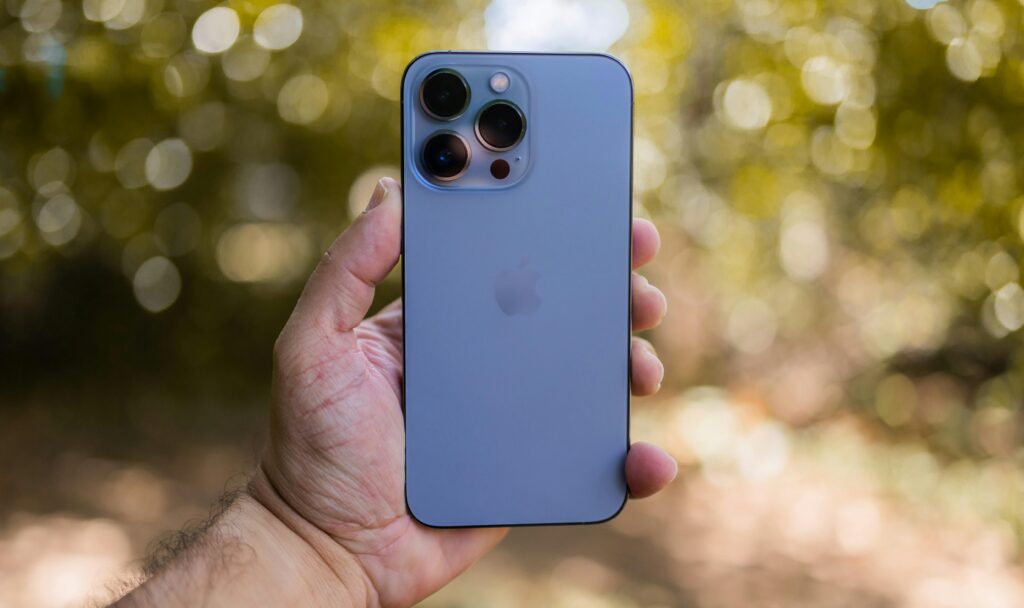
This upgrade is considered essential because the older device is starting to show its age across the board.
Users moving up will experience a massive leap in every category: the Display transitions from standard OLED to the fluid 120Hz ProMotion technology paired with an Always-On display.
Processing receives a major boost, moving from the A15 to the A19 chip.
Finally, the Design is modernised with the replacement of the smaller notch by the Dynamic Island and the adoption of USB-C.
Should you upgrade: Yes.
5. iPhone 12
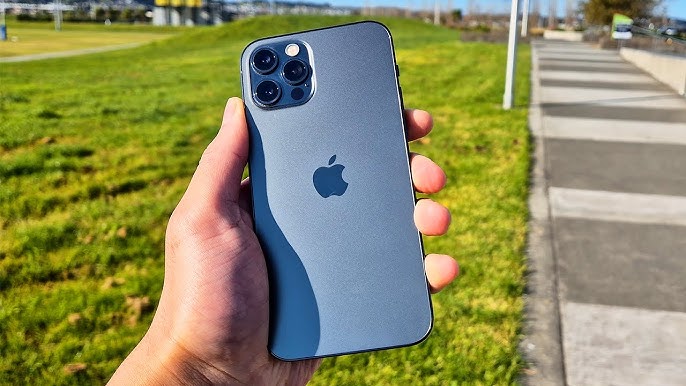
This is a crucial upgrade, given that you are moving from a device that is four generations old.
The cumulative performance difference, moving from the A14 to the A19 chip, is immense, making the iPhone 17 twice as fast in CPU performance alone.
This shift, combined with transformative improvements in battery life and display technology, guarantees a completely modernised experience. You will also gain access to new features like MagSafe charging and accessories, a greatly improved design, and a vastly superior camera system.
Should you upgrade: Yes.
5. iPhone 11
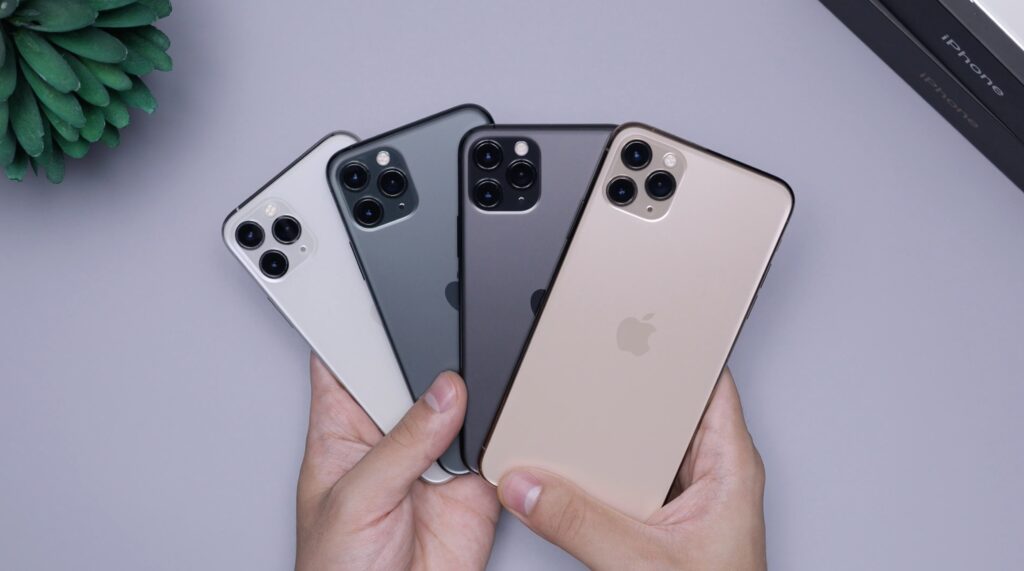
This upgrade is the most dramatic jump possible in the list.
The phone is utterly transformed: the display leaps from an old LCD screen to a brilliant, 120Hz ProMotion OLED panel, which is a night-and-day difference in both smoothness and brightness.
You gain modern features like 5G cellular connectivity and MagSafe charging.
The physical design receives a major overhaul, moving from rounded to flat edges, and the camera system is entirely new, featuring a jump from a 12MP to a 48MP main sensor.
Most critically, the A19 chip is several times faster than the older A13, guaranteeing a transformative jump in app loading, gaming performance, and overall responsiveness.
Should you upgrade: Yes.
Here's a simple rundown for each of the categories above:
The recommendation for iPhone 11, 12, and 13 users is clear: Upgrade as soon as you can.
For these users, the iPhone 17 represents a truly transformative upgrade that touches every single major feature — display, performance, battery life, and camera — making the move feel like a shift from an old-generation device to a premium modern phone.
For iPhone 14 and 15 users, an upgrade is recommended.
You stand to gain the jump to the fluid 120Hz ProMotion display and huge battery life gains, which are significant enough if you prioritise a smoother experience and all-day power.
Finally, for iPhone 16 users, an upgrade is a consideration. Although this gap is the smallest, the addition of 120Hz ProMotion, the improved battery life, and double the base storage make this a compelling purchase, especially for heavy phone users.
You can get the iPhone 17 online through the official Apple store.
