


 Cover image via kinja-img.com
Does your life resemble anything like this fellow?
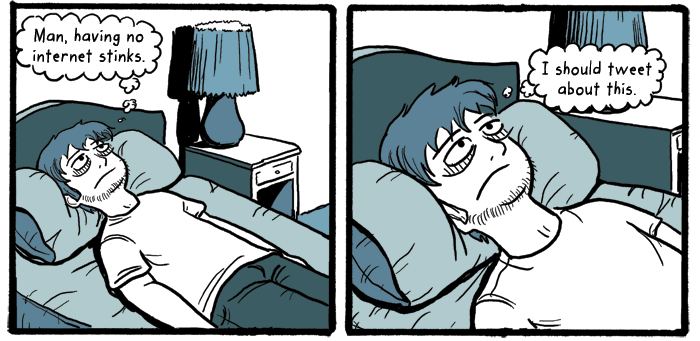
Image via Pretty Jeff
But you don't want it to?
Well, in that case, the only way it's possible is if you commit 'Internet suicide'. In other words, erase all the information about yourself from the Internet. While the process is a bit tedious, it can be done!
Image via Who Is Hosting This
Step 1: Delete your social network accounts
Here's how:

**LinkedIn**: It's fairly easy to delete yourself on LinkedIn. Simply head to your [settings page](https://www.linkedin.com/settings/?tab=account&modal=nsettings-manage-email), click the "Account" icon, then the "close your account" link.
**Twitter**: To delete your Twitter account, head to your [account settings page](https://twitter.com/settings/account), and click "Deactivate my account" at the bottom. While your account gets deleted completely, it will take a few weeks before search results stop showing up.
Step 2: Remove or bury unwanted search results

Image via Gizmodo
Here's how to get the content officially removed from search results and bury the unwanted content so nobody can find it:
Step 3: Remove usernames attached to your name's email address:
Any good internet sleuth will be able to link together your usernames on forums, web sites, and elsewhere with your email address. Subsequently, they'll eventually trace that back to your name.
According to Thorin Klosowski's [post](http://lifehacker.com/5958801/how-to-commit-internet-suicide-and-disappear-from-the-web-forever) on Lifehacker, "the process to remove this data is dependent on the forums and sites you use."
"If you can, unlink your primary email address with your username whenever possible. If you're dealing with forums, ask the moderators to delete any posts that identify you personally. Essentially, cut any ties between your email address or name with your username. If you use the same username for every site, consider coming up with new names for every site."
Unfortunately, even with all these exhaustive steps, there's really no way of knowing if there isn't still some data on you lurking in some dusty, rarely-trafficked corner of the deep web.
To make sure absolutely not a single bite on you stays online, this detailed infographic could help you completely disappear online:

Image via Who Is Hosting This
