Follow us on Instagram, TikTok, and WhatsApp for the latest stories and breaking news.
I've been testing the HONOR Pad 10 over the past week, and I'm genuinely impressed with how versatile and user-friendly it is, especially considering its mid-range price point
Full disclaimer, I am not big on tablets. I already have a laptop and phone so have never really seen the point of a tablet. But after a full week with the HONOR Pad 10, I kind of get it now.
This isn't just a giant screen to watch Netflix on. It's light, powerful, and packed with clever AI tools that genuinely help you stay productive.
The price point's decent too. At RM1,499, you also receive free gifts worth RM1,097 in the form of a Bluetooth keyboard, stylus, and headphones. That's rare.
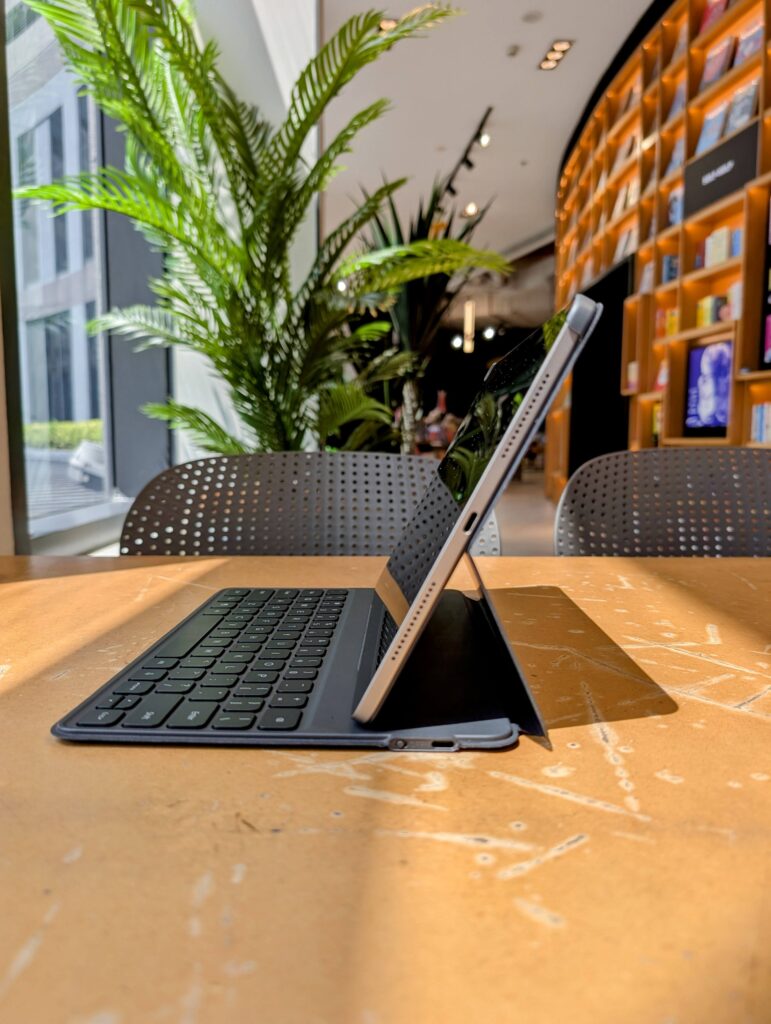
The first thing I noticed was how slim and light the tablet is
At 6.29mm thin and just 525g, it's lighter than most hardcover books but still feels sturdy and well-built thanks to its sleek metal unibody.
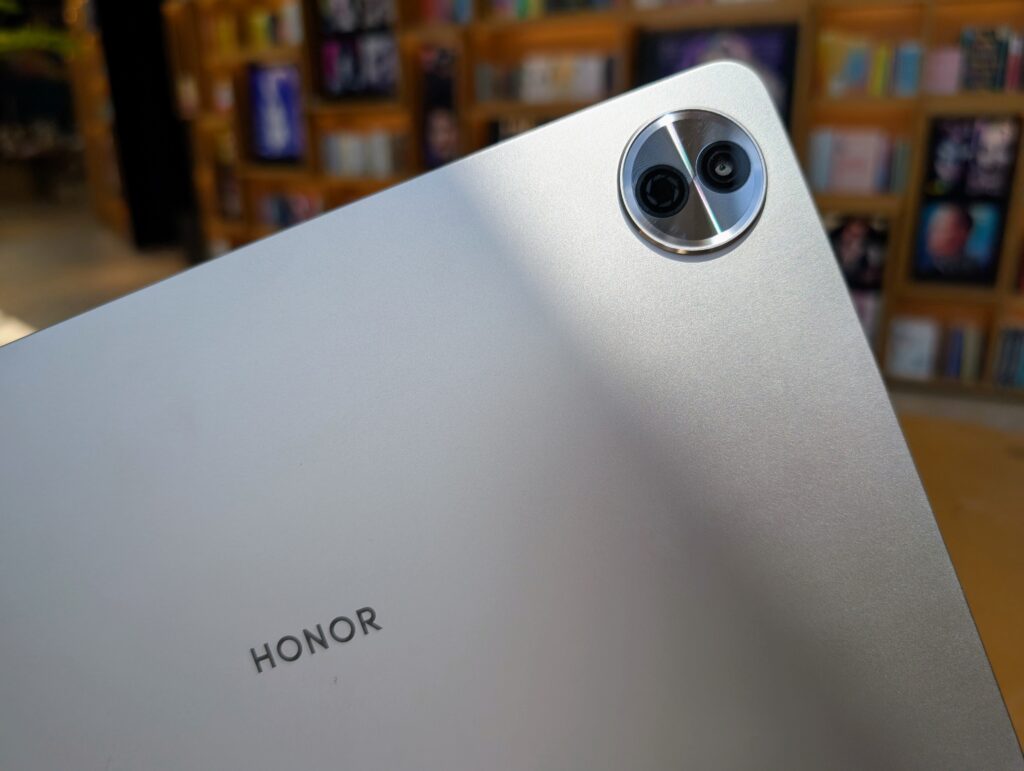
They've used an "industry's first 270° bending process" which, frankly, sounds a bit technical, but what it means for you and me is a tablet that feels both light and sturdy. The Starlight Cloud Ring camera design on the back adds a nice touch of flair.
The design is simple but classy. Mine came in Grey, and there's Cyan too if you prefer a splash of colour. It looks and feels premium, not plasticky or bulky like some other tablets in the same price range.
The screen size is easily one of the best features. It's big enough to multitask comfortably, but not so huge that it's awkward to carry around.
It boasts a 12.1-inch 2.5K HONOR Eye Comfort Display with a resolution of 2560×1600 pixels. The 88% screen-to-body ratio means thinner bezels and more actual screen. Plus, with 1.07 billion colours and DCI-P3 colour gamut, everything from my spreadsheets to my streaming content looked absolutely brilliant.
The 120Hz refresh rate makes scrolling incredibly smooth. Whether it's through social media feeds or lengthy articles, it feels wonderfully fluid.
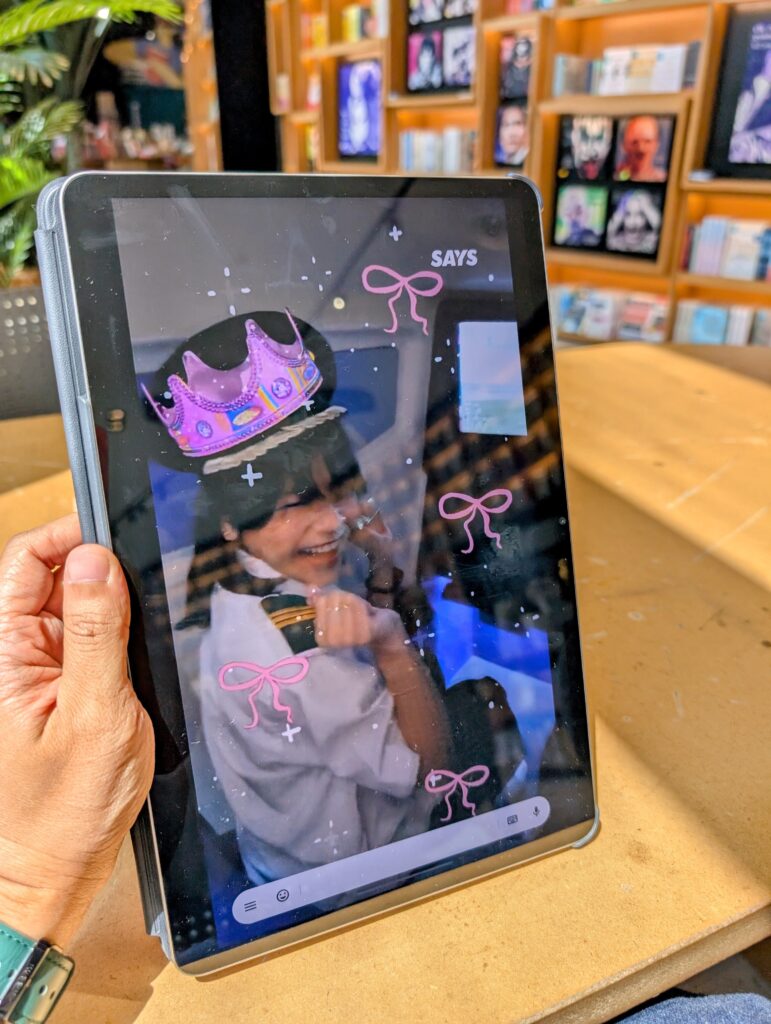
Now, as someone who spends a good chunk of my day staring at screens, the Eye Comfort features were a big selling point for me.
This tablet comes with Dual TÜV Rheinland Certifications for Low Blue Light (Hardware Solution) and Flicker Free Eye Comfort. There's also Dynamic Dimming, which adjusts the screen's light to mimic natural light, and Circadian Night Display, which warms the screen after sunset to supposedly help with melatonin secretion for better sleep.
And the AI Defocus Technology is also quite clever, apparently simulating defocus lenses to reduce eye strain.
Honestly, it's hard to quantify the long-term benefits in a week, but I do believe the HONOR Pad 10's tech will help your eyes not feel as strained compared to other devices.
This tablet has a 10,100mAh battery and I felt it
Even with regular use (a mix of video streaming, typing, social media, and light gaming), I only needed to charge it every other day. HONOR claims it lasts 11.9 hours on TikTok and 8.5 hours while you're playing PUBG: Battlegrounds. I didn't test PUBG specifically, but I did muddle around on Roblox with my kids and it held up just fine.
And when it's time to charge, the 35W wired fast charging gets the job done pretty quickly.
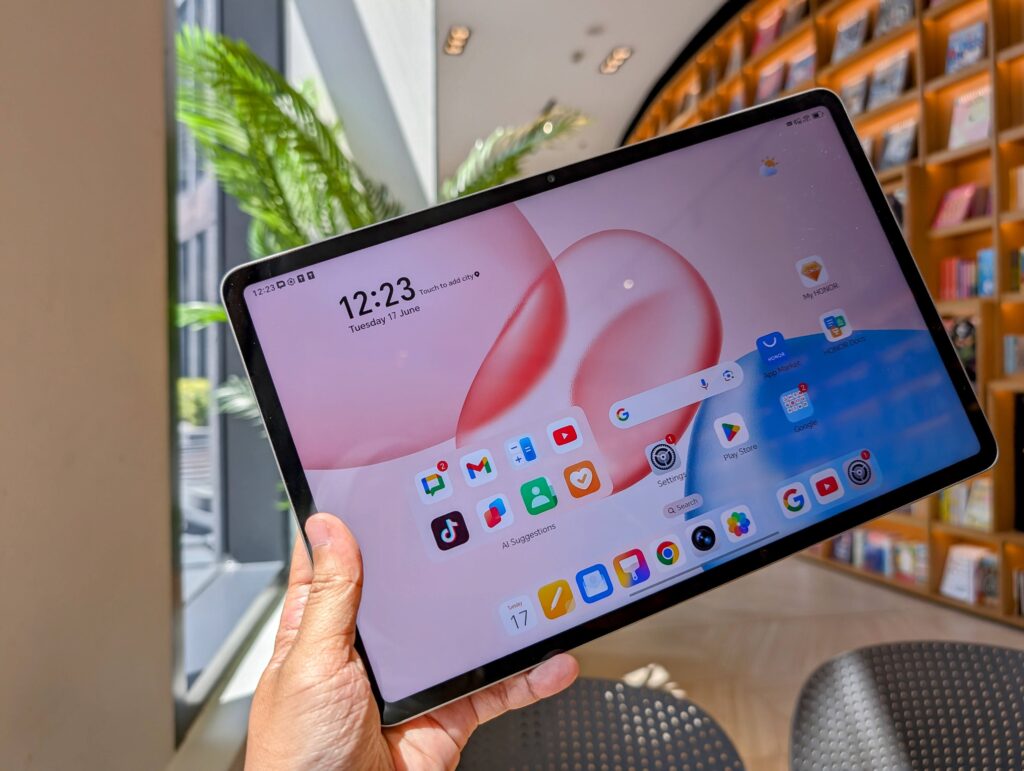
Under the bonnet, the HONOR Pad 10 is running on a Snapdragon 7 Gen 3 Platform. HONOR claims a 50% increase in GPU performance and a 15% boost in CPU performance compared to its predecessor, and I can believe it. Daily tasks, from juggling multiple apps to a spot of casual gaming, felt snappy and responsive. It's not a flagship gaming machine, but for everyday use and even some more demanding apps, it held its own admirably.
This is where the "AI Tablet for Work & Study Productivity" tagline really comes into play
The Pad 10 comes packed with some smart features that genuinely makes life easier:
HONOR Notes
This suite of features is pretty cool. I particularly liked the AI Real-time Speech to Text Transcription. It's incredibly useful for interviews or just jotting down thoughts quickly, although it will misunderstand words and transcribe strange things from time to time.
It also does AI Voiceprint Recognition and can translate spoken words in real-time across multiple languages and dialects. The AI Summary feature helps provide the gist of lengthy documents, and the AI Handwritten Formula Recognition is pretty cool if you're a student or someone who deals with equations.
HONOR Docs
This is essentially a free, one-stop shop for AI-powered document creation and editing. It allows you to create new docs, sheets, and slides, and even has tools for scanning documents, extracting tables, and converting images, sheets, or docs to PDF.
What's more, it integrates with features like inserting scribbles into slides and editable charts with data sources in docs. It's a genuinely useful alternative to other office suites for working professionals.
AI Writing Tools
As a writer, these caught my attention. They offer Smart Creation for drafting text, Polishing and Rewriting for refining existing content, and Correction for checking grammar and spelling across various languages. It's like having a very patient editor built right into your tablet.
HONOR Connect
This is a big one for anyone deeply embedded in the HONOR ecosystem, but also surprisingly versatile for cross-OS collaboration.
I was able to seamlessly link an HONOR smartphone to the tablet for file transfers, network sharing, and even camera sharing. The cross-screen collaboration, where you can drag and drop files and photos between devices, was easy breezy beautiful.
What's even better is that HONOR Connect now extends to iPads, MacBooks, and iPhones, so you can send and receive PDFs, slides, notes, and videos, and even edit documents on the Pad 10 and then share them with a colleague on an iPhone. That's a serious win for cross-platform workflows.
Magic Portal & Magic Capsule
These are HONOR's AI-powered user experience enhancements. Magic Portal intelligently understands your messages and behaviour to suggest relevant apps with a simple drag, which I found surprisingly useful for quickly jumping to related tasks.
Magic Capsule provides seamless multimodal interactions with notifications, allowing you to access important info with a single tap on a notification. It all adds up to a more fluid and less cluttered experience.
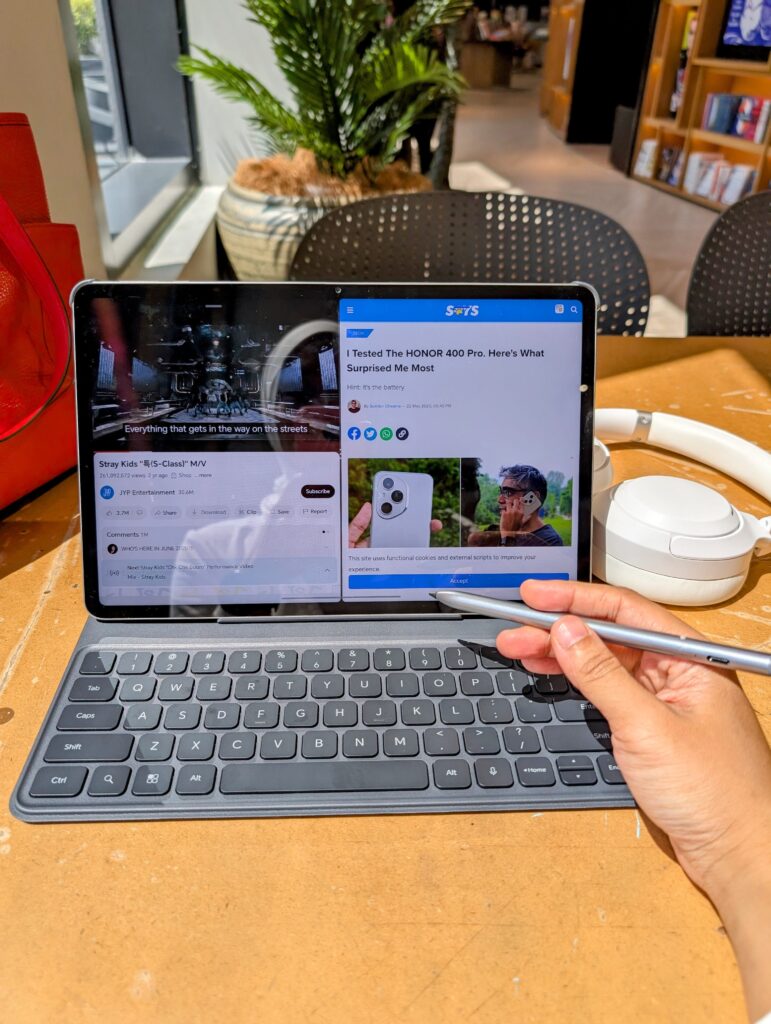
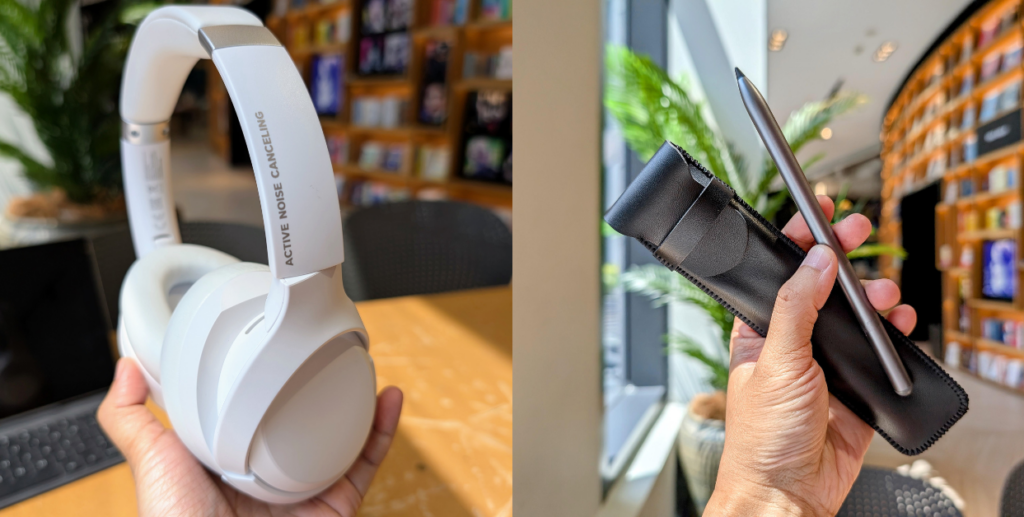
The HONOR Pad 10 offers a PC-like work experience, especially as it bundles with a free HONOR Smart Bluetooth Keyboard, HONOR CHOICE Pencil, and HONOR CHOICE Active Noise Canceling Headphone

The keyboard is comfortable to type on, transforming the tablet into a proper workstation for emails and documents. So much so that I often forgot I was on a tablet and would instinctively move my hand to where a touchpad normally would be.
The HONOR Pencil, while not quite on par with some of the more expensive stylus options out there, is perfectly capable for doodling, note-taking, and basic sketching.
The headphones are a nice bonus too, offering decent sound quality and noise cancellation for focused work or immersive entertainment.
So, after a week with the HONOR Pad 10, would I recommend it? Absolutely.
At RM1,499 (and with those fantastic free gifts worth RM1,097), it offers incredible value for money.
It's a powerful and versatile tablet with a stunning display, excellent battery life, and a suite of AI-powered productivity features that genuinely enhance the user experience.
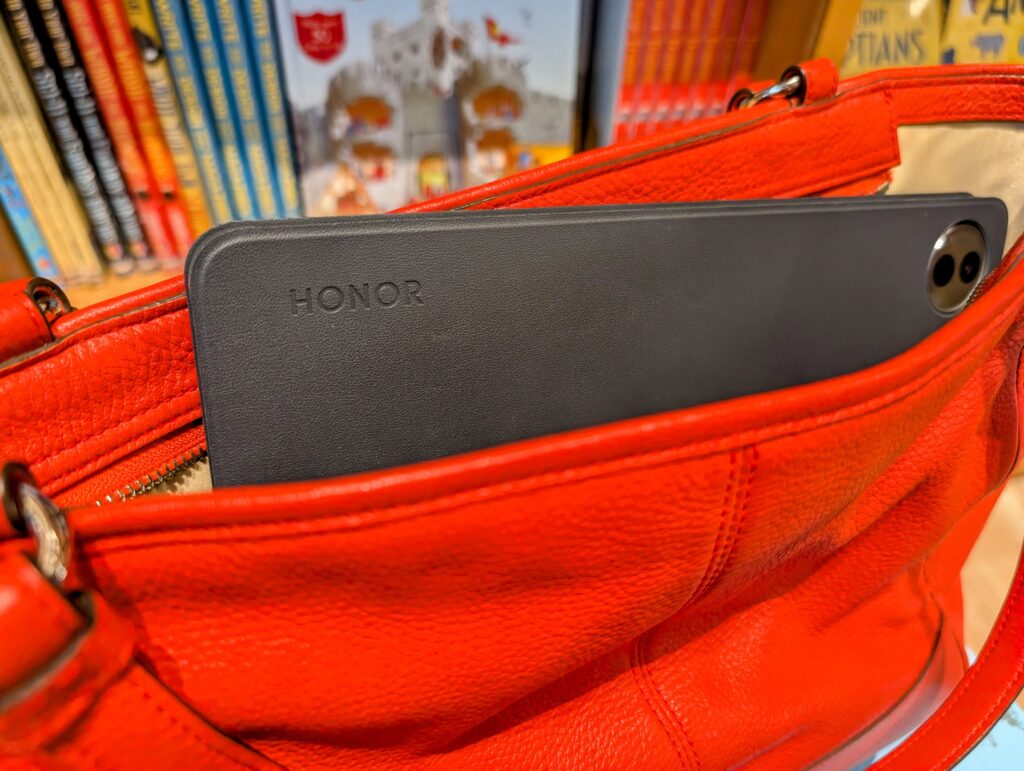
I found it especially handy on days when I had to cover events and didn't want to lug my heavy laptop around with me. I could just whip out the HONOR Pad 10 and get my work done on the spot. It now has a permanent home in my tote bag.
Whether you're a student, a professional, or simply looking for a solid entertainment device, the HONOR Pad 10 punches well above its weight.