 Cover image via Mashable
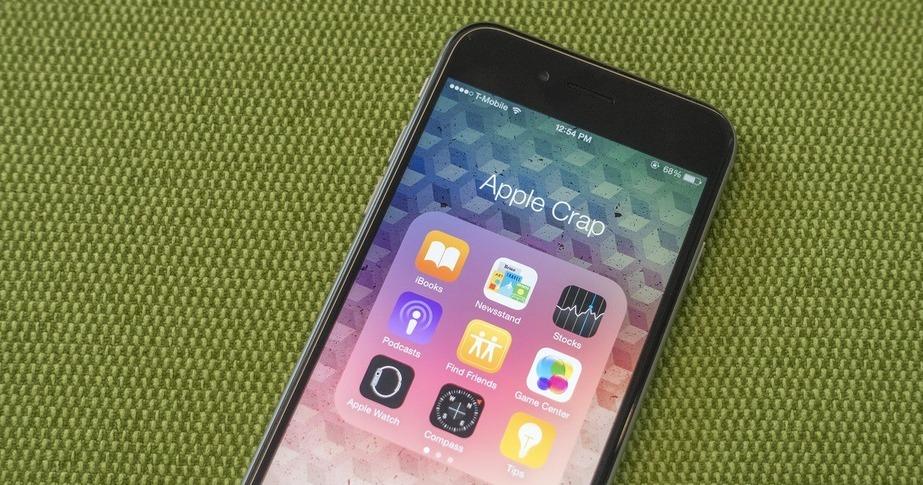
If you own an iPhone, you've probably come to terms with the fact that default Apple apps are here to stay and they are probably buried in a folder somewhere in your home screen. Quite the eyesore, right?
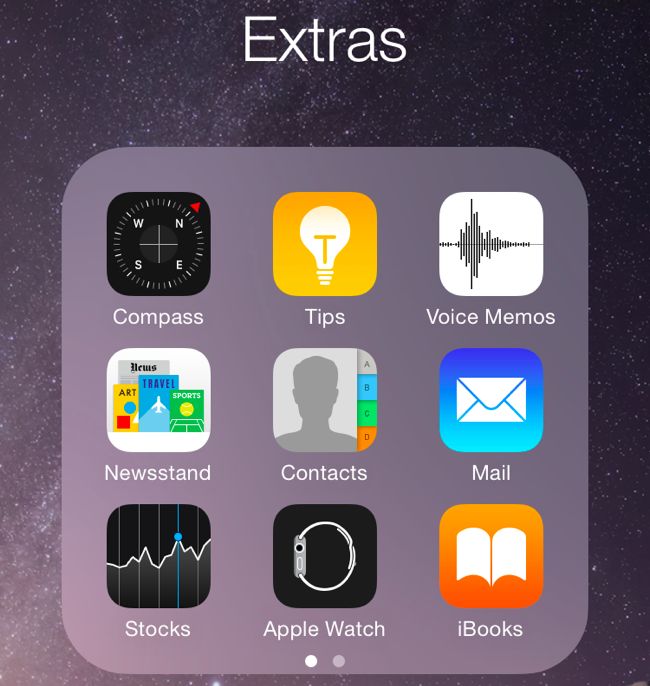
Image via How To Geek

Here's the good news – if you have an iPhone 6s, iPhone 6 or any other iPhone model capable of running iOS 9, there is a new trick where you can 'get rid' of the default apps from your home screen!

Image via Giphy

The trick came from Youtuber user videosdebarraquito who uploaded a short tutorial video that has gotten almost 400k views.
First, put all the apps you want to get rid of into a single folder.
To create a folder, just drag an app onto another.
Now, drag the app over to the next page within the folder, and then to the page after that
You'll see three dots at the bottom of the folder, which will show you which page you're on.
Finally, tap the home button without letting go of the app!
Voila, it disappears without a trace!