


 Cover image via
Follow us on Instagram, TikTok, and WhatsApp for the latest stories and breaking news.
Google has officially launched its Personal Intelligence feature on the Gemini app in Malaysia today, 15 April, 2026
This rollout follows the initial launch in the US, aiming to make the AI more helpful by learning what matters most to your digital life.
The feature allows Gemini to securely connect information from various Google services, including Gmail, Google Photos, YouTube, and Search, to provide uniquely tailored answers.
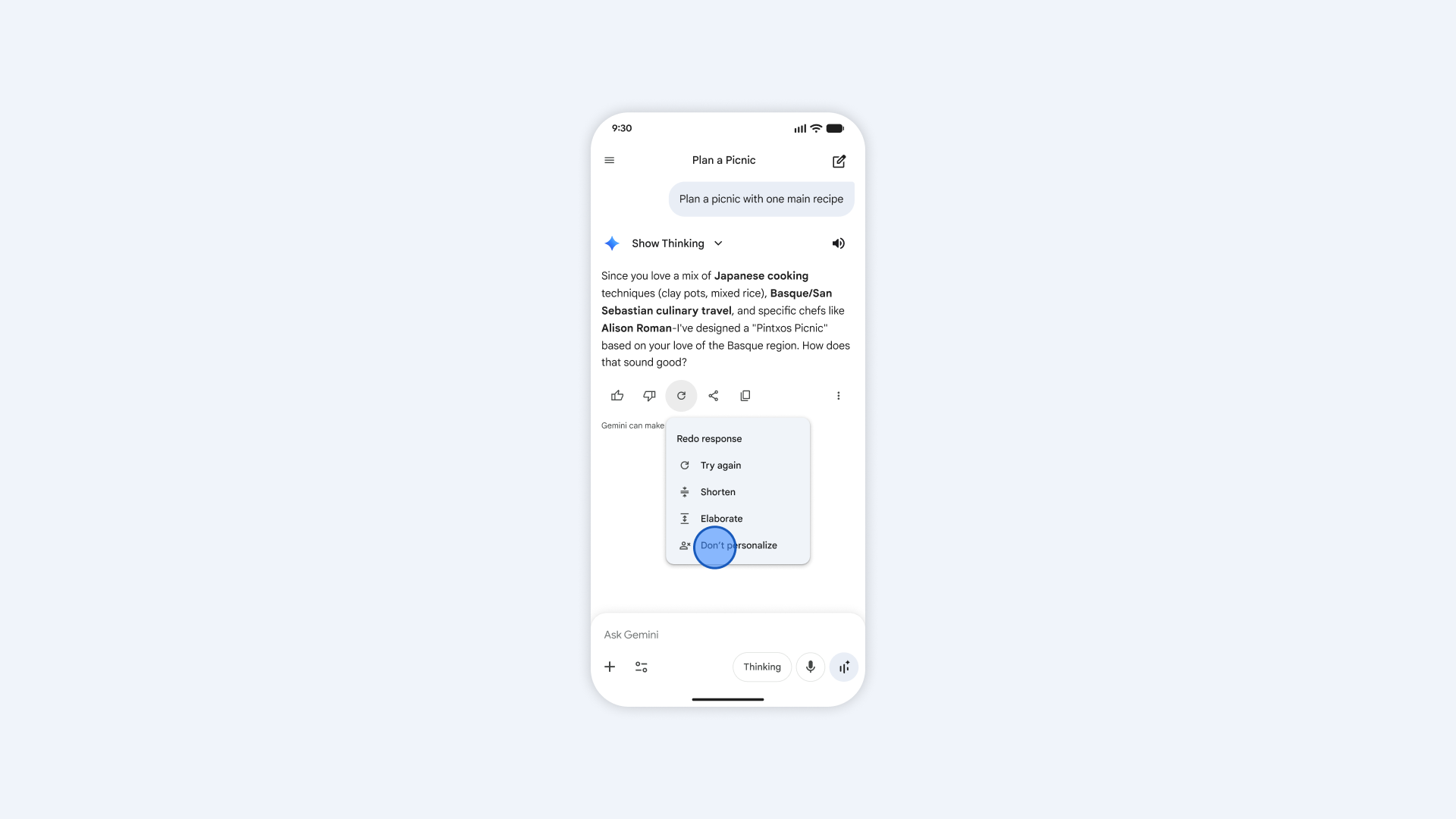
By retrieving details from confirmation emails or saved screenshots, Gemini can now answer complex questions about travel plans or restaurant recommendations
It can pull flight details into a timeline or suggest a nasi kandar spot based on your recent watch history.
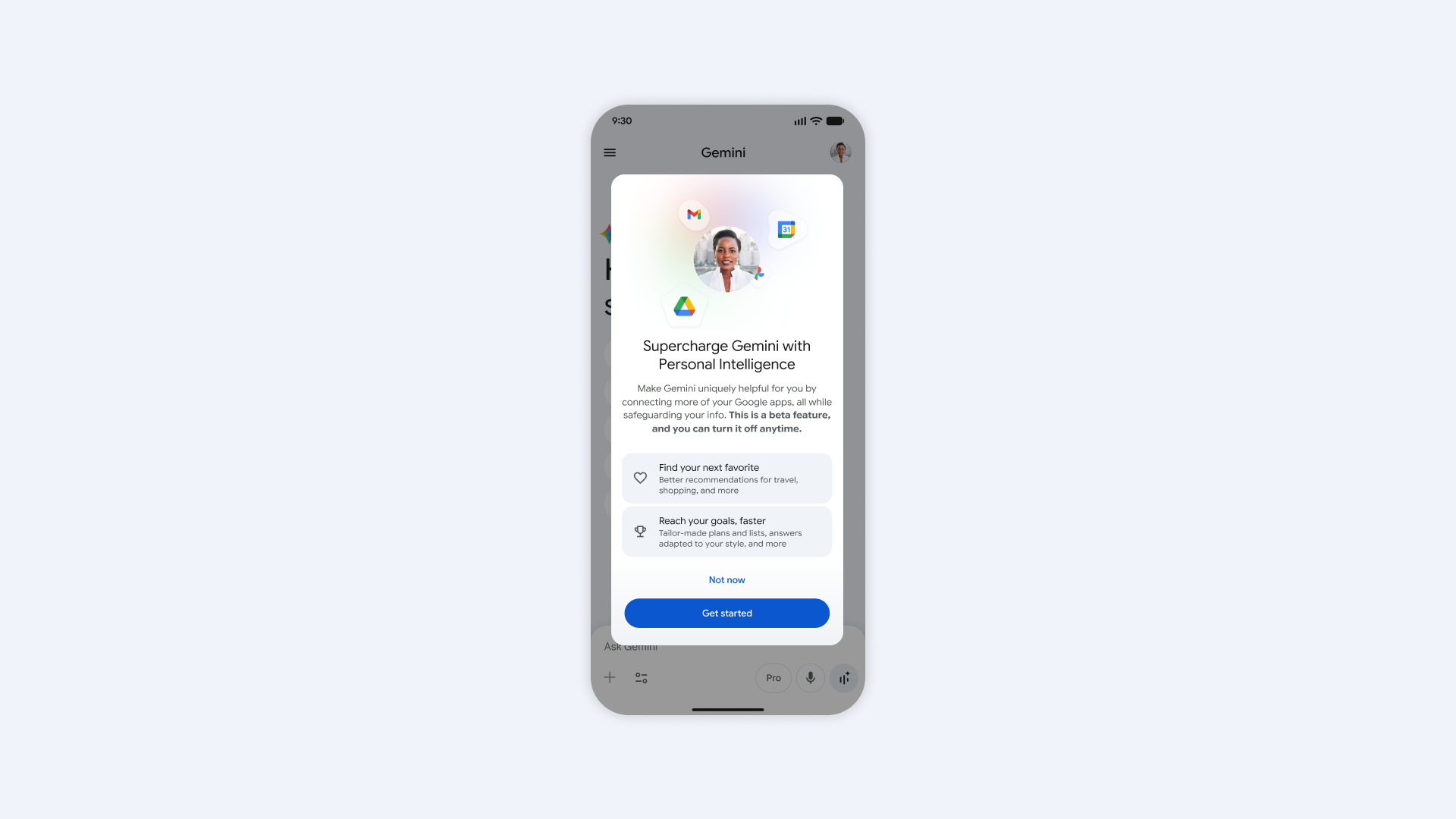
The tech giant claims it built the service with privacy in mind, ensuring that connecting apps are turned off by default.
Users maintain full control over which apps to link, and they can disconnect them or delete their history at any time.
Google said it does not train the AI directly on your personal Gmail inbox or Google Photos library
Instead, the model references these sources specifically to deliver replies, with personal data filtered or obfuscated.
To help you verify information, Gemini will attempt to reference or explain which connected source it used for an answer.
If a response feels slightly off, you can correct the AI on the spot, for example, by saying, "Remember, I prefer window seats," Google said.
The experience is currently rolling out to personal Google accounts for eligible Google AI Plus, Pro, and Ultra subscribers
Free users in Malaysia can expect to see the invitation on their home screens in the coming weeks.
Once enabled, Personal Intelligence works across web, Android, and iOS platforms.
To activate it, you can navigate to the settings in the Gemini app, tap on 'Personal Intelligence', and select your preferred connected apps.
