


 Cover image via 9kdesigns
Photoshop needs no further introduction. The photo editing software has been so popular in recent times, that you can use its name as a verb.
Image via prodesigntools
Although Photoshop is a wonderful software, it could be overkill for basic image editing. Also, not forgetting the hefty price tag – the most basic Adobe Creative Cloud plan which includes Photoshop and Lightroom (a software for image processing) will cost you a monthly commitment fee of RM29.99.
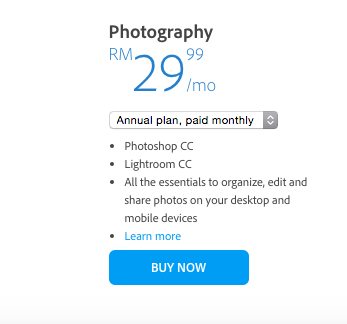
Image via Adobe
Yeah, paying every month for ad-hoc usage could be too big of a commitment.
In this week's Tech Tuesday, we've chosen some of the best Photoshop alternatives you can use without spending a single cent.
1. Adobe Photoshop Express: FOC, Photoshop Express has all the basic features of its paid equivalent
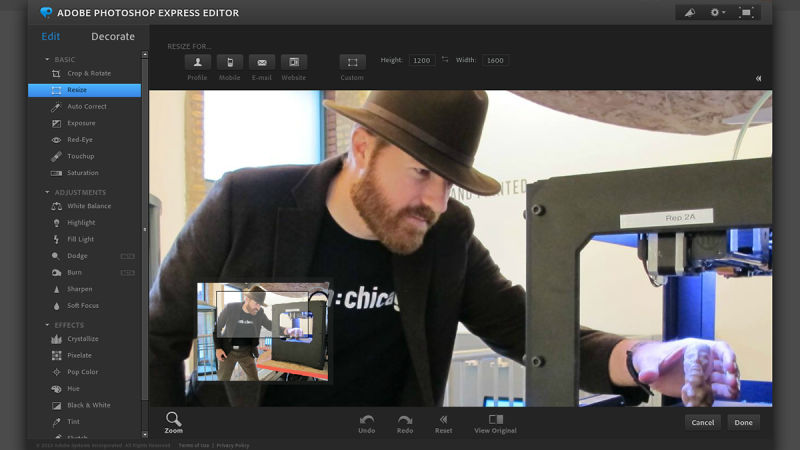
Image via Gizmodo

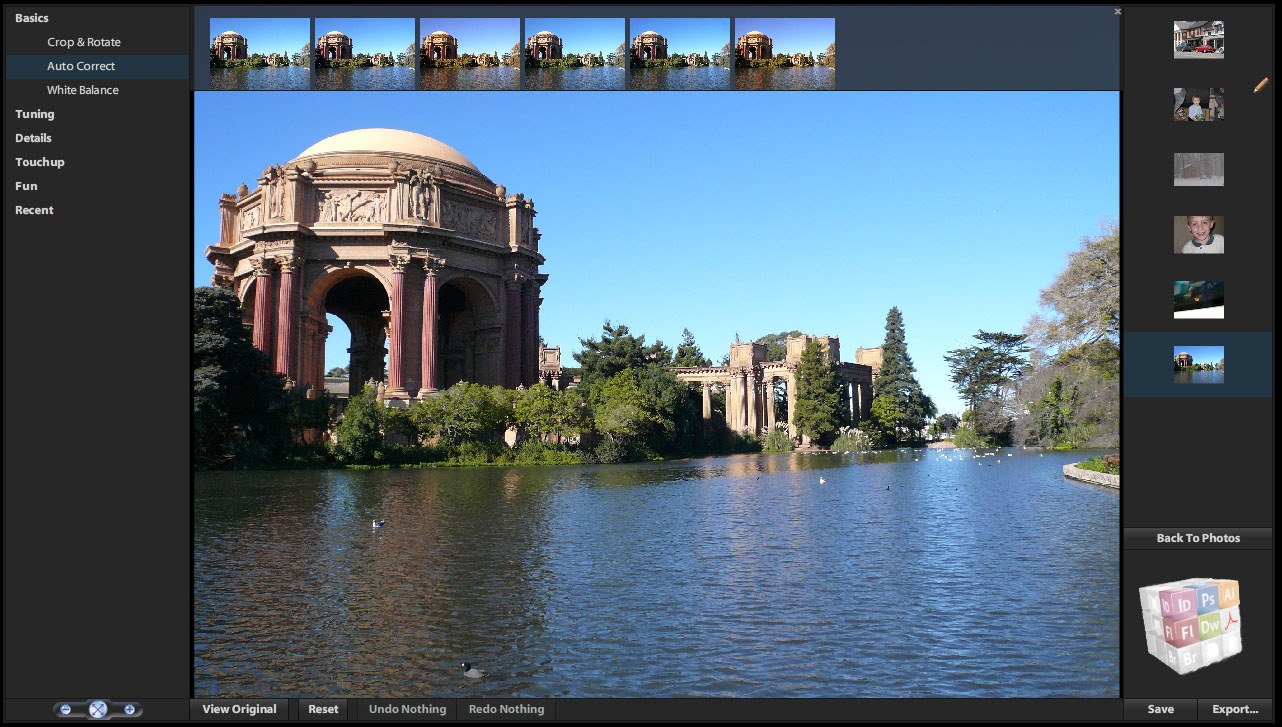
Image via Adamwagler
Check out Adobe Photoshop Express [here](http://www.photoshop.com/tools). You can always download the app on [iTunes](https://itunes.apple.com/en/app/adobe-photoshop-express/id331975235?mt=8) and [Google Playstore](https://play.google.com/store/apps/details?id=com.adobe.psmobile&hl=en)
2. GIMP (Gnu Image Manipulation Program): Usually the go-to for anyone who looks for a free desktop software program, with capabilities similar to Photoshop
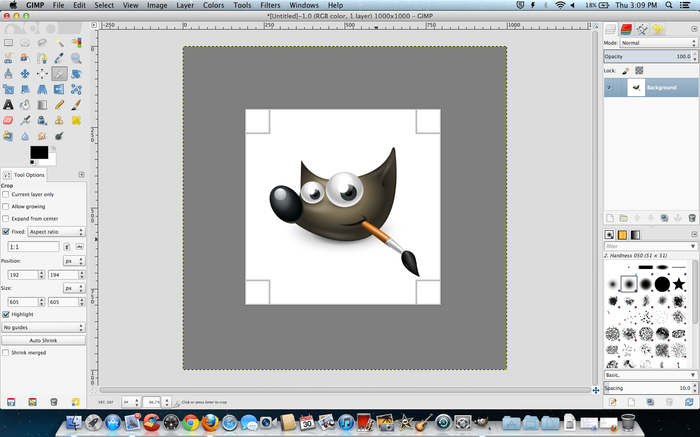
Image via GIMP

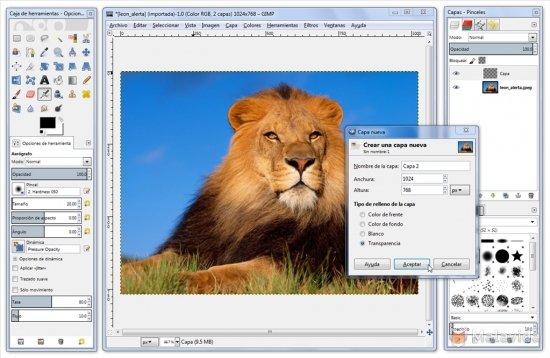
Image via Malavida
You can download GIMP [here](https://www.google.com/search?q=gimp&es_sm=91&biw=1069&bih=640&source=lnms&sa=X&ved=0CAYQ_AUoAGoVChMItZeWgqStyAIVh7eOCh0DSgFg&dpr=1#q=download+gimp).
3. Canva: With over 10 types of available templates you can choose from, Canva is a design service made simple
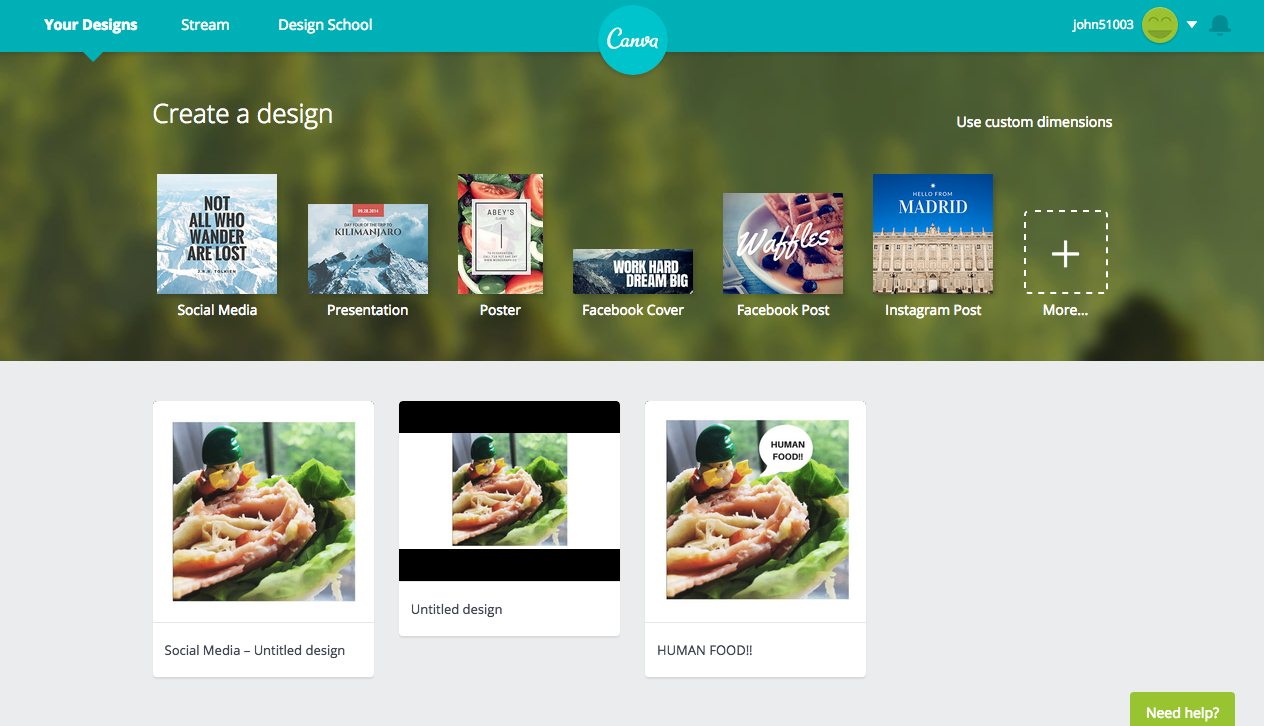
Image via SAYS

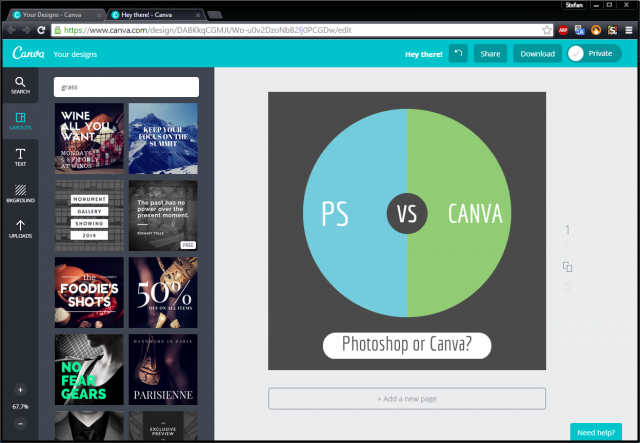
Image via Groovypost
Check out Canva [here](https://www.canva.com/).
4. Pixlr: A browser-based photo editing tool, Pixlr is fast, accessible and allows users to create images from scratch
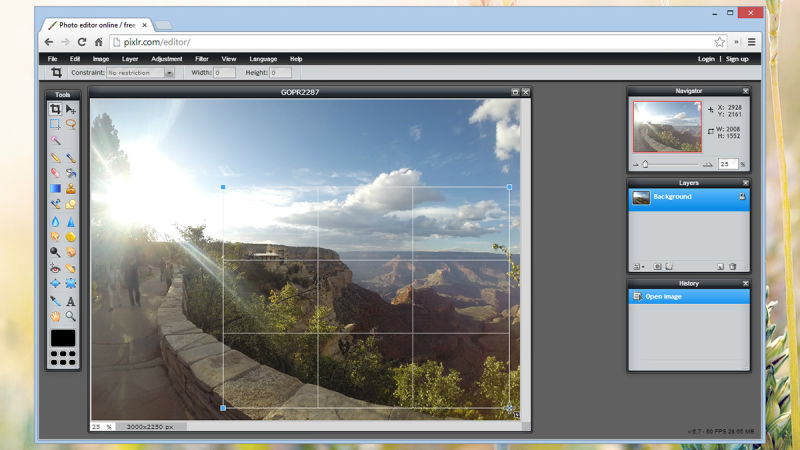
Image via Pixlr

Image via Pixlr
From the advanced color picker to the plethora of image adjustment options, there's a lot to like about Pixlr, and the fact that you can tweak many of the tool options adds to the appeal for advanced users.
Check out Pixlr [here](https://pixlr.com/).
5. PicMonkey: The online tool offers many of the basic editing features for touching up your photos and creating collages

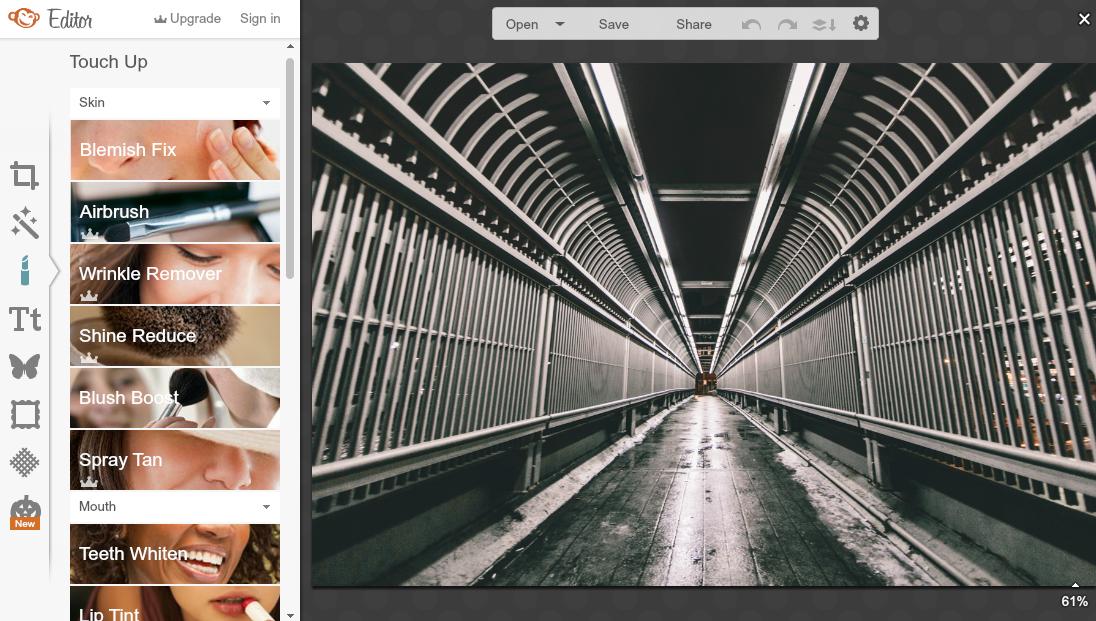
Image via Picmonkey
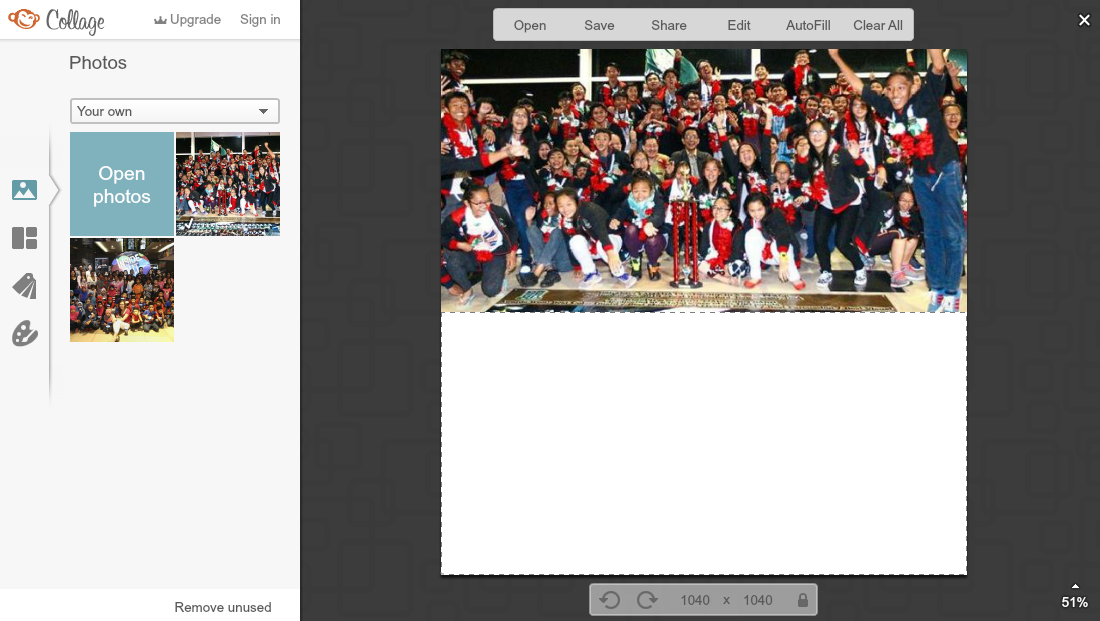
Image via Picmonkey
Check out PicMonkey [here](www.picmonkey.com).
6. Fotor: You get to work with a nice set of tools that you can use to edit your photos singly or in batches, and create collages for all occasions
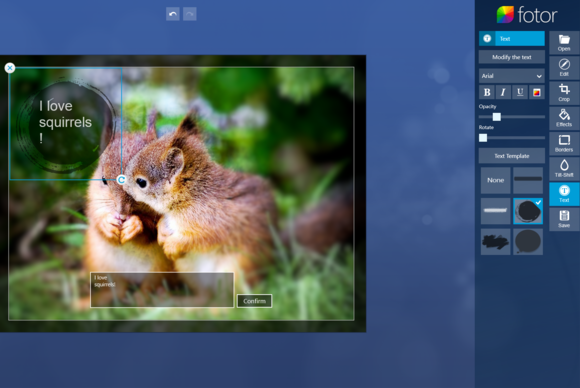
Image via PCWorld
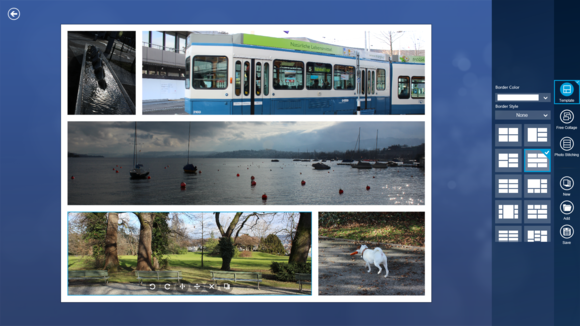
Image via PCWorld
Check out Fotor [here](http://www.fotor.com/).
