


 Cover image via Mashable
Quick question before you read on!
Did you choose Chrome? No surprise there! Often praised for its speed, extensibility and cool syncing features, Google Chrome is one of the best web browsers around

Image via techcrunch

However, there's one downside to Chrome – it has a HUGE appetite for RAM (Random-access memory)

Image via Lifehacker
Just how much RAM does Chrome consume? Take a look at your task manager, and you'd probably flip out at the amount of memory it eats up
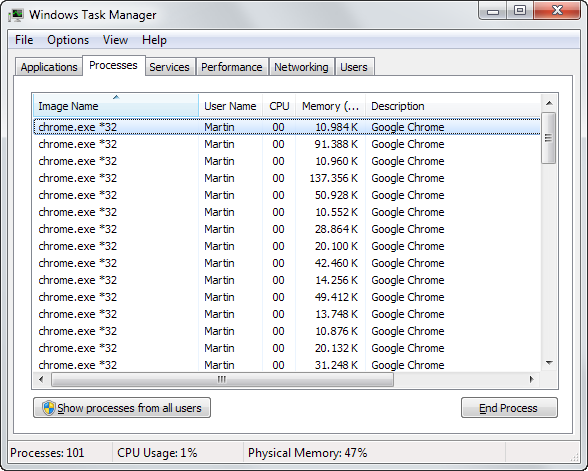
Image via ghacks
So, what does Chrome use all that RAM for?
Now that you've read about Chrome's gluttonous appetite, how do you control it? In this week's Tech Tuesday, we outline some of the best Chrome extensions to manage RAM usage, like:
1. The Great Suspender: The extension helps you suspend idle tabs to free up some RAM
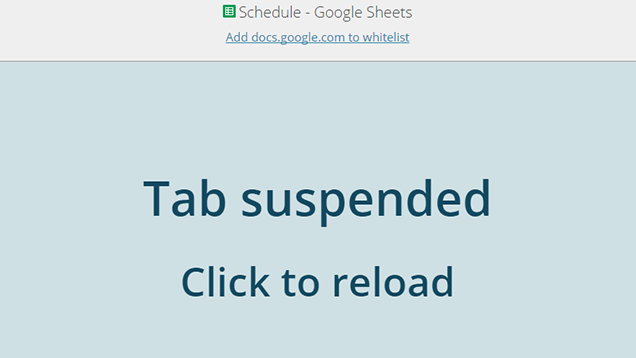
Image via Lifehacker

Image via SlashGenie
Download The Great Suspender for Google Chrome [here](https://chrome.google.com/webstore/detail/the-great-suspender/klbibkeccnjlkjkiokjodocebajanakg?hl=en).
2. OneTab: If you're someone who surfs the web with lots of open tabs, OneTab is for you

Image via techpp
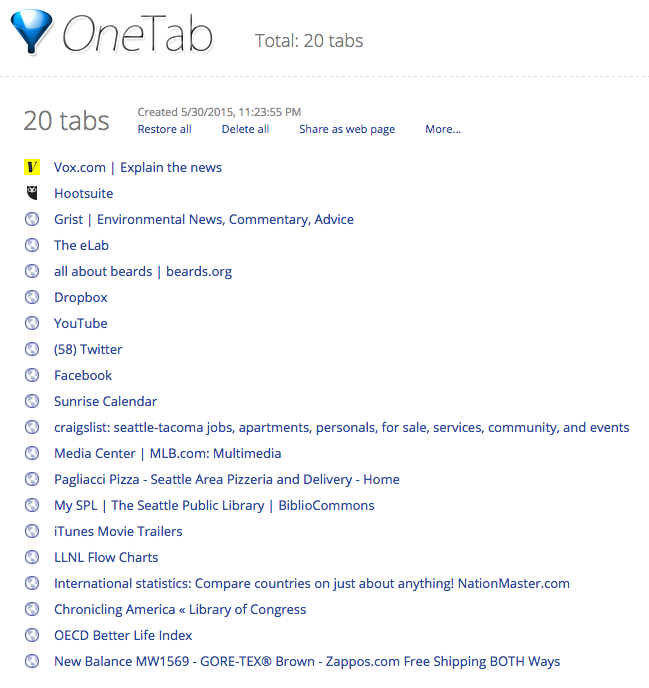
Image via Vox

Download OneTab for Google Chrome [here](https://chrome.google.com/webstore/detail/onetab/chphlpgkkbolifaimnlloiipkdnihall?hl=en).
3. TabMemFree: While this extension shares similarities with The Great Suspender, TabMemFree automatically monitors all open tabs
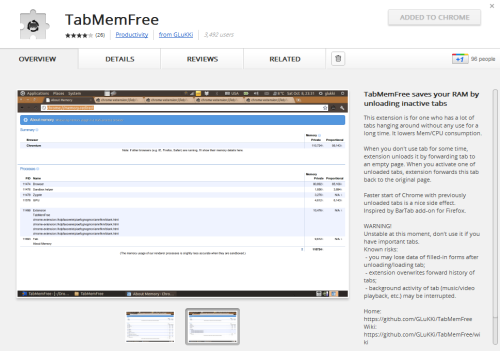
Image via Kuqin
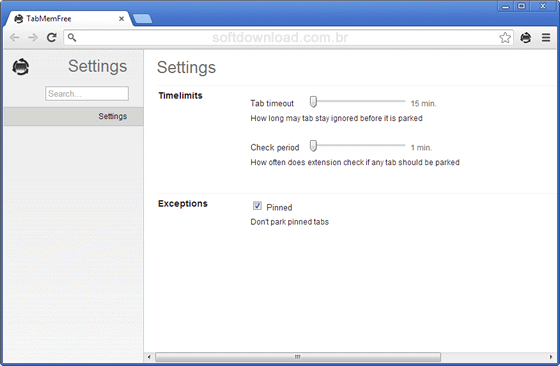
Image via Softdownload
Download TabMemFree for Google Chrome [here](https://chrome.google.com/webstore/detail/tabmemfree/pdanbocphccpmidkhloklnlfplehiikb).
4. Tab Hibernation: A one-button tool that puts all tabs into sleep except for the one that you're currently viewing
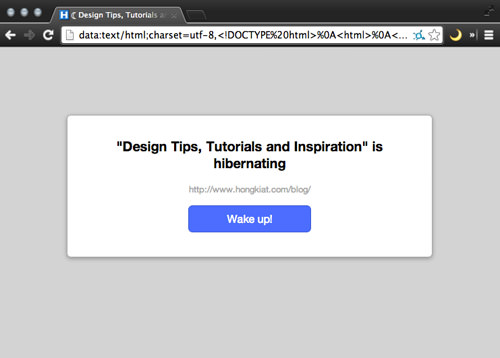
Image via Hongkiat
Download Tab Hibernation for Google Chrome [here](https://chrome.google.com/webstore/detail/tab-hibernation/pbdpajcdgknpendpmecafmopknefafha?hl=en).
5. TooManyTabs: The extension provides quick access to the number of tabs you've opened and comes with management options

Image via Thenextweb
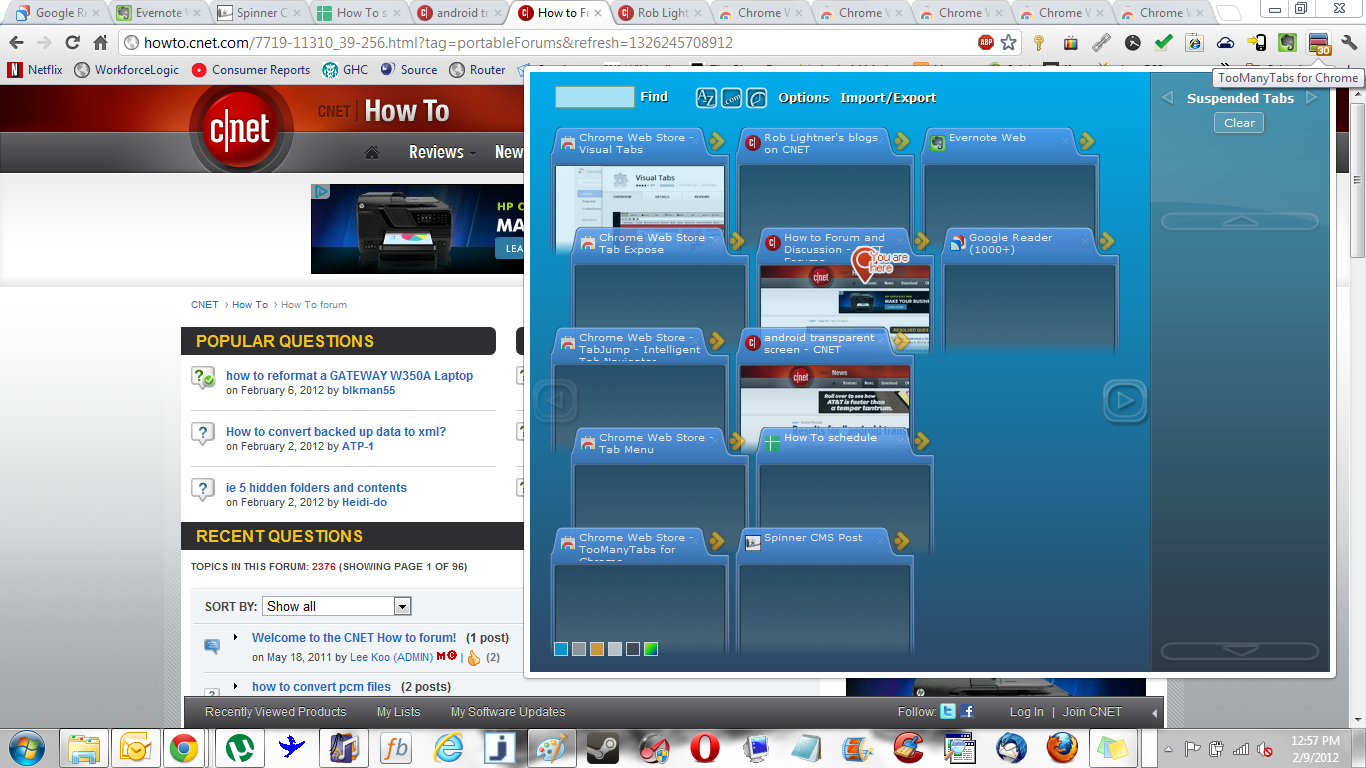
Image via cnet
Download TooManyTabs for Google Chrome [here](https://chrome.google.com/webstore/detail/toomanytabs-for-chrome/amigcgbheognjmfkaieeeadojiibgbdp?hl=en).
6. Tab Outliner: At its core, it's a tab management solution that opens up a tree-style view of tabs in its own window
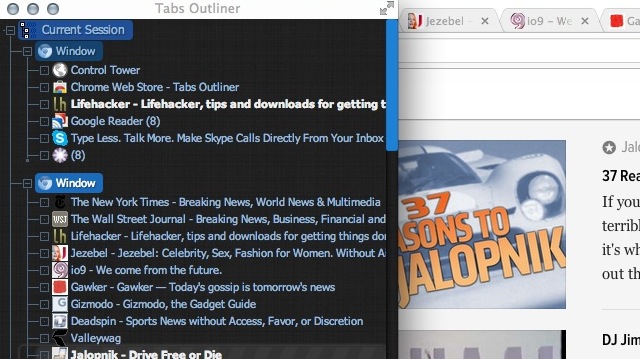
Image via Lifehacker

Download Tab Outliner for Google Chrome [here](https://chrome.google.com/webstore/detail/tabs-outliner/eggkanocgddhmamlbiijnphhppkpkmkl?hl=en).
