


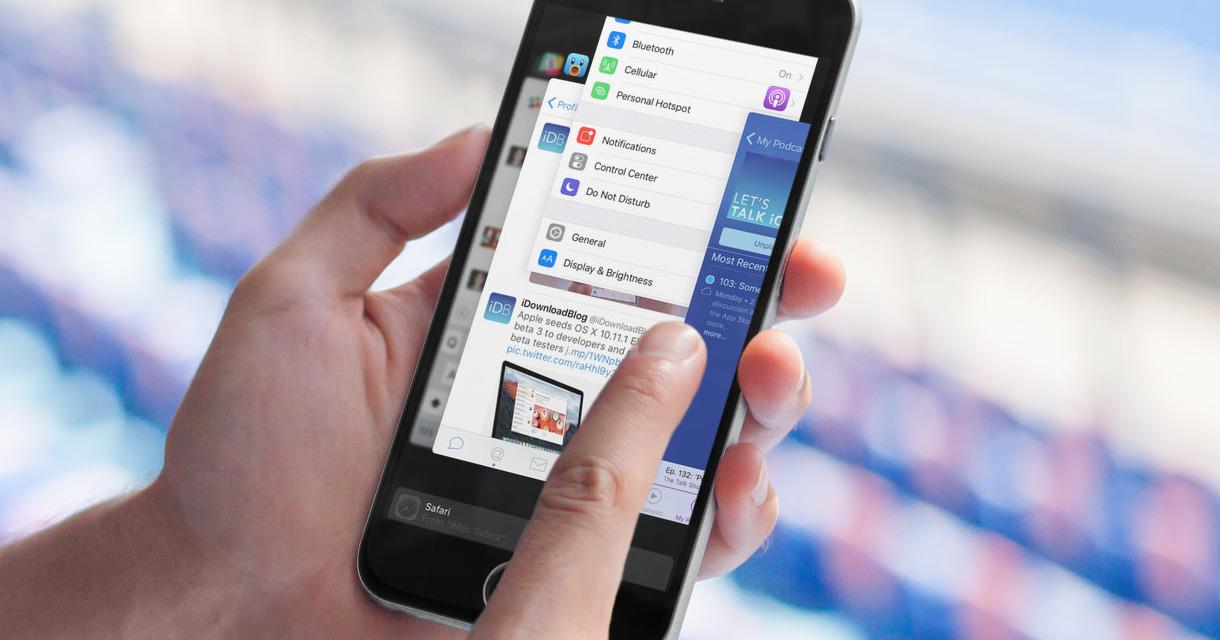
 Cover image via idownloadblog
You're out with your friends and you realised your phone's battery is diminishing at an alarming rate. There isn't a charger or power bank in sight too!
What do you do?

Image via Giphy
**Your first instinct would be to close all your apps to slow down the draining of your battery, right?**
You couldn't be more wrong! Both Apple and Google have confirmed that closing your apps does absolutely nothing to improve your battery life.

Image via Giphy
Yup, seriously!
An Apple customer named Caleb emailed company chief executive Tim Cook to find out if the theory works. While Cook didn't write back, iOS chief Craig Federighi replied with a short and sweet response.
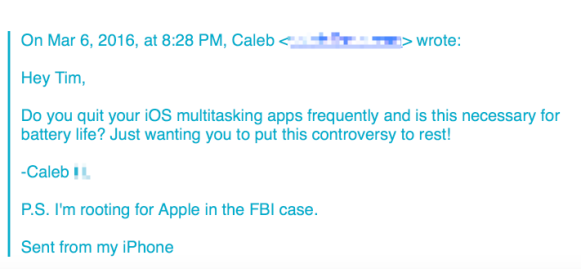
Image via 9To5Mac
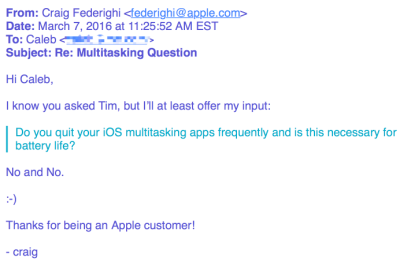
Image via 9To5Mac
It's actually pretty common for Apple executives to reply to customers from time to time and the replies are often short but succinct, just like Federigh's.

Not only does it not help, but your phone's going to do more work in the long run reloading those apps from scratch
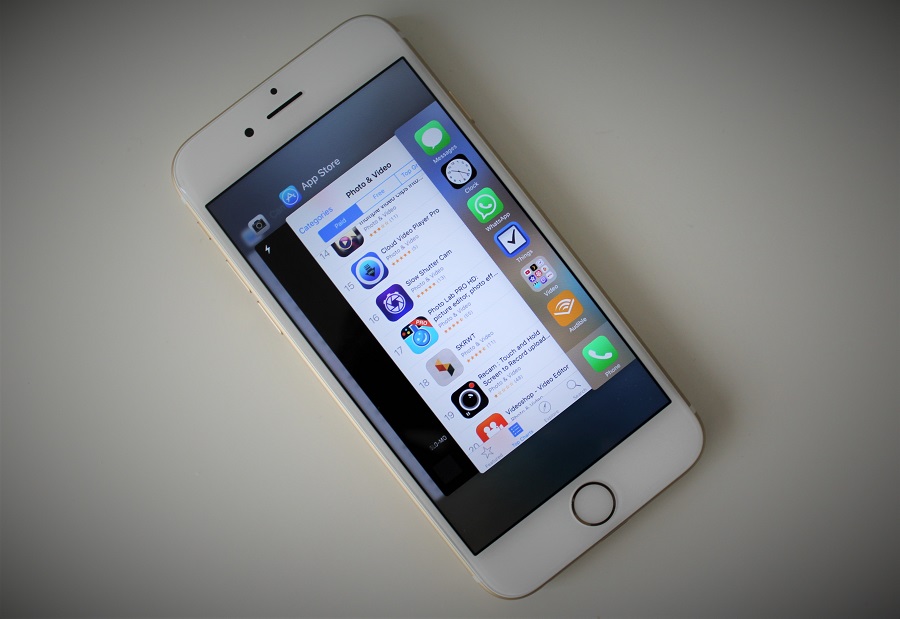
Image via iPhone Hacks

You see, those apps in your multitasking menu are actually not running in the background at all!
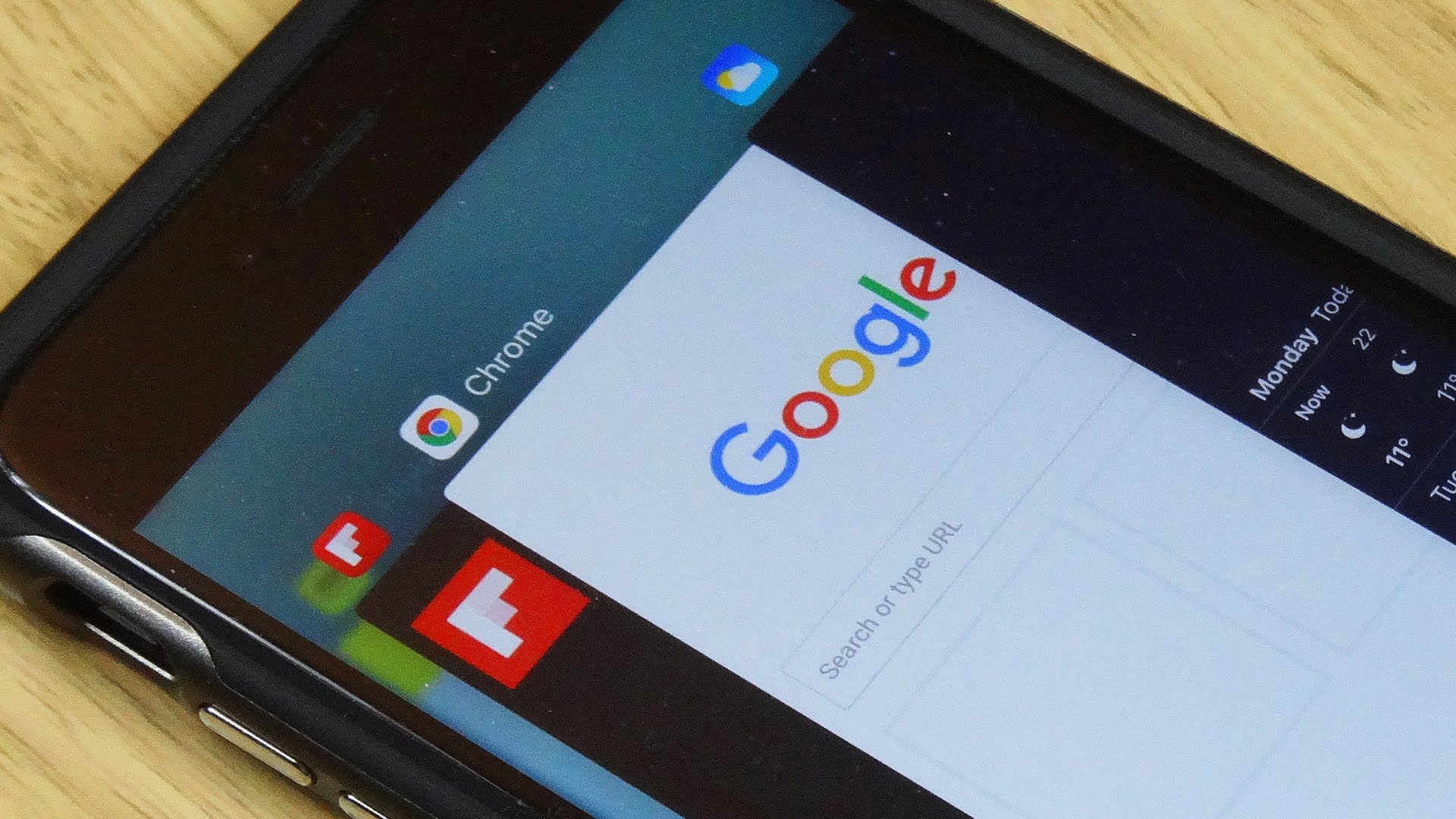
Image via YouTube
iOS actually freezes them where you last left the app so that it's ready to go if you go back. Unless you have Background Refresh enabled, your apps are not allowed to run in the background unless they are playing music, using location services or recording audio.
What about Android devices? Does the same concept apply?

Image via Droid Life
Yup, the same concept applies. In fact, Hiroshi Lockheimer, the VP of Engineering for Android, says closing your apps might make things worse.
Lockheimer also explained that the Android system is designed to manage apps on its own and messing with it will cause more 'trash'. You can read the series of tweets [here](https://twitter.com/lockheimer/status/709424479491874816?ref_src=twsrc%5Etfw).
On both Android and iOS, algorithms run memory management, meaning that the system would automatically close apps that needs to be closed

Image via YouTube
These apps are typically apps that have been dormant for a while or are using more power or memory than they should. Both systems are very good at knowing when you're going to need data, or want a refresh, or open an app again. You're far better off letting the system work for you rather than forcing it to re-open and re-start everything every time.
If you're into saving battery, there are lots of things you can do like using Low Power Mode in iOS, or enabling Doze on Android
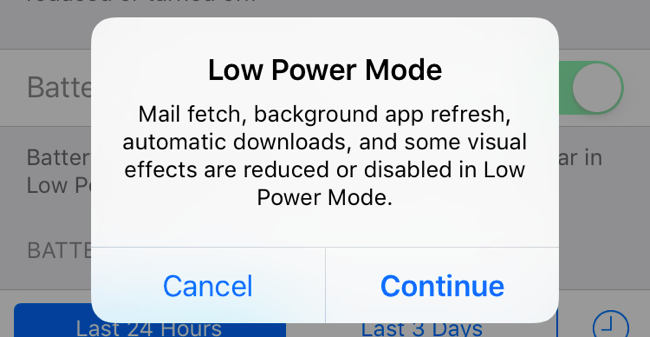
Image via How To Geek
You could also turn down screen brightness and turn off background refresh for apps like Skype, Instagram and Facebook. If you're desperate, putting your phone on Airplane mode would be the thing to do.
**Just remember to stop swiping your apps out of view, because it's not helping. If anything, it's making it worse.**
If all things fail, you could be in dire need of a new phone. Research, compare prices and grab [Lazada Coupons](http://coupon.says.com/lazada-coupons/) for a better deal.
