


 Cover image via
If you're on WhatsApp and need to create an AI image without opening the ChatGPT app, you're in luck
ChatGPT can now generate pictures directly in WhatsApp.
Previously, you had to generate an image on the ChatGPT app, download it, and then upload it to WhatsApp to share with your friends and family.
Thanks to this update, it's now much more convenient to generate and share AI-generated images, all within the same app.
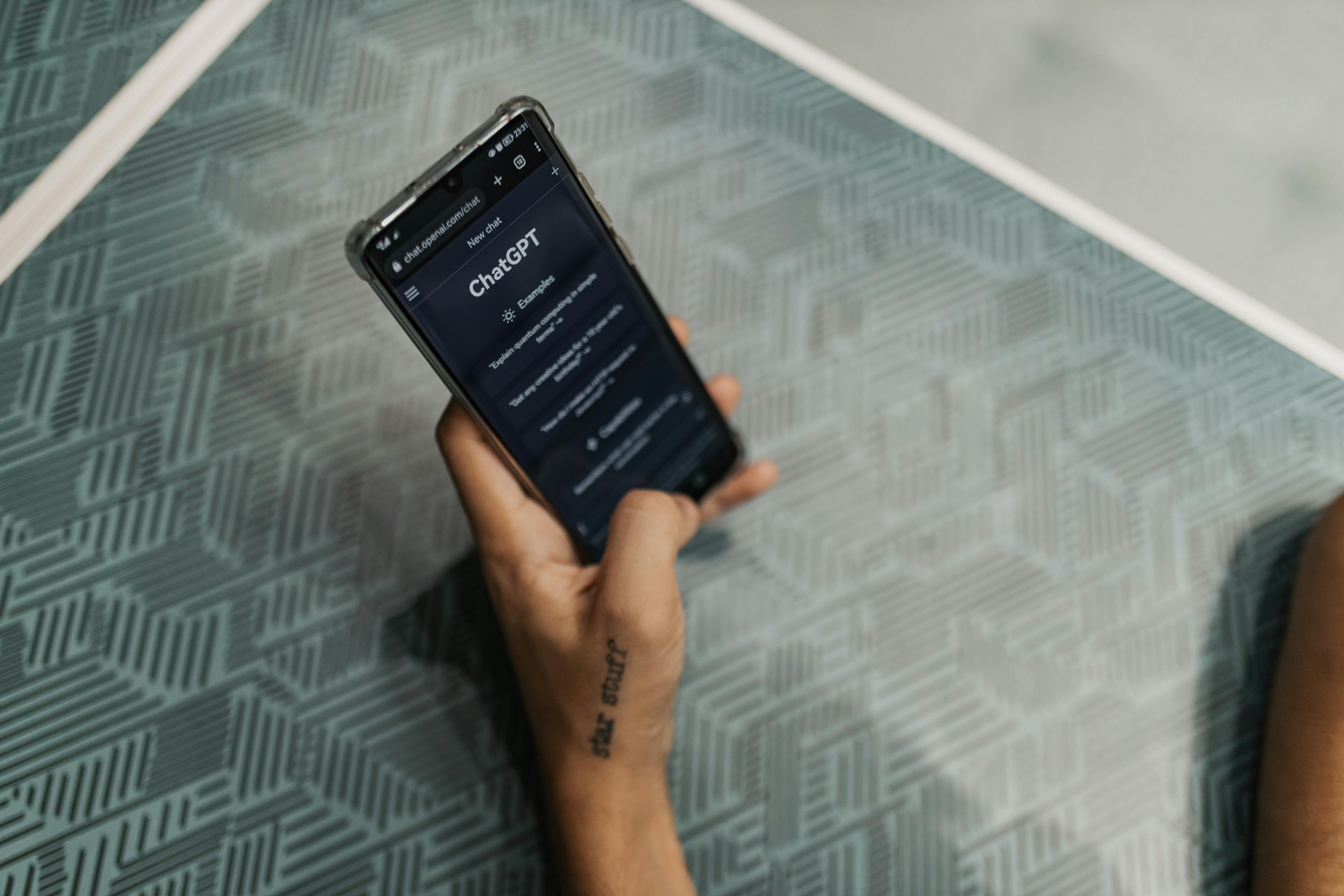
The feature is powered by OpenAI's new GPT-4o model, and you don't even need a ChatGPT account to use it
Just save this number: +1 800 242 8478 (1-800-CHATGPT). That's the AI hotline. Message it like you would any friend, and ask it to generate an image.
For example: "Draw me a cat in a baju kurung eating nasi lemak."
Give it a few seconds, and you'll get a surprisingly decent image you can immediately share in your chats.
You can also send it a photo and ask it to, say, turn it into a cartoon or change the background.
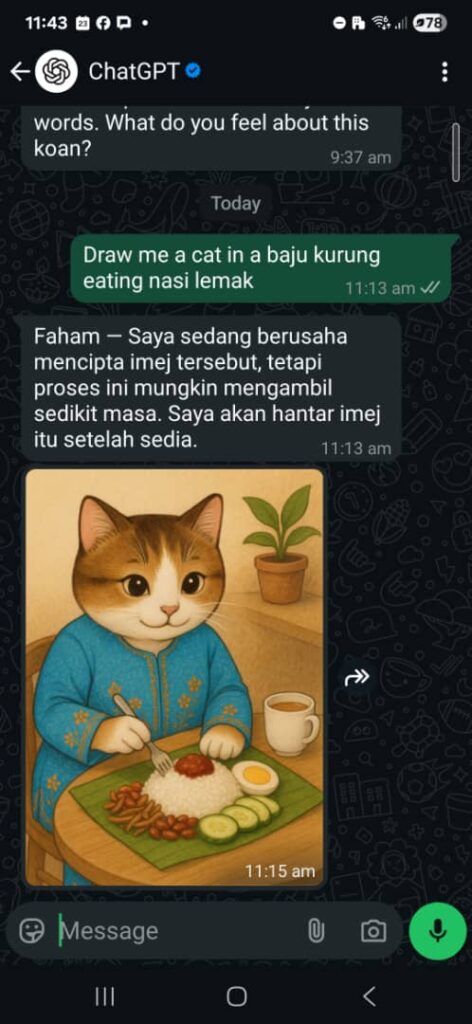
Here's how to get ChatGPT to generate an image on WhatsApp
- Save +1 800 242 8478 in your phone contacts
- Open WhatsApp and start a chat with it
- Type a request like "Draw a beach in Langkawi at sunset"
- Wait for the image to load
- Forward it to your friends
You get one free image per day. If you link your ChatGPT account (even the free one), you'll unlock more.
Follow SAYS Tech on Facebook, Instagram, & TikTok for the latest in tech in Malaysia and the world!
Read more #tech stories:
- "How Do I Improve My Bowel Movements?" — Meta AI Is Exposing Your Most Malu Questions
- AI Filmmaker Makes Bizarre Ad In 3 Days For Less Than RM8,500
- MCMC Unveils New High-Tech Trucks That Offer Super-Fast Wireless Internet During Disasters
- WhatsApp Users Can Now Link Their Accounts To Meta's Accounts Center
- 16 Billion Passwords Just Got Leaked — Yes, Apple, Facebook & Google Also Kena
